Get the Right Answer to the Right Person, in Time to Act
DiDi is the AI assistant in Findd. DiDi answers questions, proactively reaches out when something needs fixing, and gets the work done by text, email, or in the app. Your team doesn't need to learn new software. They can talk to DiDi in any language, in the field or in the office.
Ask DiDi Anything About Your Workforce
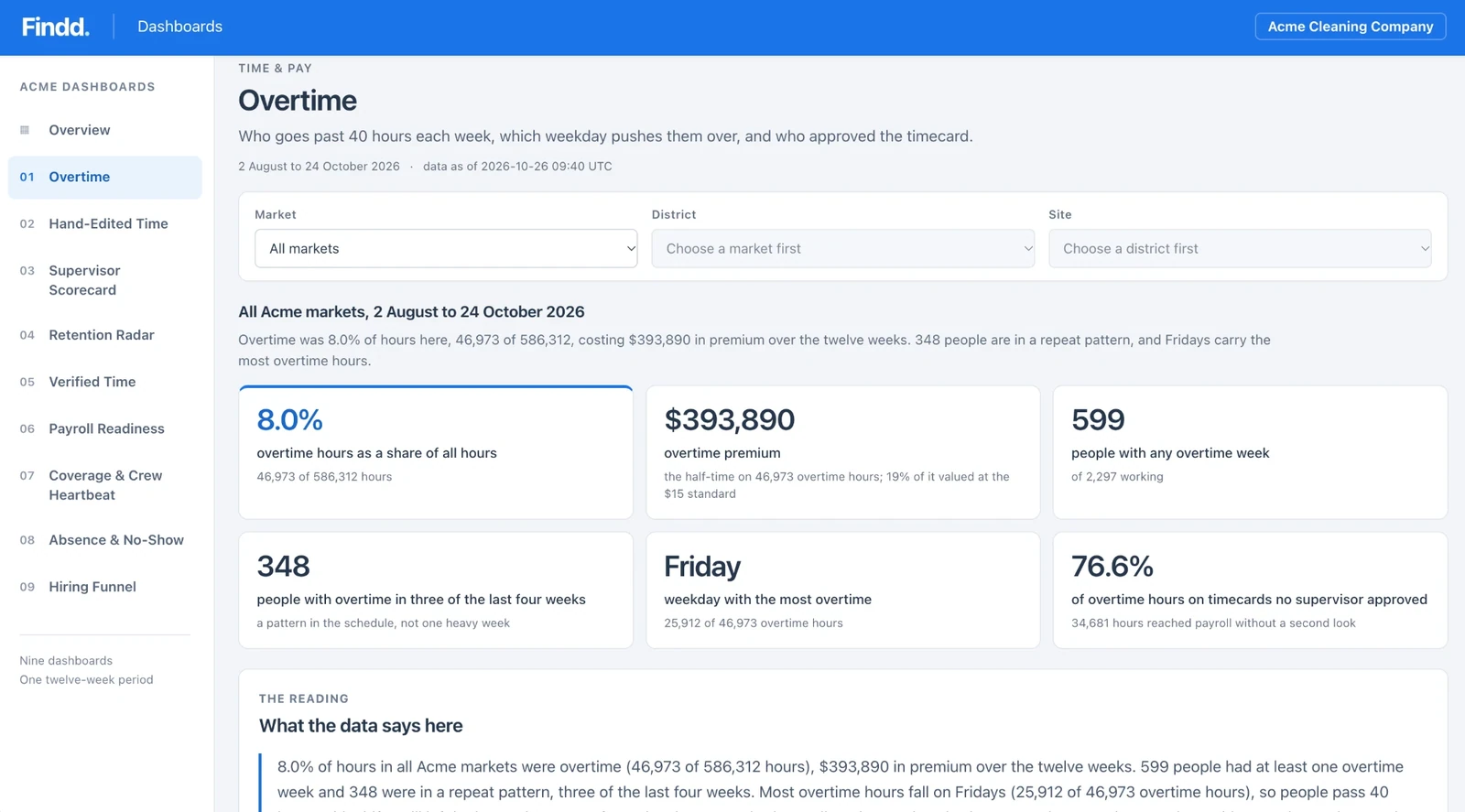
Who's close to overtime, hours by site or client, open punches, no-shows, leave balances, scheduled versus actual hours, who edited a timecard, which devices are offline. Answers in plain language, inside the app, by text or by email.
DiDi Works in the Field or the Office
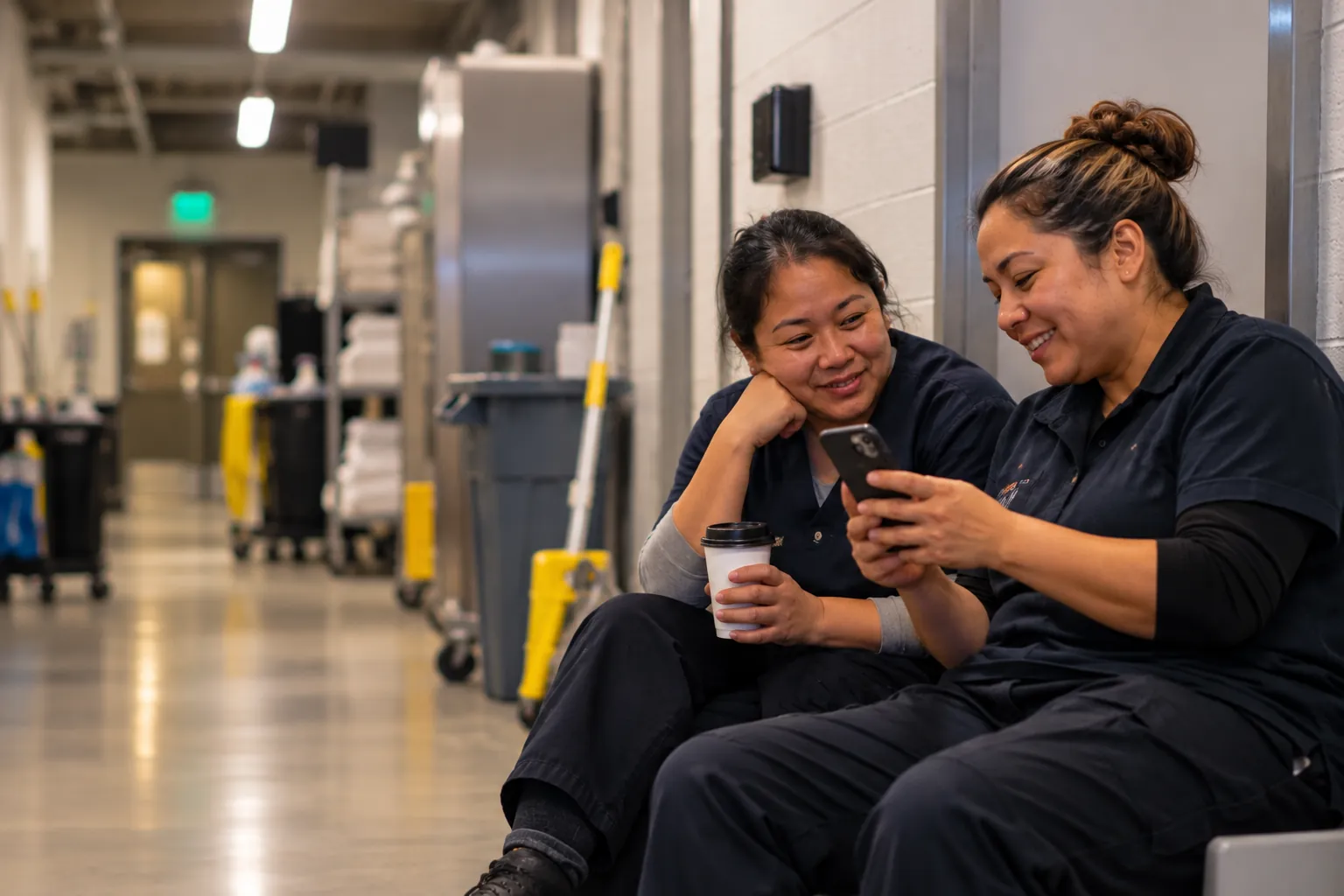
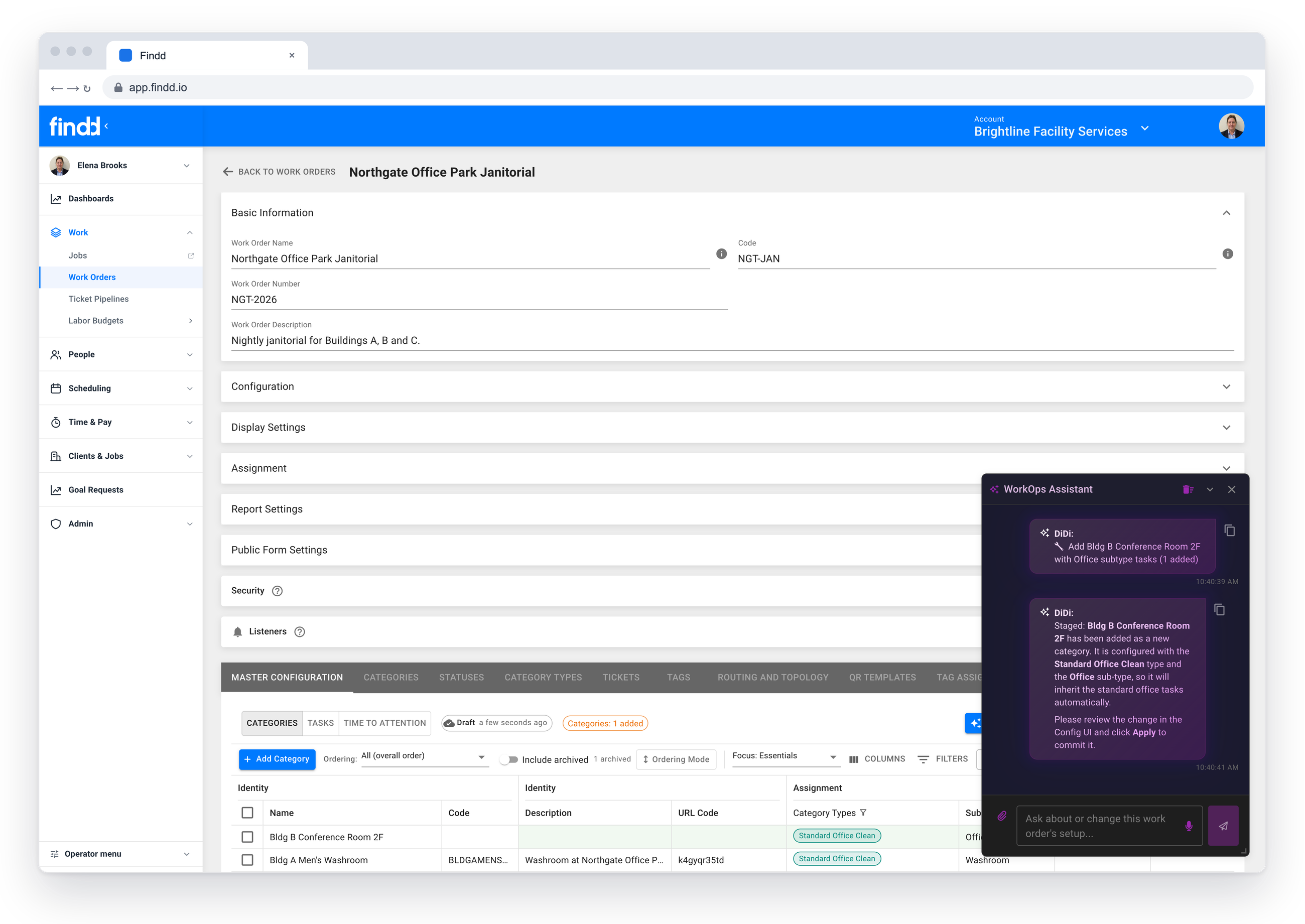
Text, email, or message DiDi in the Findd app. For the frontline, there's no login and no new app to learn. Back-office staff can work with DiDi directly alongside your data in the Findd platform. DiDi can chat in any language, translating work across your organization.
DiDi Reaches Out to Your Team
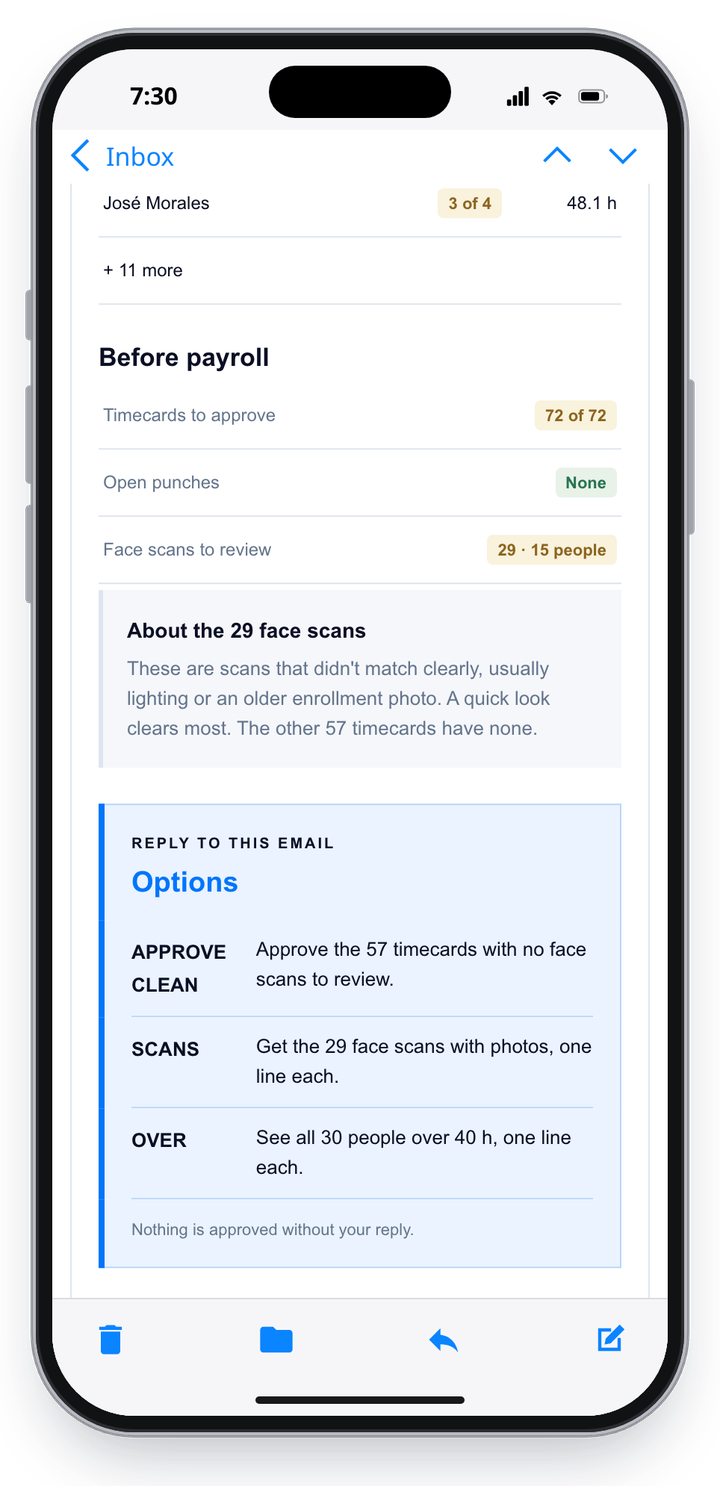
DiDi is always on, doing work like checking every timecard before payroll closes. You can direct DiDi where to look and how to communicate with your team, like a weekly supervisor email with overtime, open punches and face scans to review. Everything from a Monday morning overtime brief, mid-week trend alerts, to supervisor scorecards. If the data is in Findd, DiDi can take action.
Text DiDi Like a Person
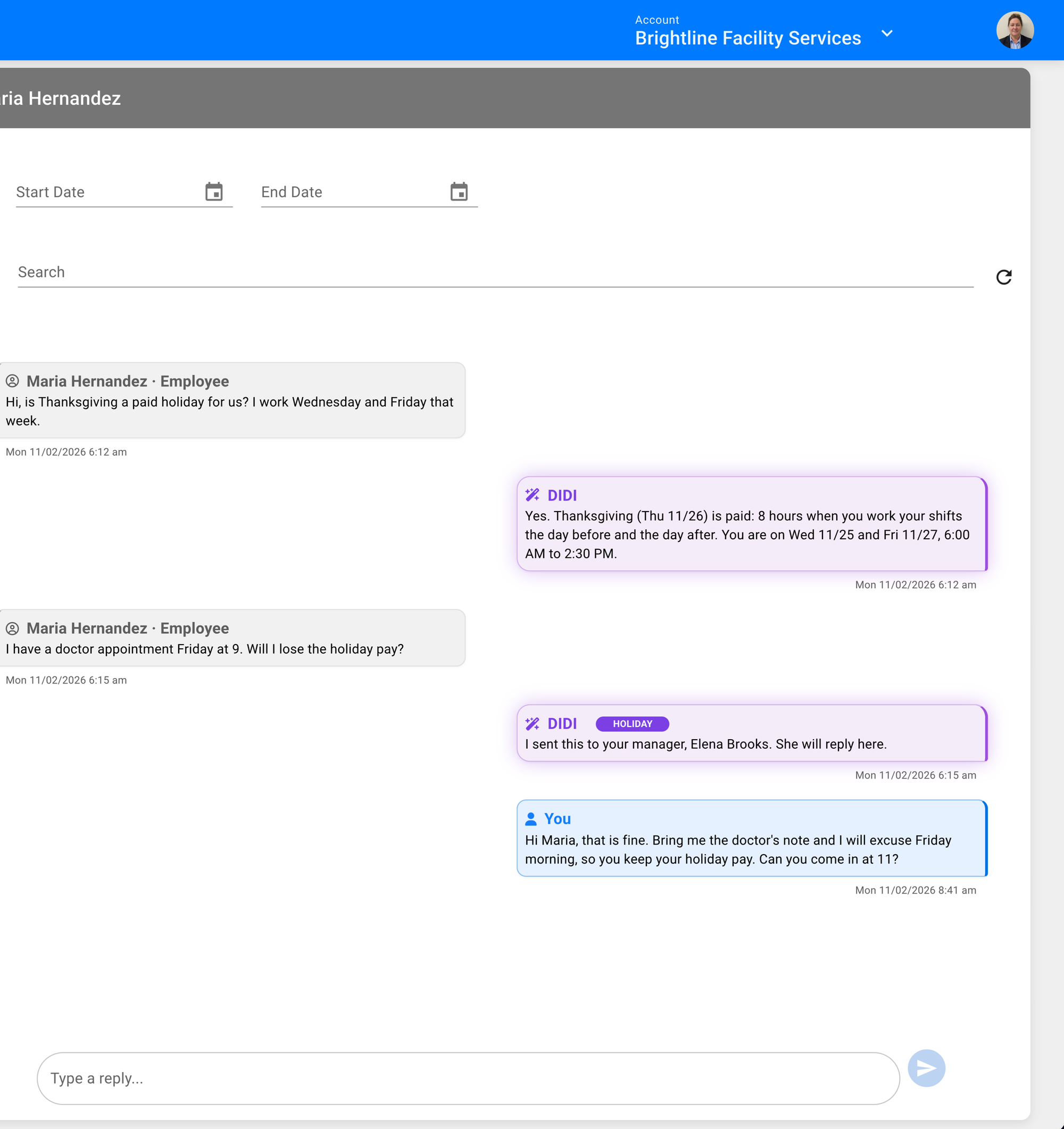
DiDi provides smart options when chatting with your team, making it easy to know what actions can (or should) be taken. Each message makes the options clear, and your team replies the way they'd reply to a person, like "Yes, approve it" or "Give it to Luis." DiDi gets the task done, and the reply is saved as the record in Findd.
Think of DiDi as the coworker who checks every timecard, answers in every language, and knows when to hand a question to a person.
Catch Problems Before Payroll
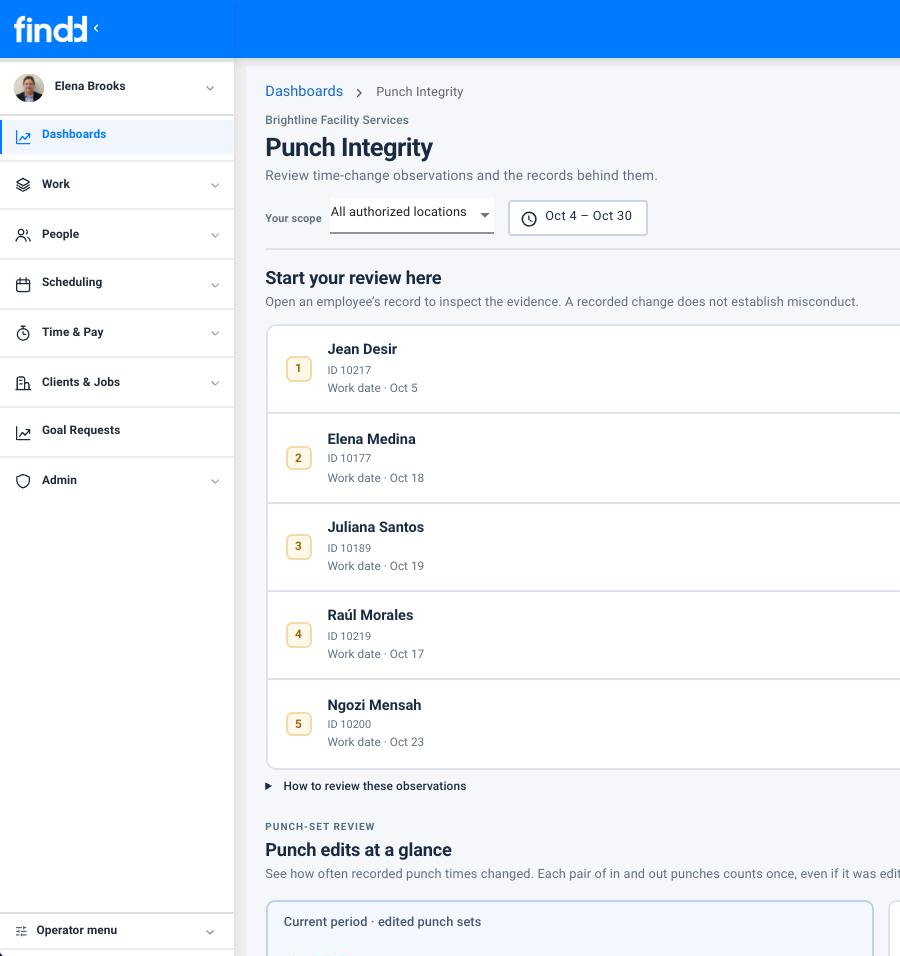
DiDi looks for and flags payroll anomalies: missing premiums, edits that don't match an employee's usual pattern, hand-edited hours, changes made after approval, a whole crew with identical times, GPS spoofing, and more. DiDi automatically flags them to supervisors for review and lets their manager know when trends start forming. Now you can resolve payroll issues before payroll is processed.
DiDi Answers Frontline Employees
Frontline employees can text DiDi questions in any language about their work.
DiDi answers from your Findd data and the policies you've approved. All employee chats with DiDi are reviewable by your back-office team, and DiDi will flag a human to reply when an answer is unclear.
DiDi Can Set up Findd for You
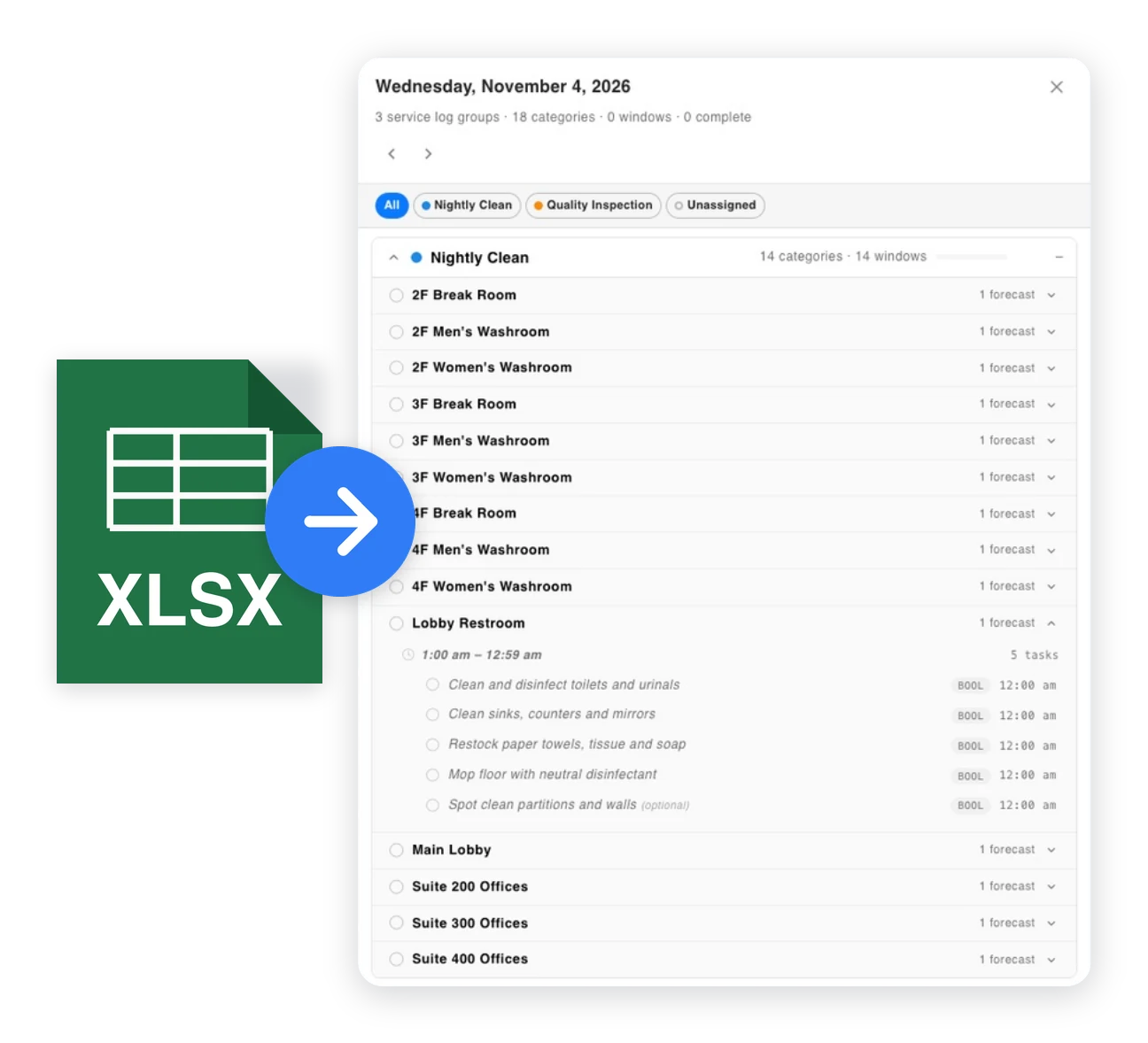
Text a photo of a schedule. Upload a CSV of a budget. Send a voice note about a task list. Add your union agreements to provide holiday and leave answers to frontline employees. DiDi can automatically set up day-to-day components in Findd for your team, making it easy to launch new contracts, new crews, and make changes.
Permissions Are Built-In
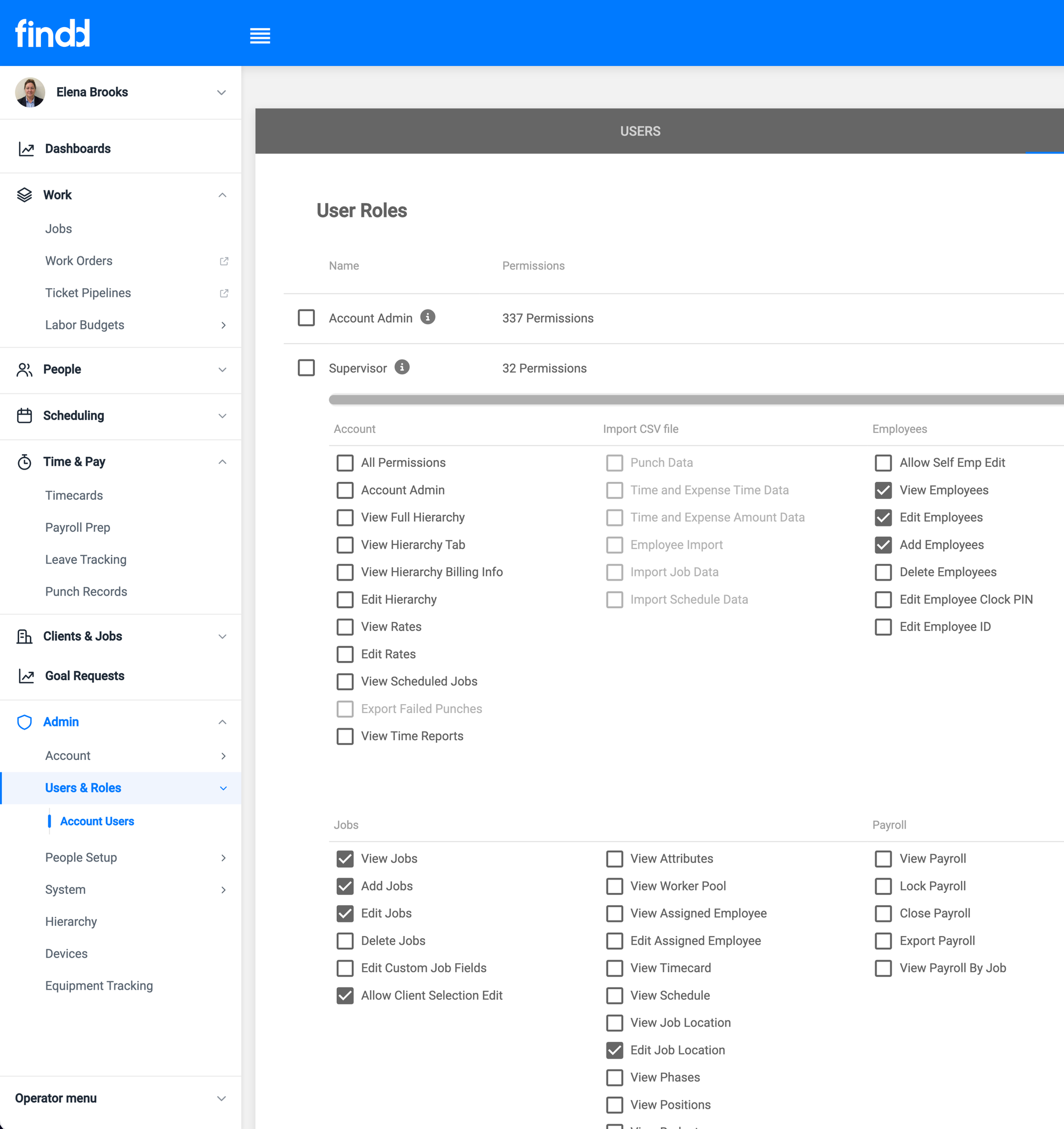
Employees only see what their permissions allow them to, from your CEO to your night cleaners. Permissions keep your data clean, with everyone working from the same secure source of truth. It's easy-to-use, automated, and there are no extra systems to maintain.
The Findd Operating System
Intelligent Dashboards show you where to look, and DiDi gets it done. Combined with HR, WorkOps and TLM, the loop runs from data to the right person to action to the record.
Learn more about Frontline Operating System ›