Do the Work Perfectly, From Anywhere
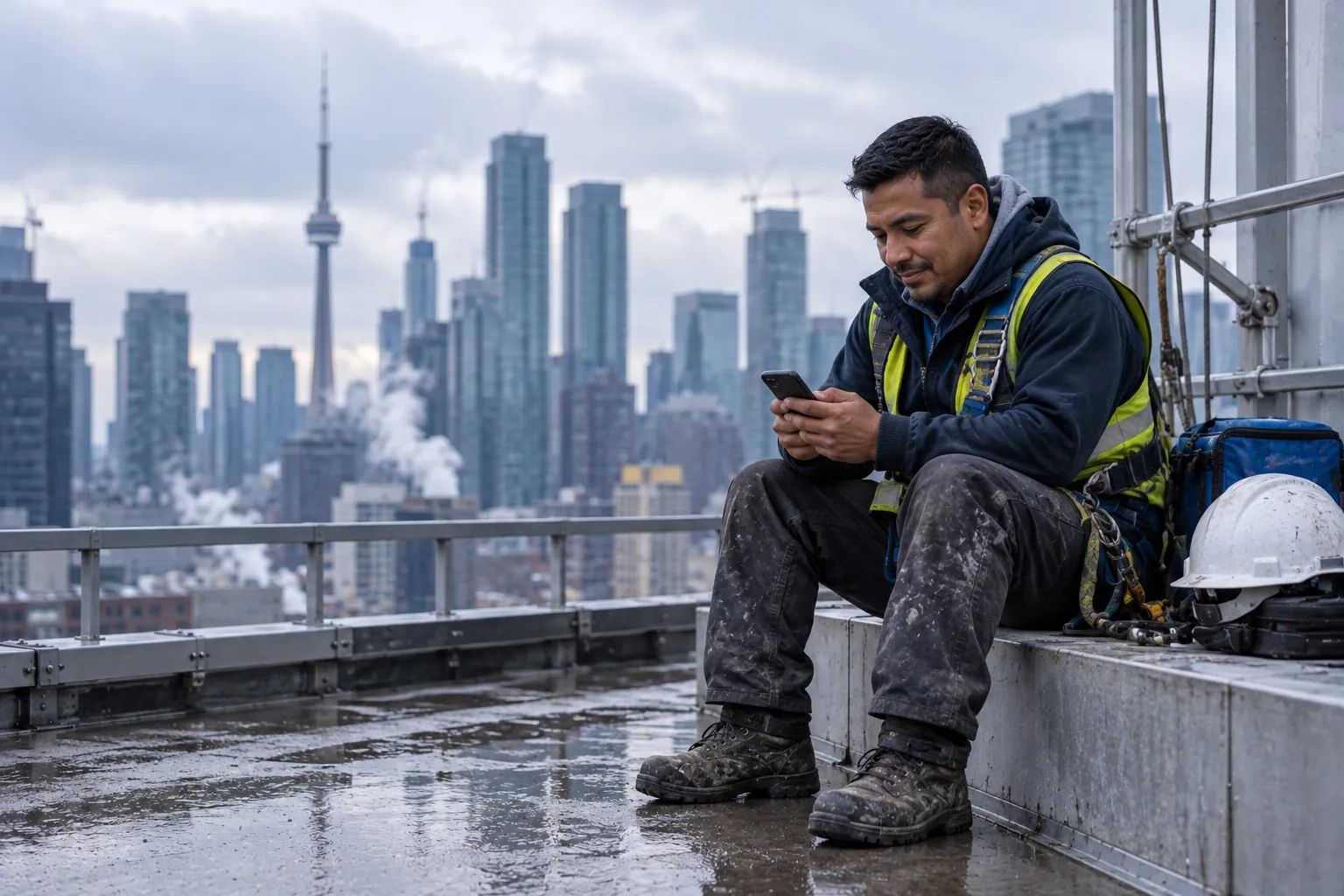
Findd Engage is the app your frontline team uses for their work, on a phone or tablet, wherever they work. Applying and onboarding need no app at all. Once they're hired, clocking in, completing their tasks, and asking DiDi questions all happen in one app, in their own language.
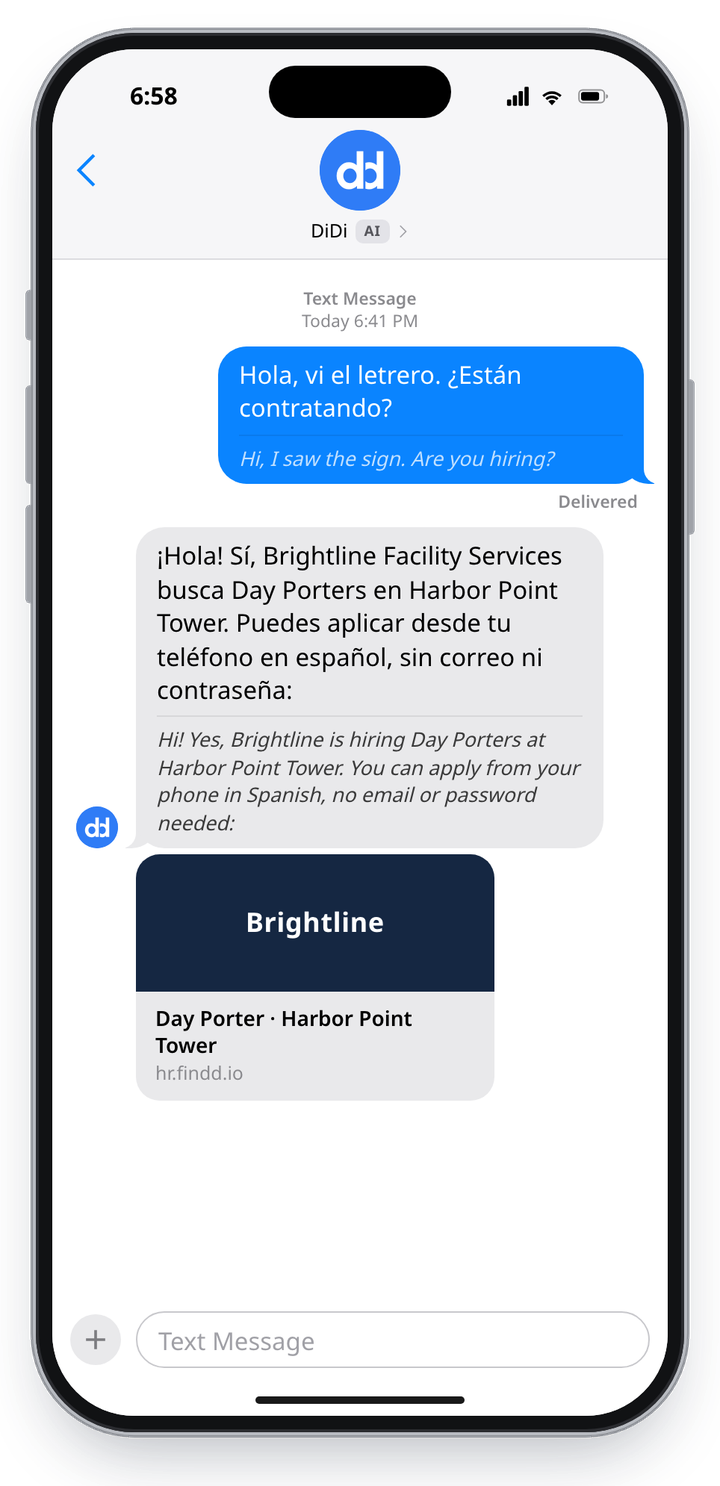
Apply and Onboard With a Text Message
Applicants get a text with a link to apply. There's no email, no password, and no app download to get started. Once they're hired, they complete and sign their onboarding forms on a phone, tablet, or computer, in their own language, so they're ready for their first shift.
Start Work With a Selfie
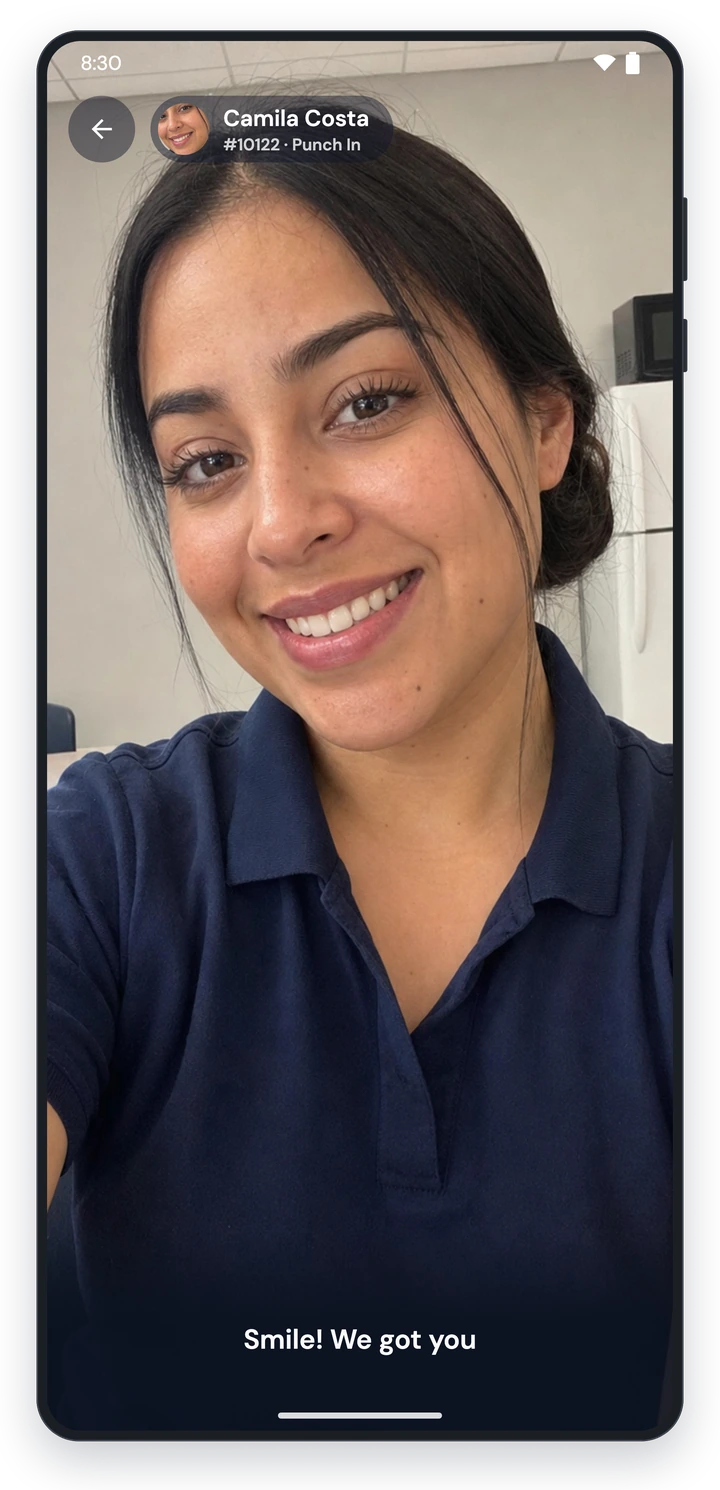
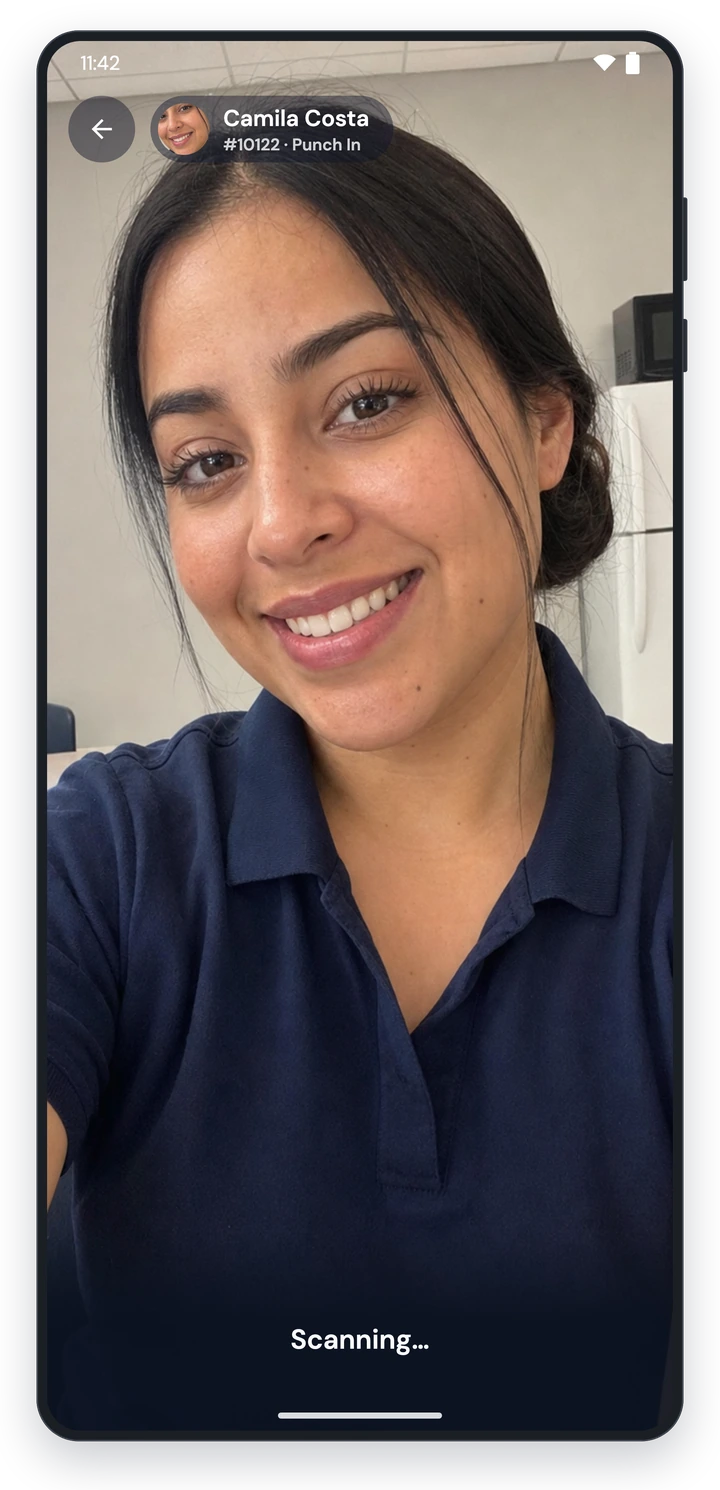
Workers clock in by looking at their phone. Findd matches their face to their enrolled photo, checks that a live person is in front of the camera, and picks the nearest job automatically. If something doesn't match, the worker can still punch in and go to work, and it's flagged to the supervisor with the photo attached, so nobody is stuck at the door.
One App, Three Ways to Clock In
Workers can use their own phone, a wall- or kiosk-mounted tablet at the site, or a shared device that travels with the crew. Shared devices use a PIN and a selfie, so a worker without a smartphone can still clock in. You can mix all three across your company, and every punch lands in the same timecard.
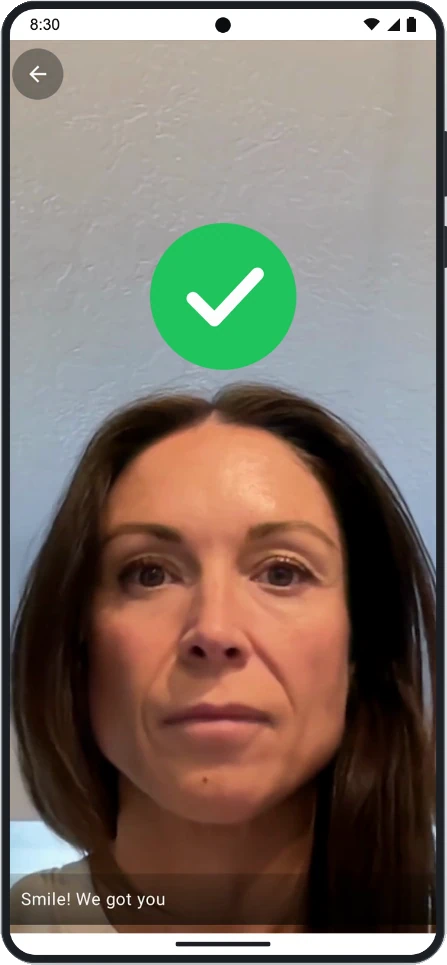
Individual Mode
The employee's own phone. Their face is the only key.
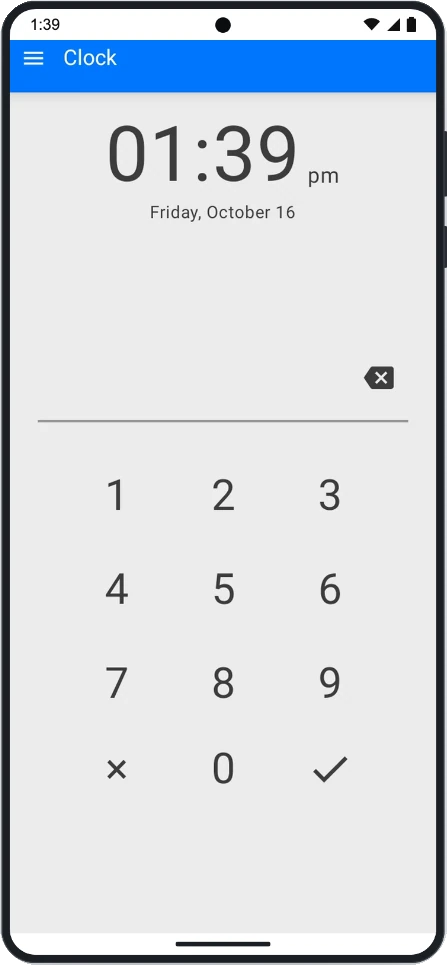
Clock Mode
A shared device mounted at the shop or the site entrance.
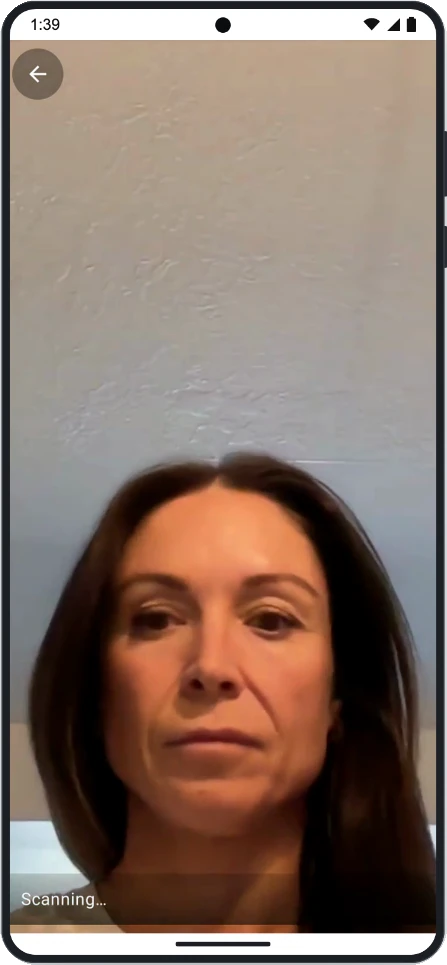
Mobile Clock Mode
The foreman's phone moves with the crew from site to site.
Shifts, Schedules, and Time Off
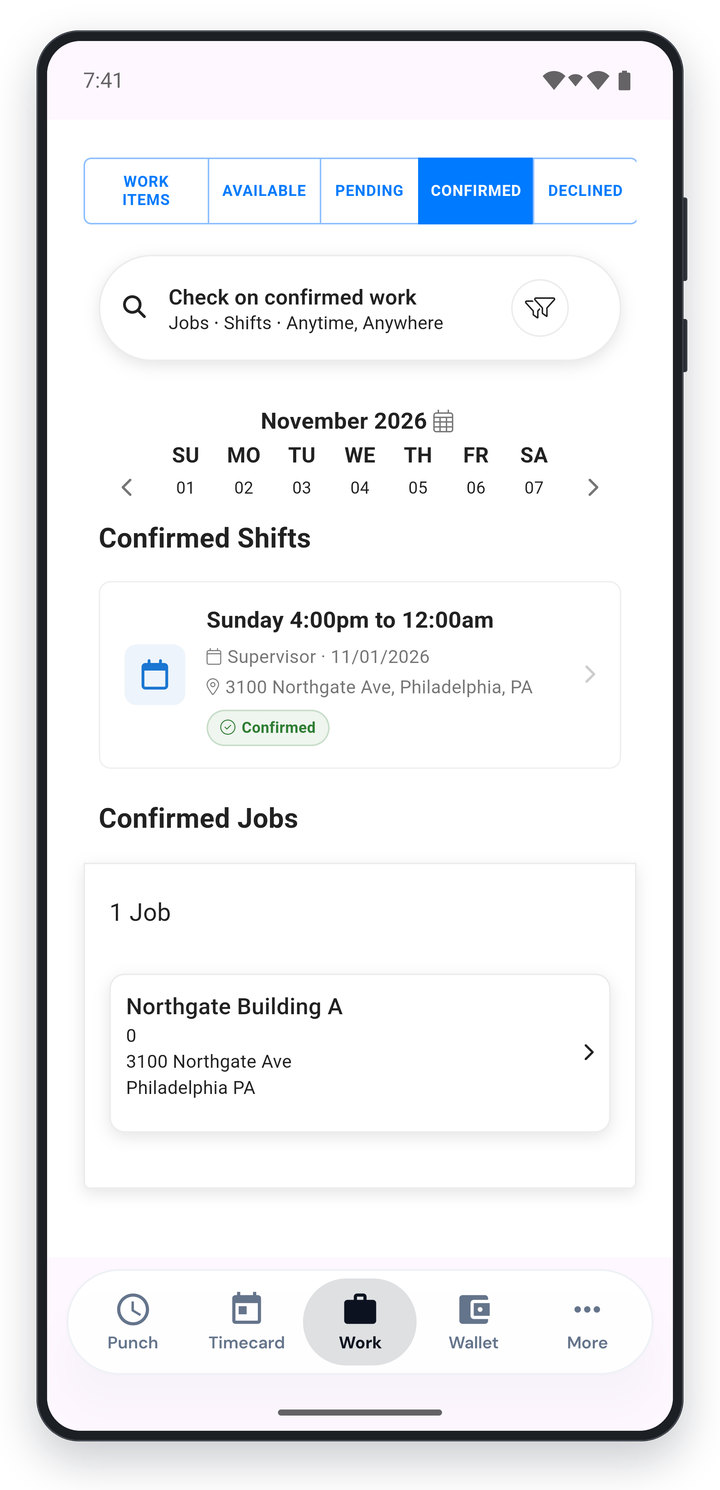
Workers see their schedule in the app, and they can pick up open shifts with a tap in their Work tab. They can request time off and check their leave balance. If they forget to clock out, the app shows a banner so they can submit the missing time for their supervisor to approve, before it becomes a payroll problem.
Complete Your Work With Photos, Text, and Voice
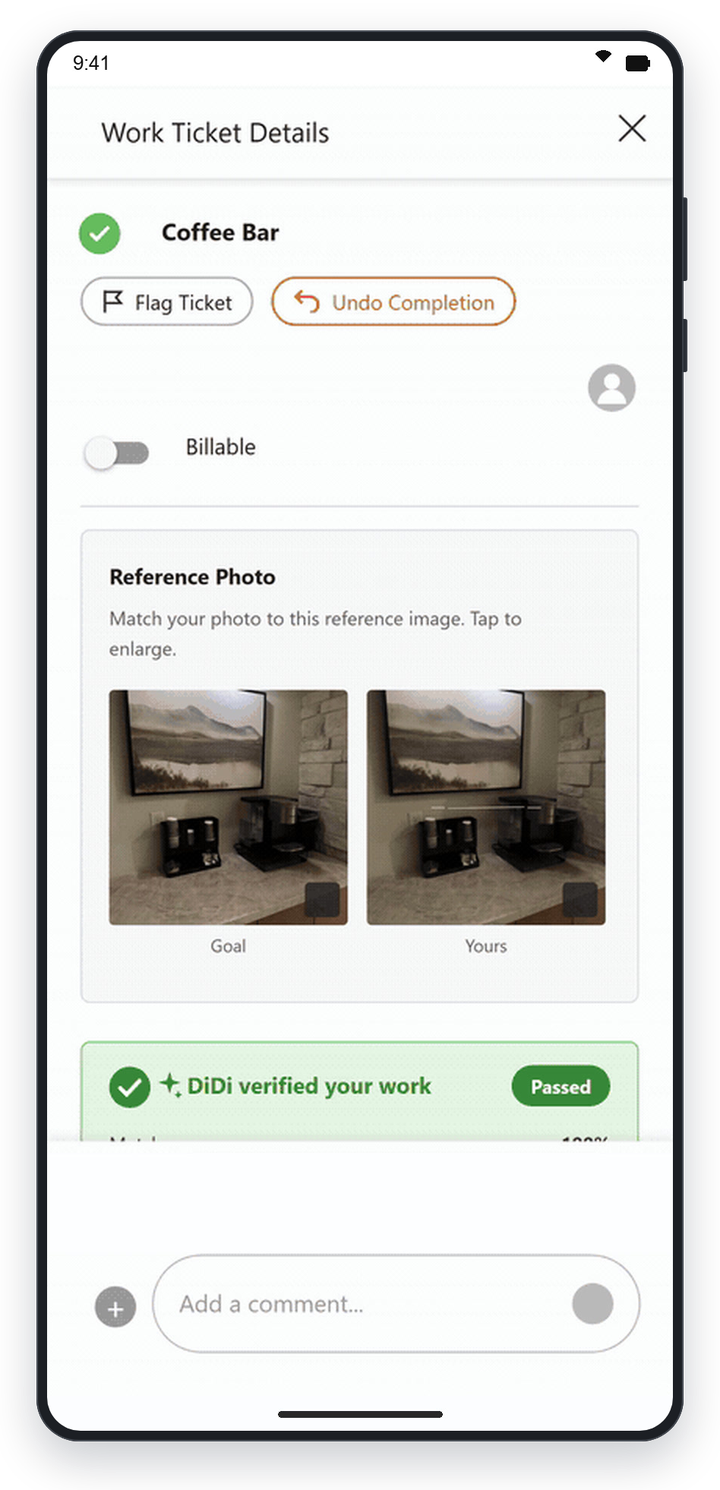
Each worker sees their own prioritized task list. They complete tasks with live photos taken in the app, fill in forms, scan QR codes to pull up the right task, and flag problems like a leak or broken equipment. Proof of work is saved as they go, so supervisors and clients can see what was done and when.
Ask DiDi Anything
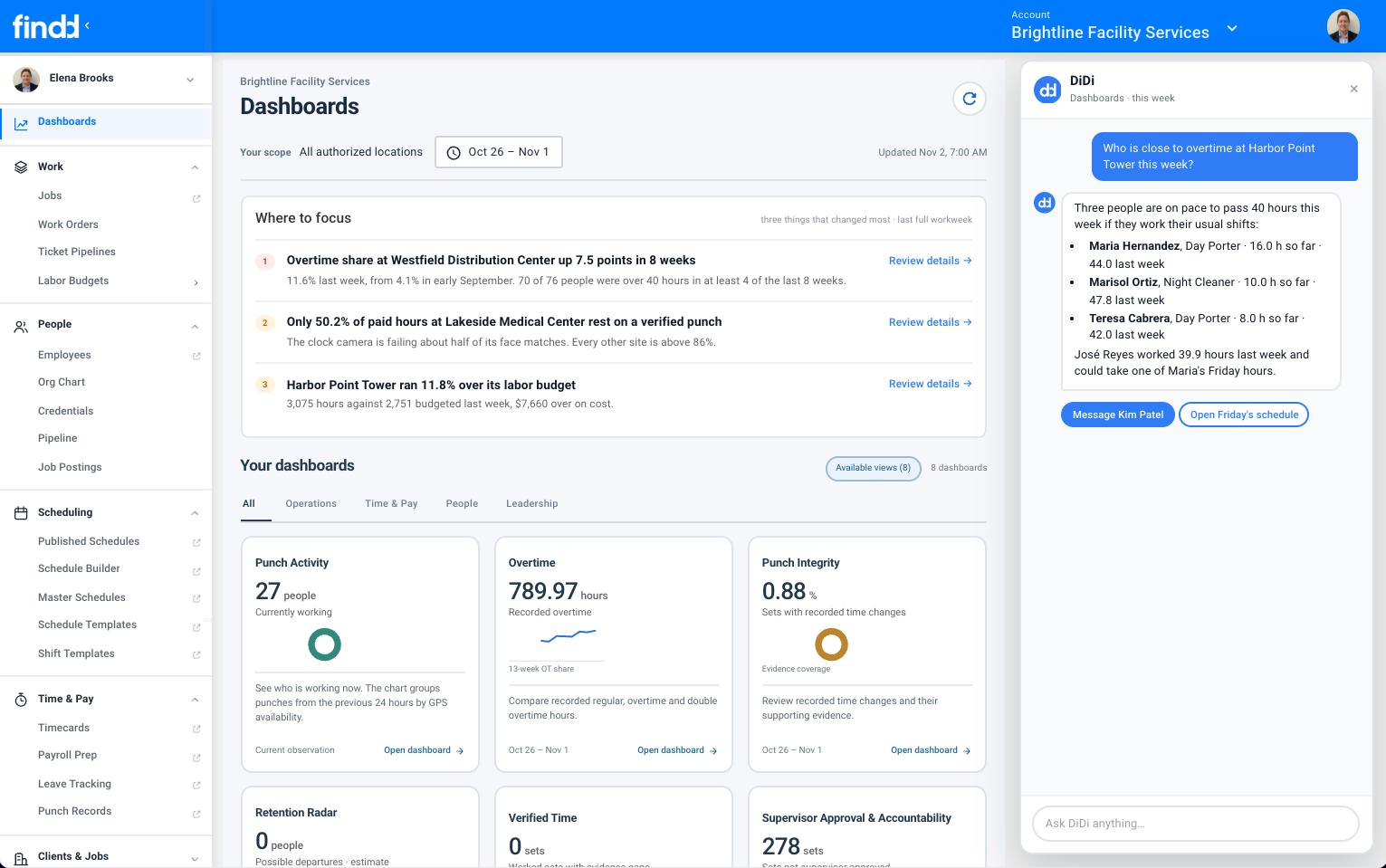
Workers can ask DiDi about their shifts, their hours, their pay, or your policies, in the app or by text. DiDi answers from your Findd data and the policies you've approved, and anything it can't answer goes to the right person in your back office.
In Your Employees' Own Language
Every text, reminder, and message Findd sends is translated into each worker's language before it's sent, including Portuguese, Tagalog, Vietnamese, Korean, Haitian Creole, Arabic, Chinese, and more. Workers set their language once, and everything from their first text to their last shift arrives in it.
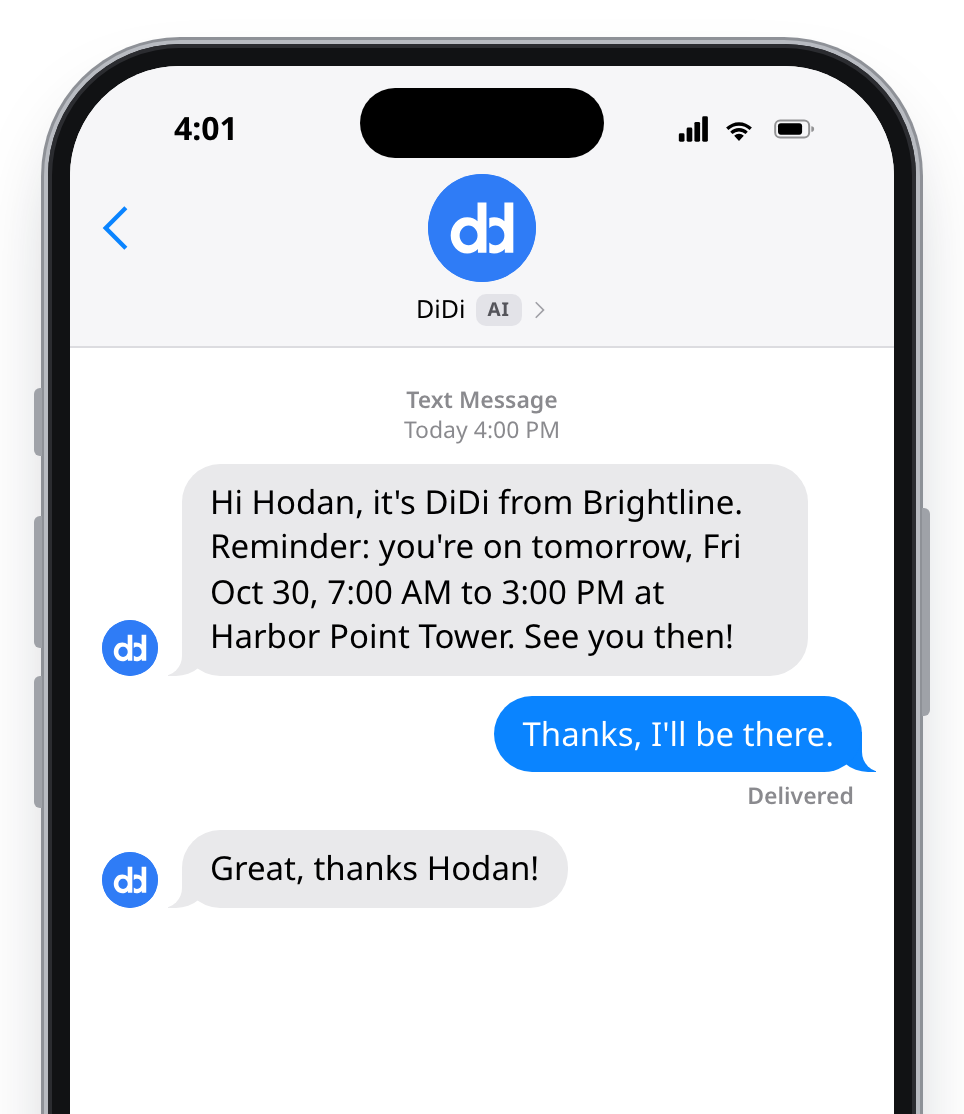
English
The shift reminder, in English.
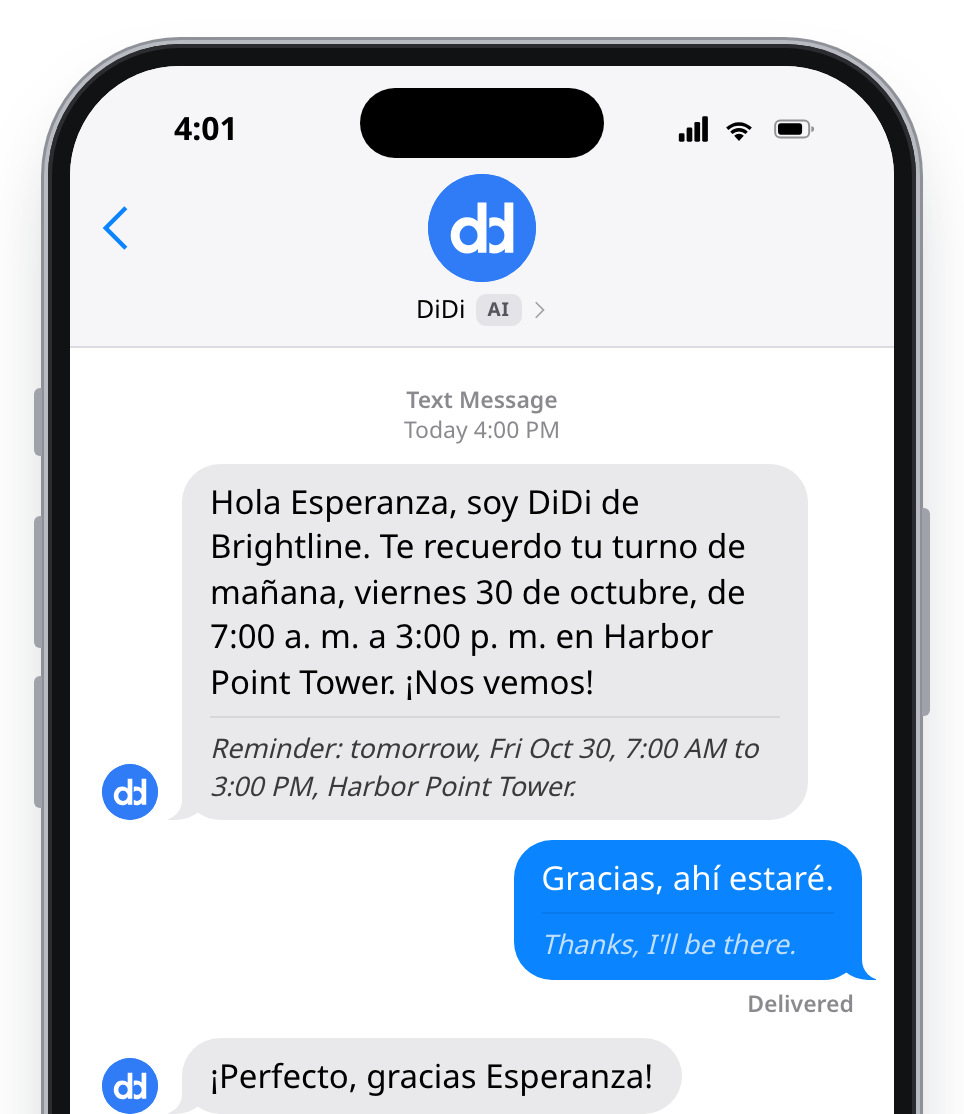
Spanish
The same reminder in Spanish, with the English underneath, and the reply translated both ways.
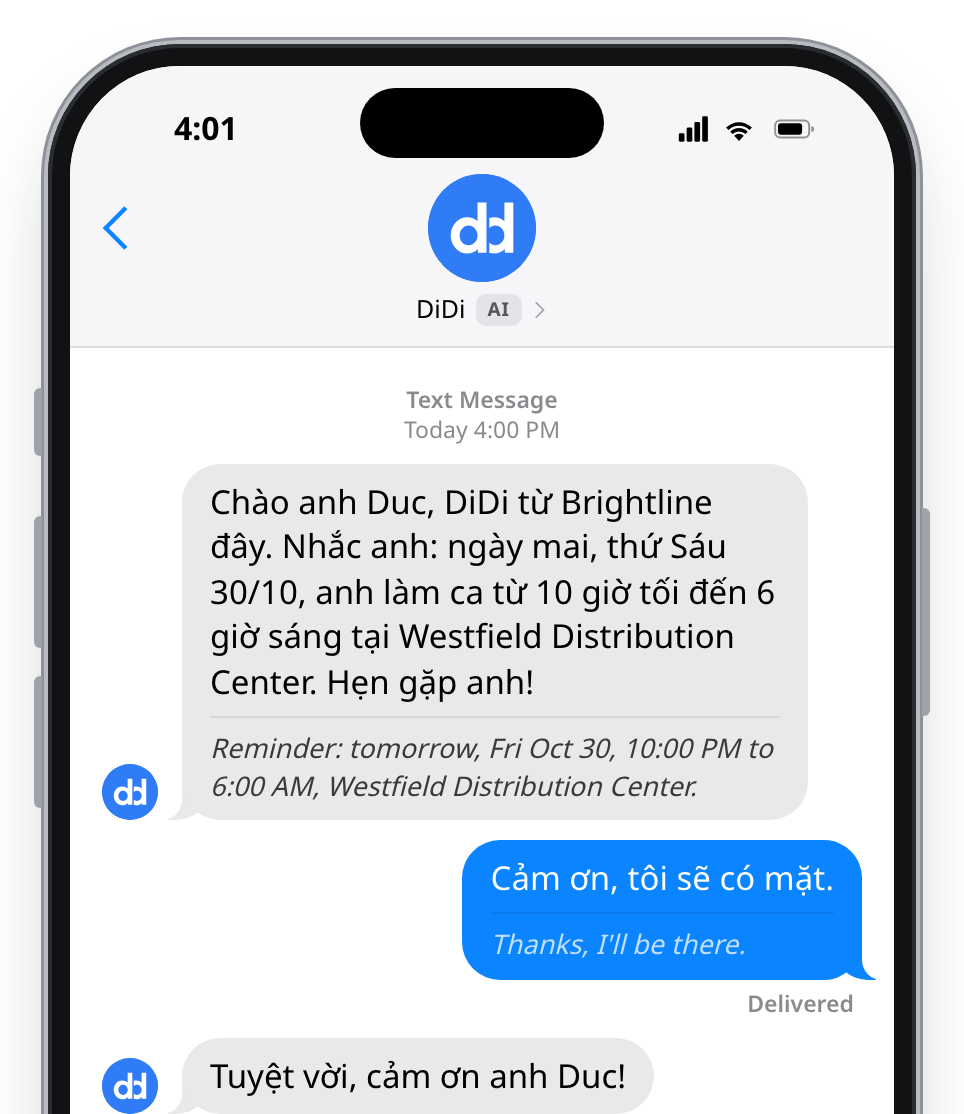
Vietnamese
The same reminder in Vietnamese, with the English underneath, and the reply translated both ways.
GPS and Location
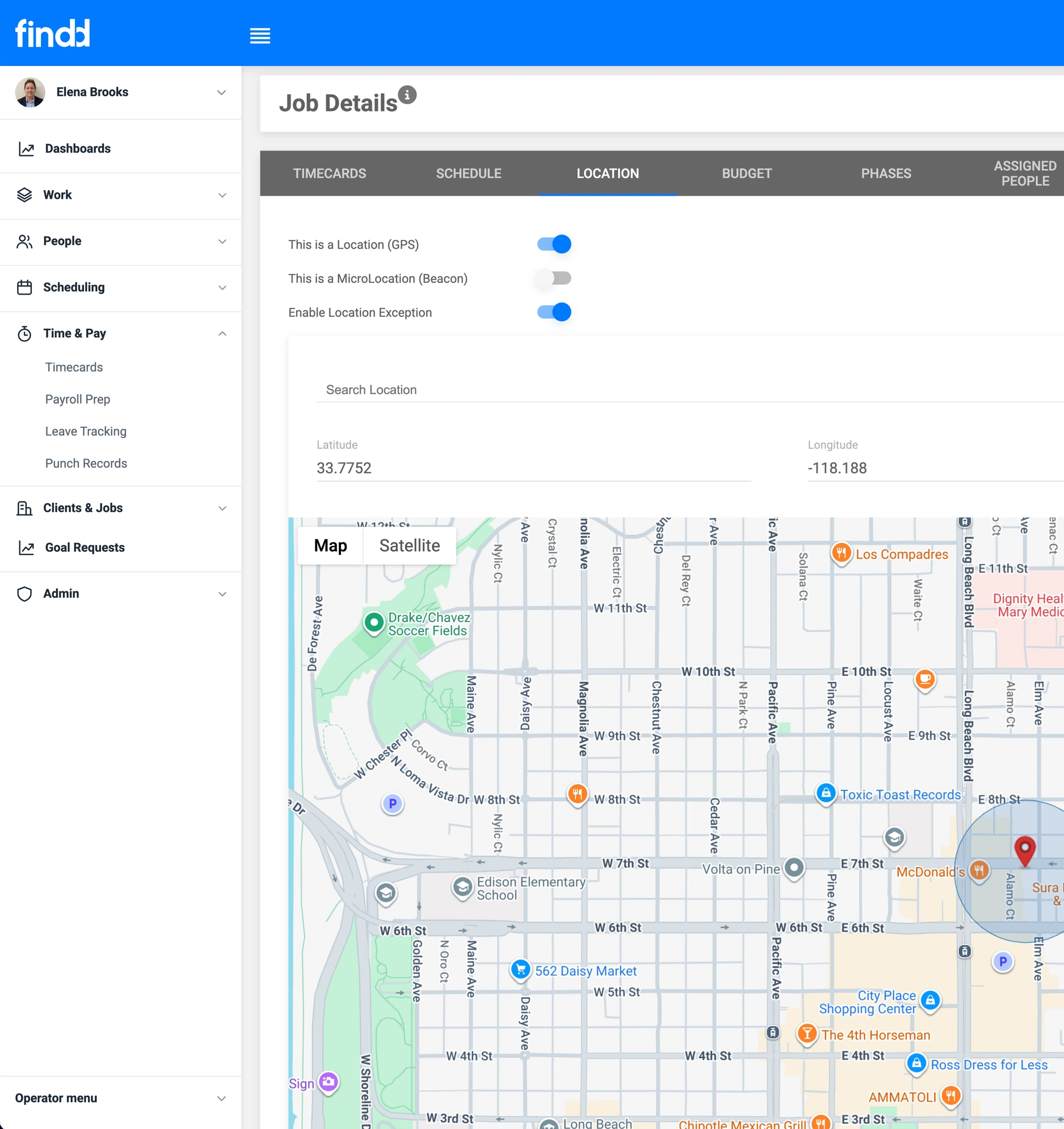
Set up geofences around each site, and use Bluetooth beacons to get accurate location details inside buildings. The location is saved with every punch. Workers can still clock in from outside the geofence, and it's flagged to supervisors for review. For route-based work, you can optionally track location during a shift
Offline Mode
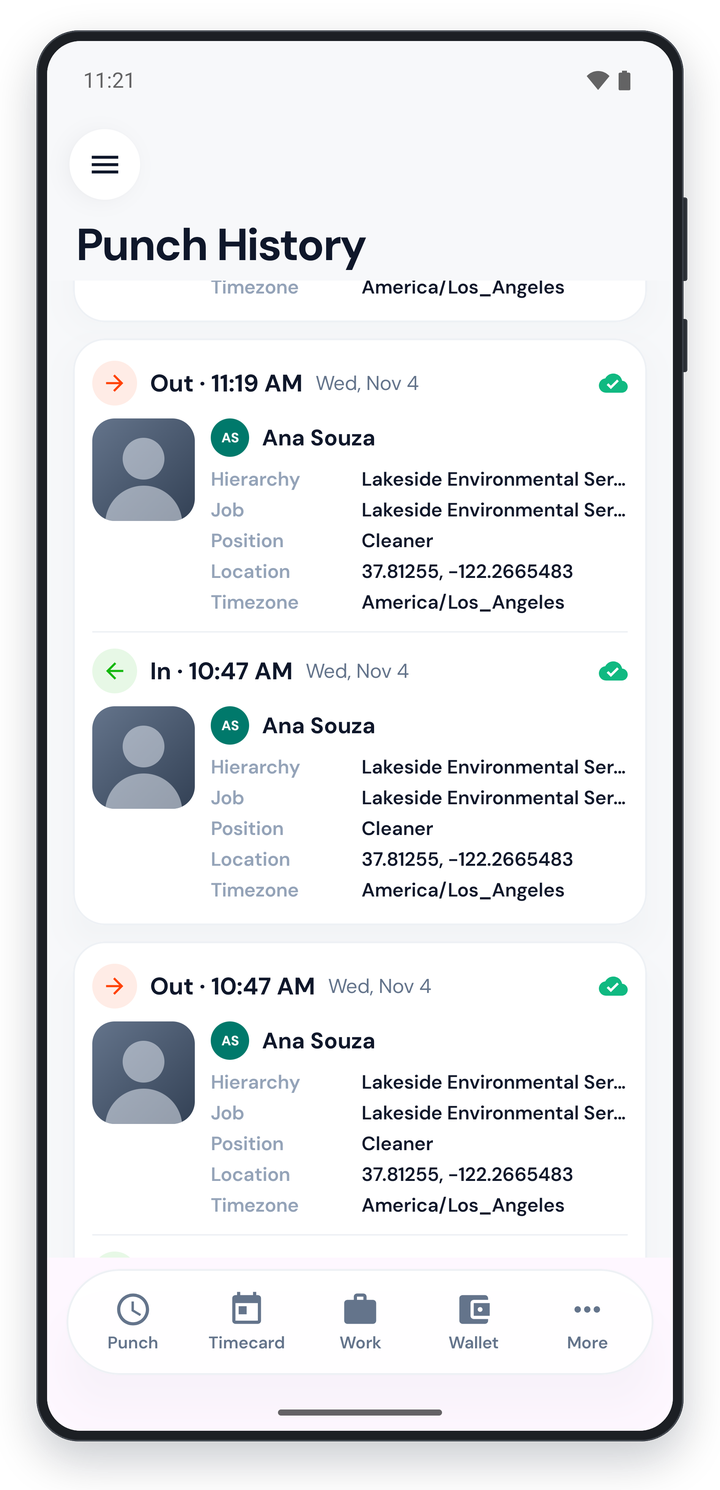
Findd works with no signal at all, in basements, secure buildings, and remote sites. Face matching happens on the device, and the worker's shifts, jobs, tasks, and punch questions are already downloaded. Every punch is saved on the phone first and sent automatically as soon as there's a signal, so it's never lost. A green check means it's recorded, and a gray cloud means it's waiting to sync.
Works on the Phones and Tablets You Already Have
Findd Engage runs on any iPhone or Android phone or tablet. There's no special hardware to buy, and workers only need to set up their face once to use any phone or tablet in your company.
The Findd Operating System
When your frontline uses Findd for HR, WorkOps, and TLM, everything they do connects. The selfie they take to clock in verifies their timecard, the photos they take prove the work to your client, and the questions they ask DiDi get answered from the same data your back office uses. From their first text to their last shift, it's one app.
Learn more about the Findd Operating System ›