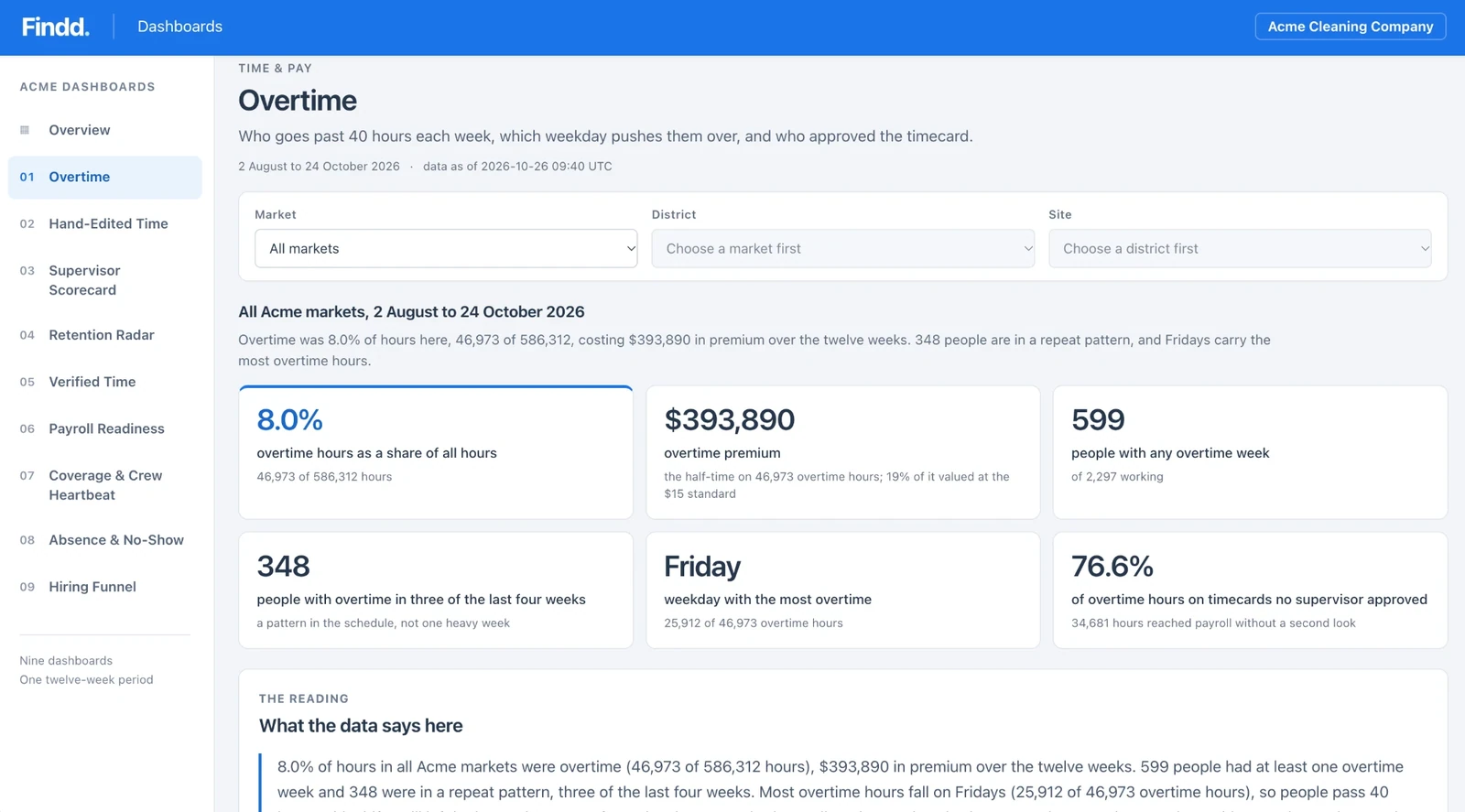
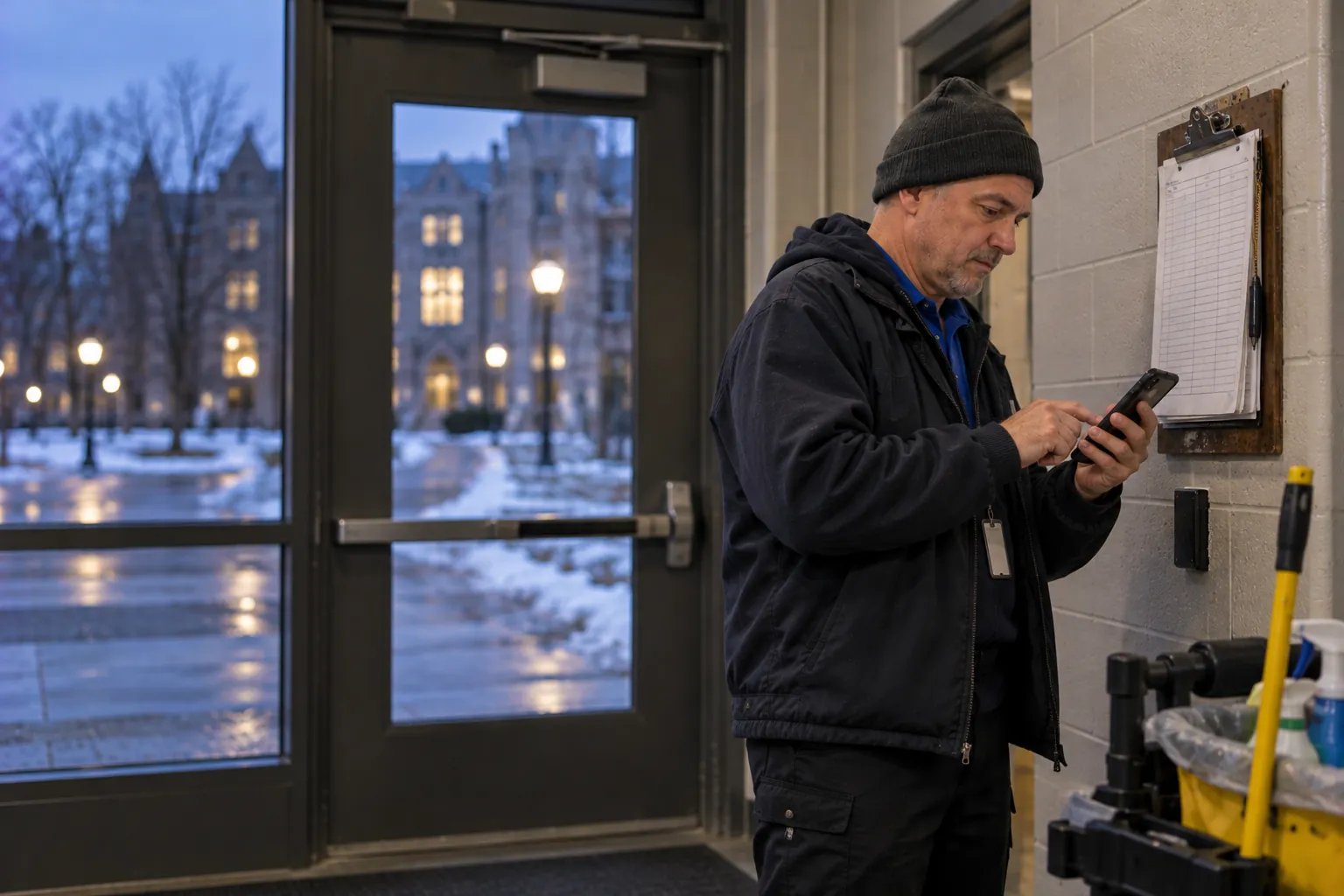
Replace Paper Timesheets With Time You Can Trust
Paper timesheets look the same every week: nobody is ever late, nobody ever leaves early, and everyone works exactly eight hours. Findd replaces them with a selfie clock-in on any phone or tablet, so you pay for the hours people actually worked, and payroll gets the data without anyone typing it in.
What Paper Costs You
Without Findd
Paper timesheets are filled in from memory, at the end of the week, by someone else. Hours get rounded up, missed shifts get paid, and every sheet has to be read, checked, and typed into payroll by hand. When an employee says their pay is wrong, there's nothing to check it against.
With Findd
With Findd, you pay for the hours people actually worked. Pay disputes have an answer, because every punch has a time, a photo, and a place. And your payroll team spends their time checking exceptions, not typing in timesheets.
Clock in With a Selfie
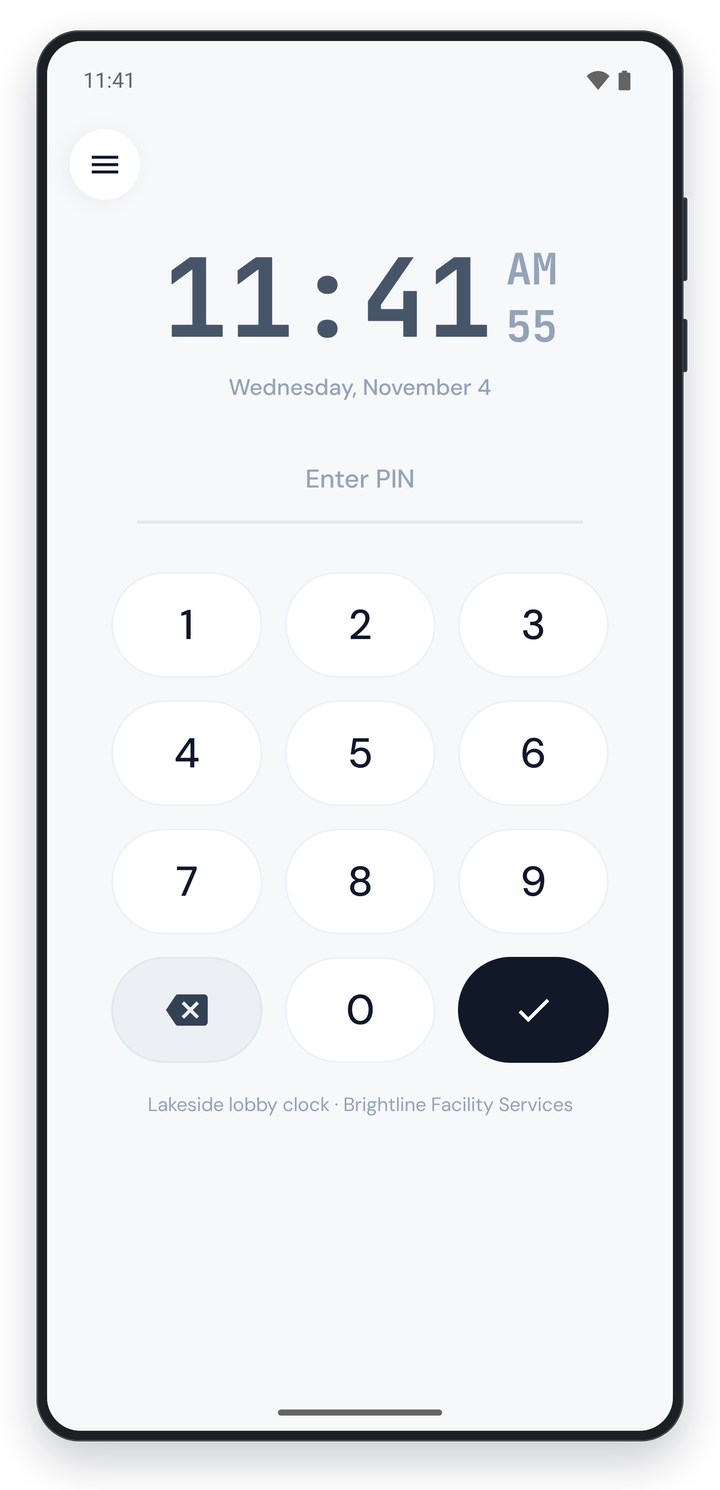
Workers clock in by taking a selfie on their own phone or a shared tablet at the site. Findd checks that it's the right person, that they're live in front of the camera, and that they're at the right site. No special hardware is required.
Works for Every Crew
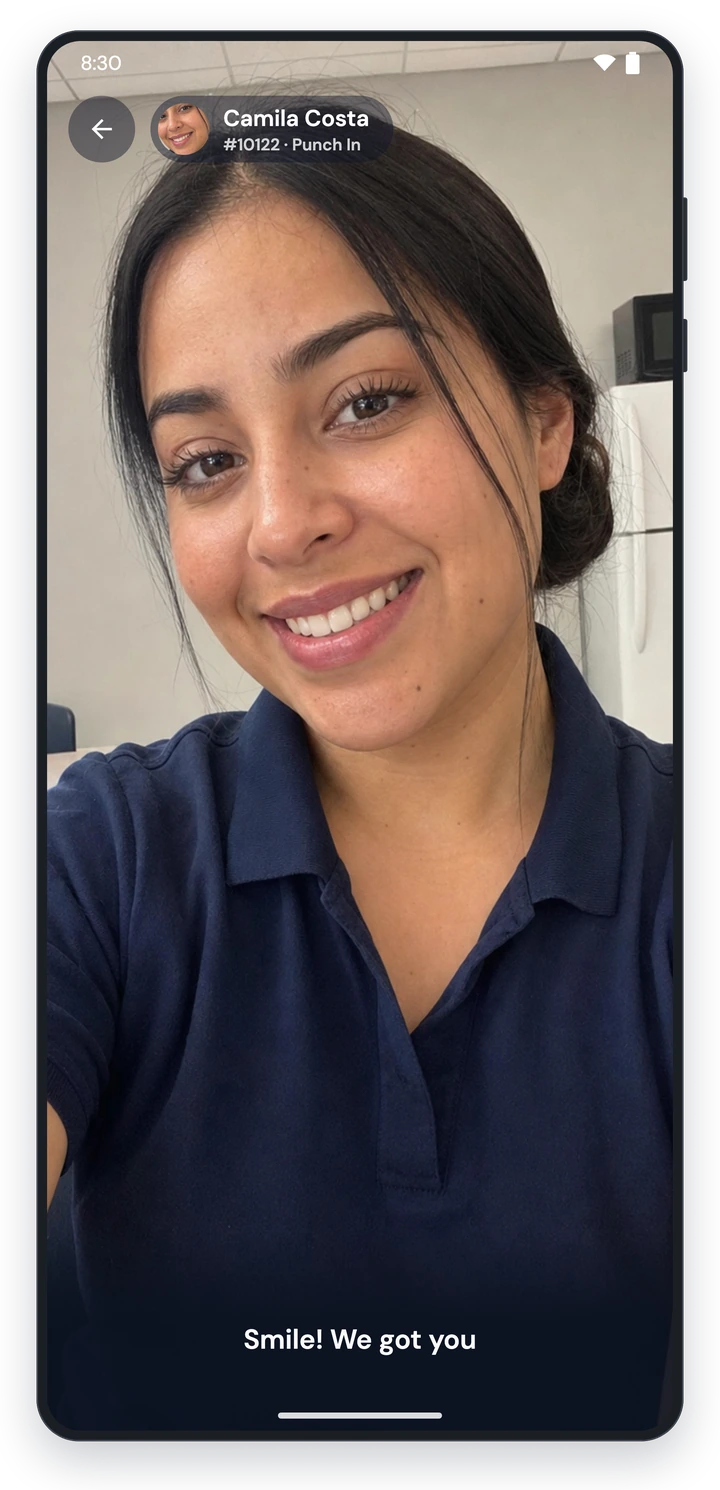
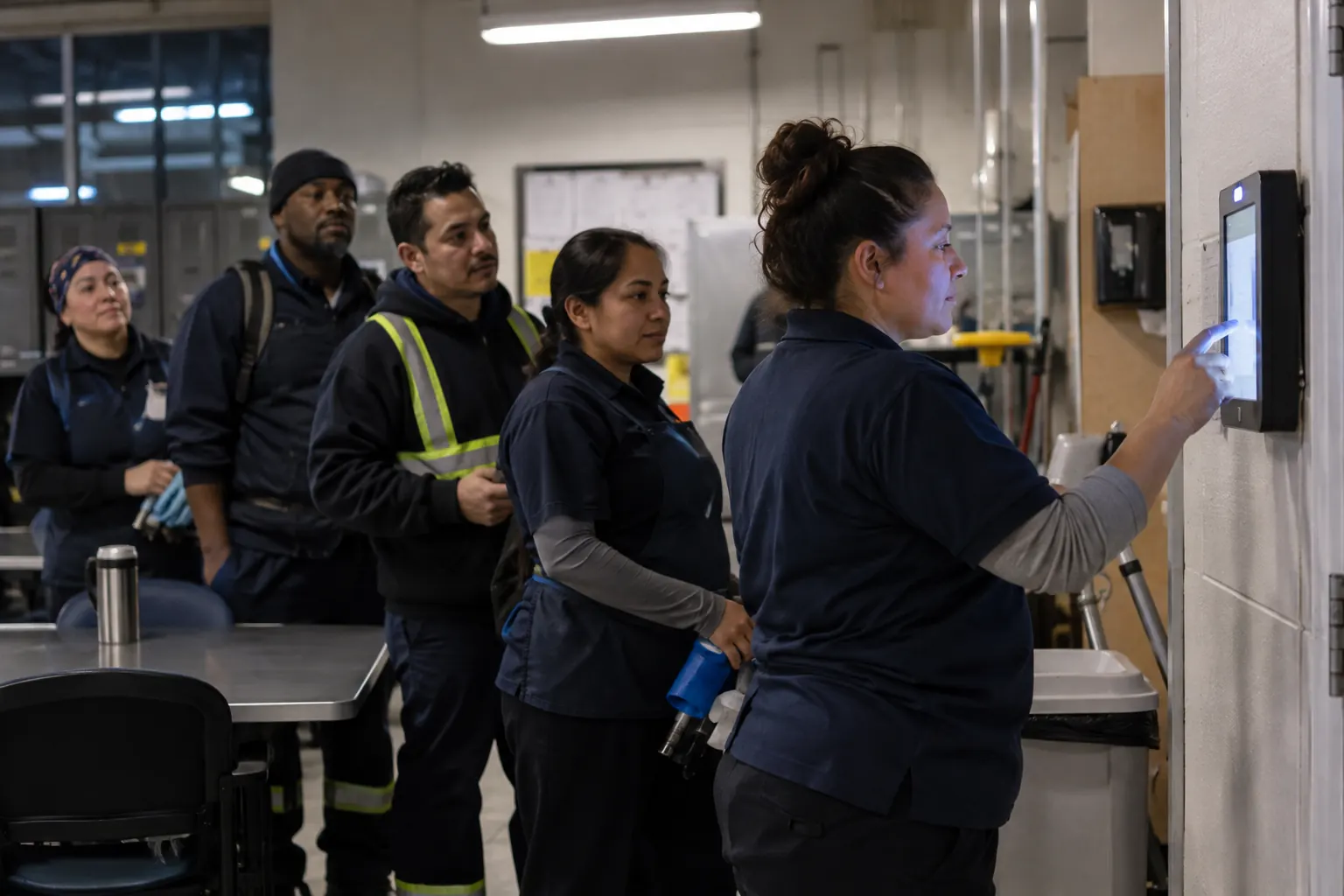
Some workers use their own phone, some use a wall- or cart-mounted tablet, and some use a device that travels with their supervisor. Shared devices use a PIN and a selfie, so workers without a smartphone can still clock in, and every punch lands in the same timecard.
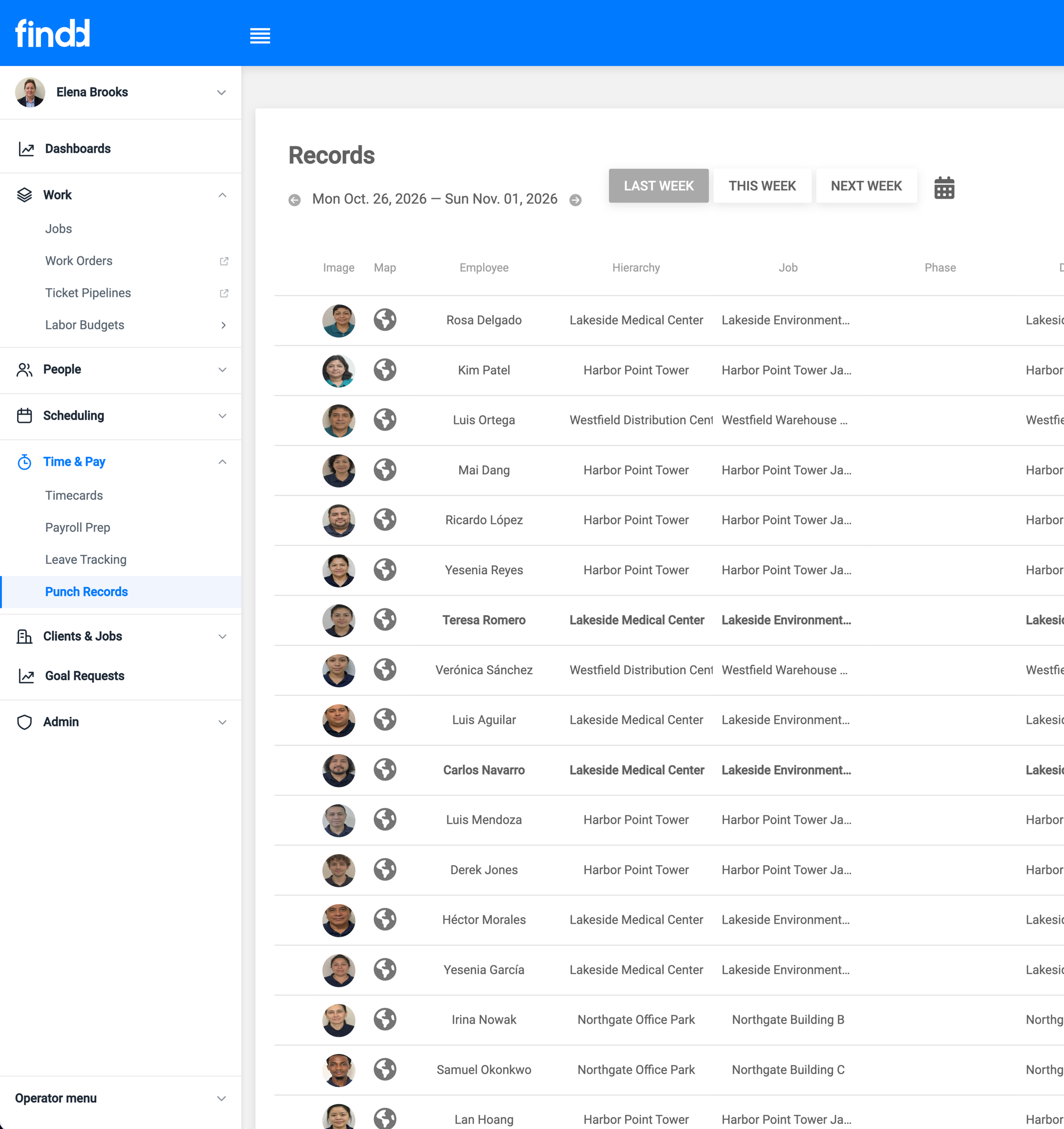
Real Start and End Times
Every punch keeps the real time, the photo, and the location. Restrict punches to the schedule if you need to, so early clock-ins and late clock-outs need a supervisor's approval.
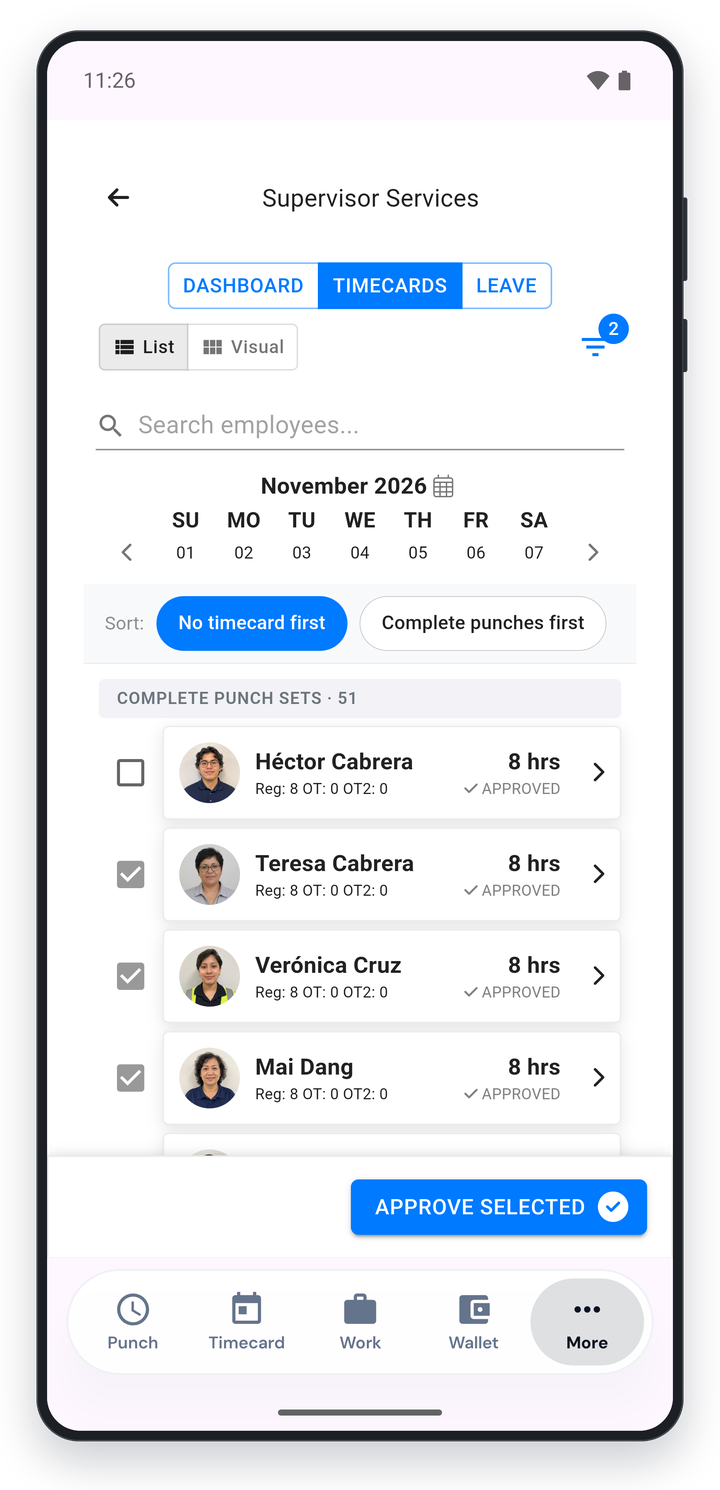
Supervisors Approve From Their Phone
Supervisors review timecards, fix missing punches, and approve hours from their phone, instead of collecting sheets at the end of the week. Employees can add missing time themselves for their supervisor to approve.
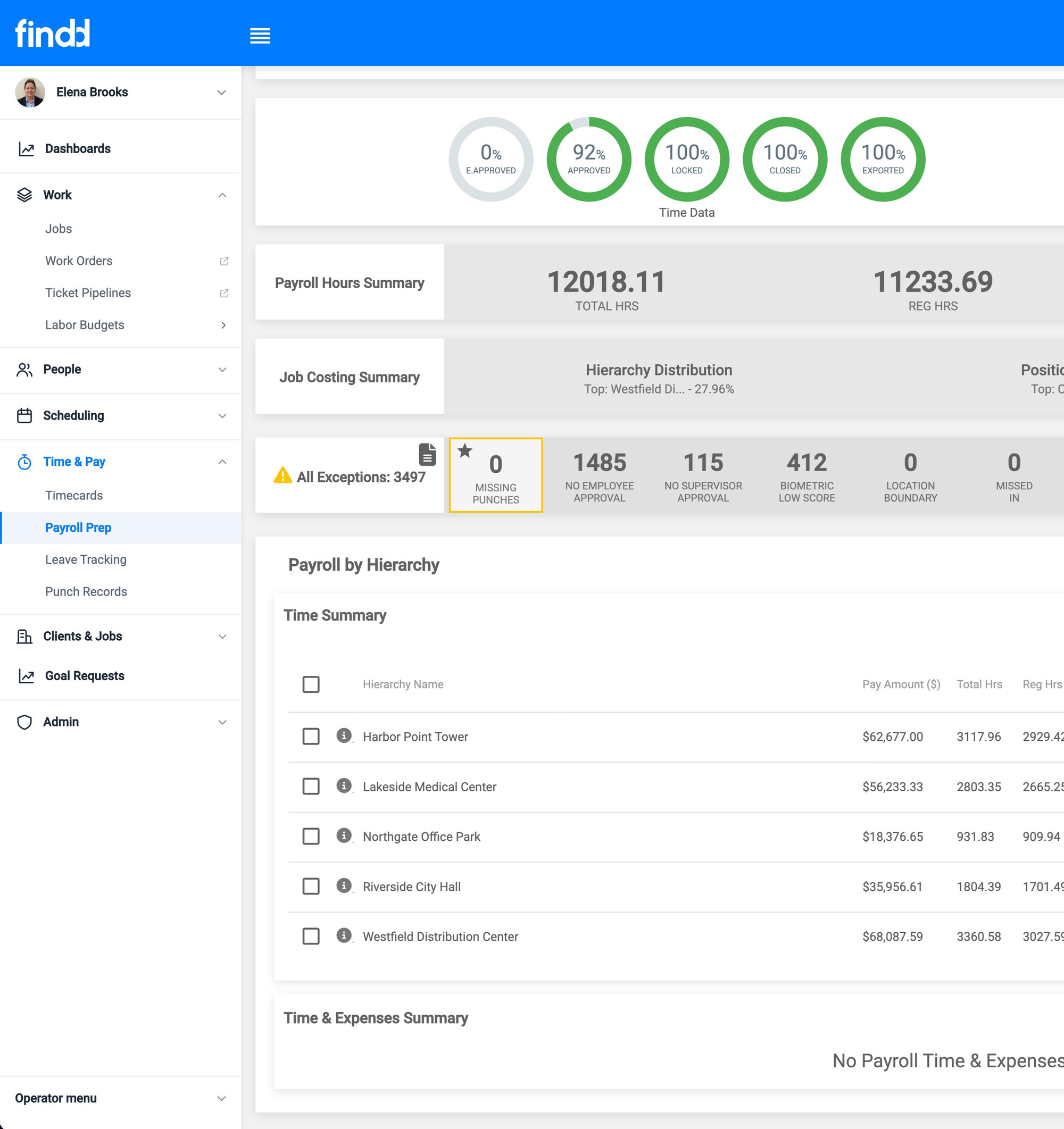
Straight to Payroll
Approved hours go to your payroll provider by job and pay code, with your pay rules already applied. Your payroll team stops reading handwriting and re-keying hours.
Go Paperless One Step at a Time
Start with real clock-ins, then add schedules, supervisor approvals, and digital forms when your team is ready. Your implementation team sets it up with you, site by site.
The Findd Operating System
Once time is digital, everything else can be too. When you use TLM with HR, WorkOps, and DiDi, new hires sign their forms on any device with no app to download, workers clock in and see their tasks in the Findd app, and DiDi answers questions about their hours by text.
Learn more about the Findd Operating System ›