Run Every Site on Budget
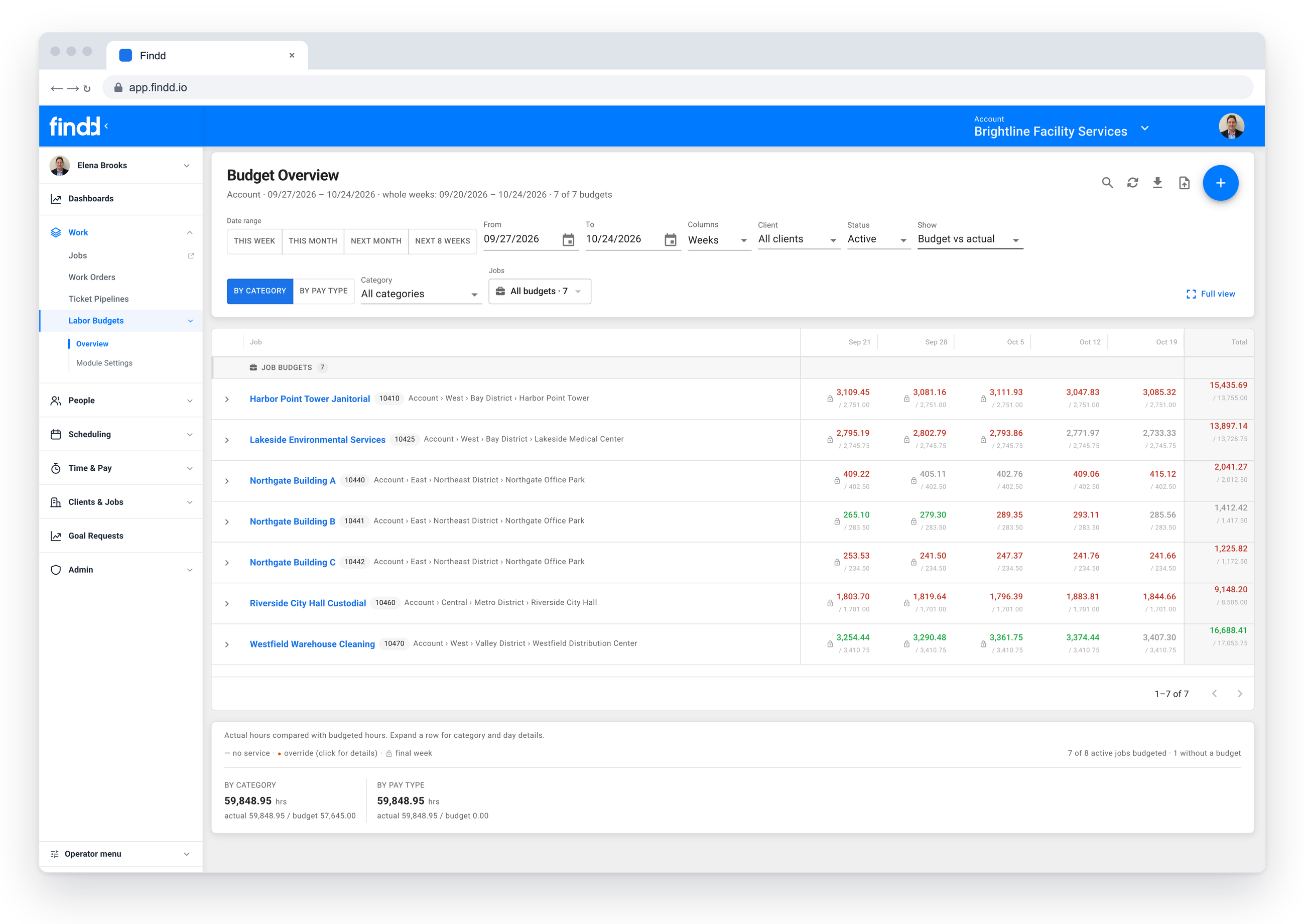
When budgets live in spreadsheets and schedules live in supervisors' heads, nobody sees a site going over until the month is done. Findd puts your budgets and schedules next to the hours being worked, so supervisors can see a variance coming and fix it during the week.
Why Sites Go Over Budget
Without Findd
Budgets get built once a year in a workbook, and they rarely make it to the people running the sites. Schedules are on paper or not written down at all, so there's nothing to compare the hours against. By the time finance sees the variance, the hours are worked, paid, and gone.
With Findd
With Findd, budgets move from a once-a-year exercise and become something your supervisors use every week. Variances get caught while they can still be fixed, and finance and operations look at the same numbers.
Bring Your Budgets Into Findd
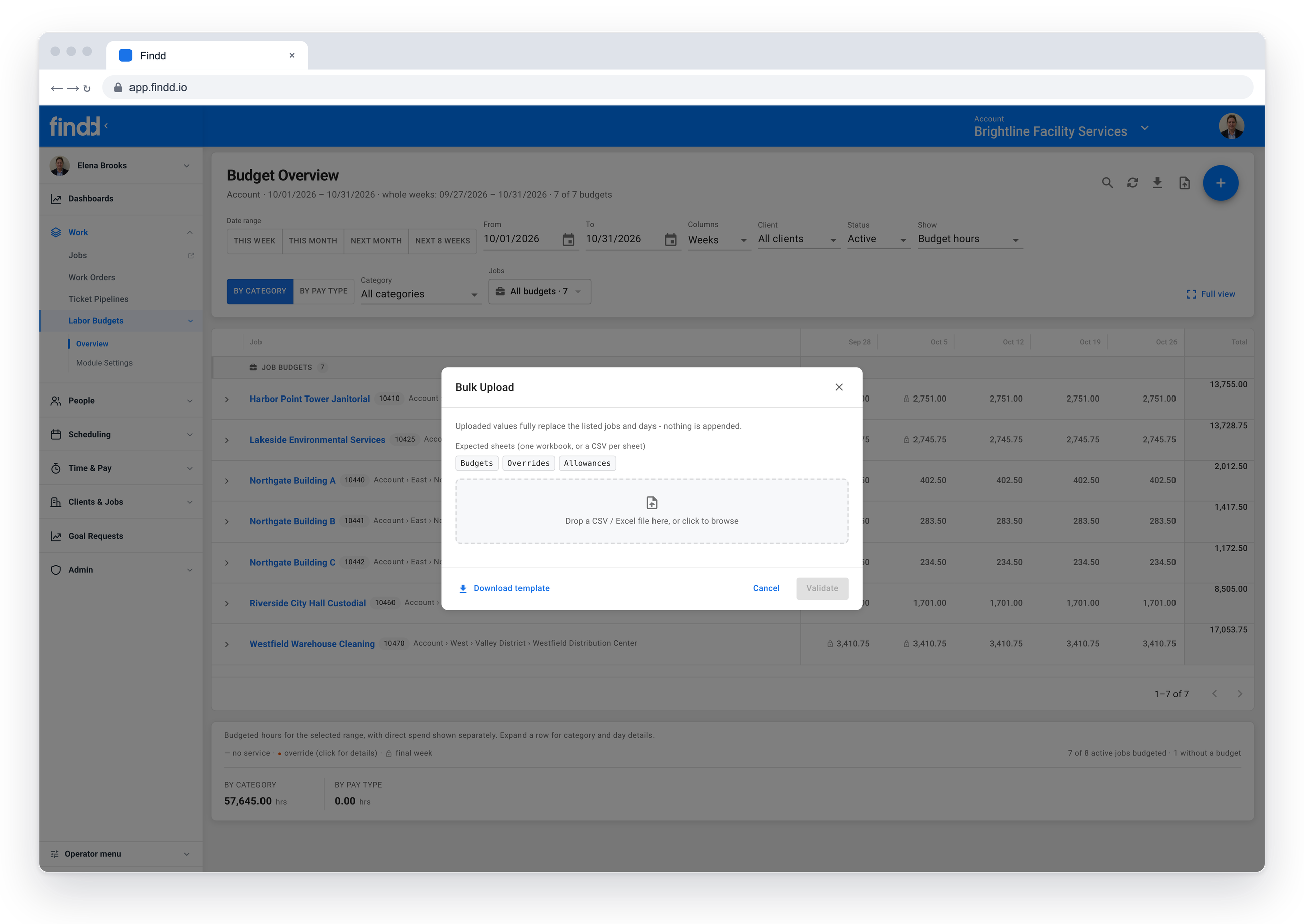
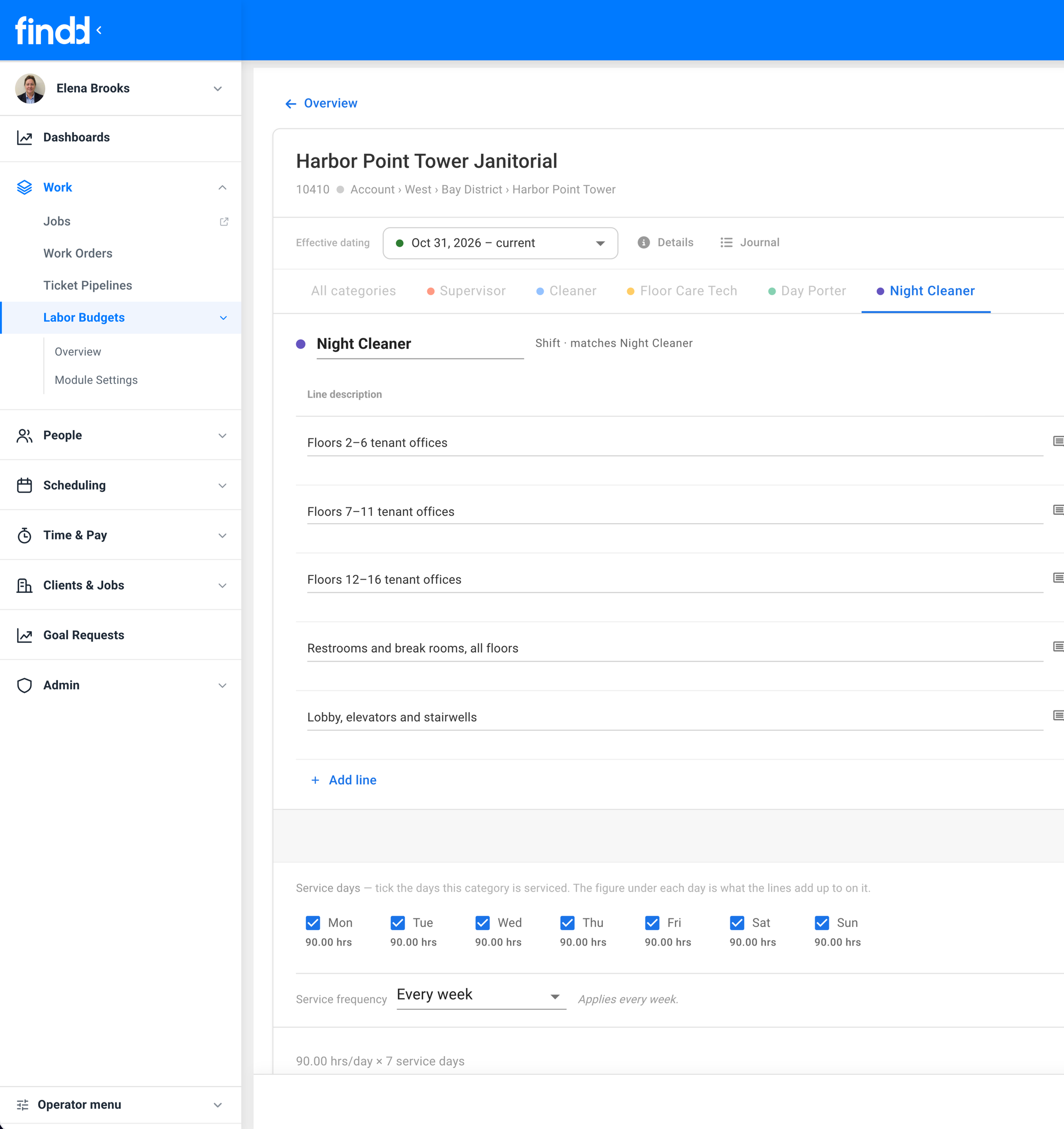
Upload your existing budget spreadsheets, or build budgets in Findd from scratch or from the last few months of actual hours. Budgets can be driven by production rates and square footage, or set in hours or dollars by labor category, and they can be weekly, semi-monthly, or monthly.
Budgets That Fit Each Contract
Set a budget once at the account level and let each job inherit it, then adjust where a site is different. A holiday override, or another temporary override, handles holidays, seasonal work, and one-off projects, and every change is saved in the budget journal with an effective date and a record of who made it.
See Variances While the Week Is Still Going
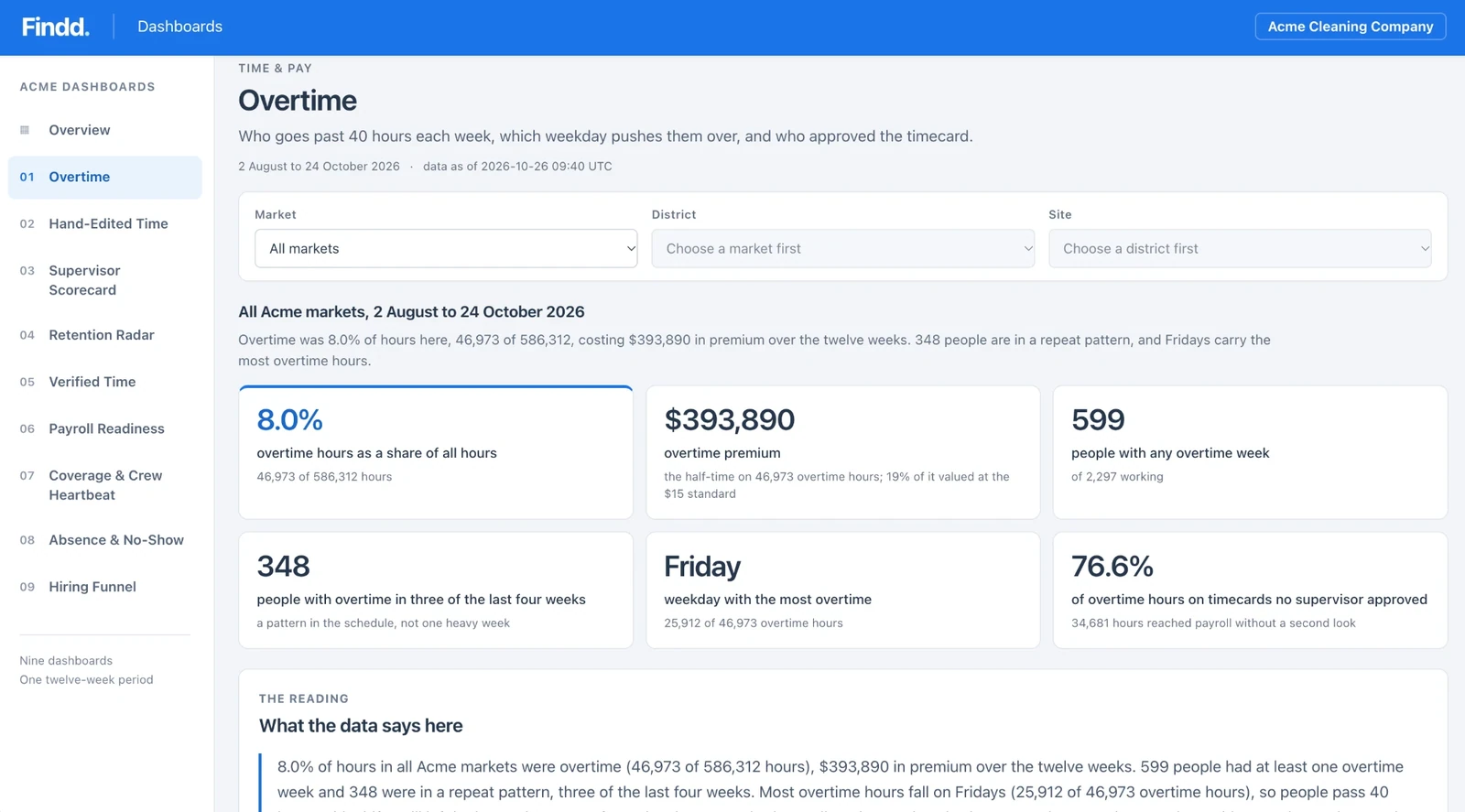
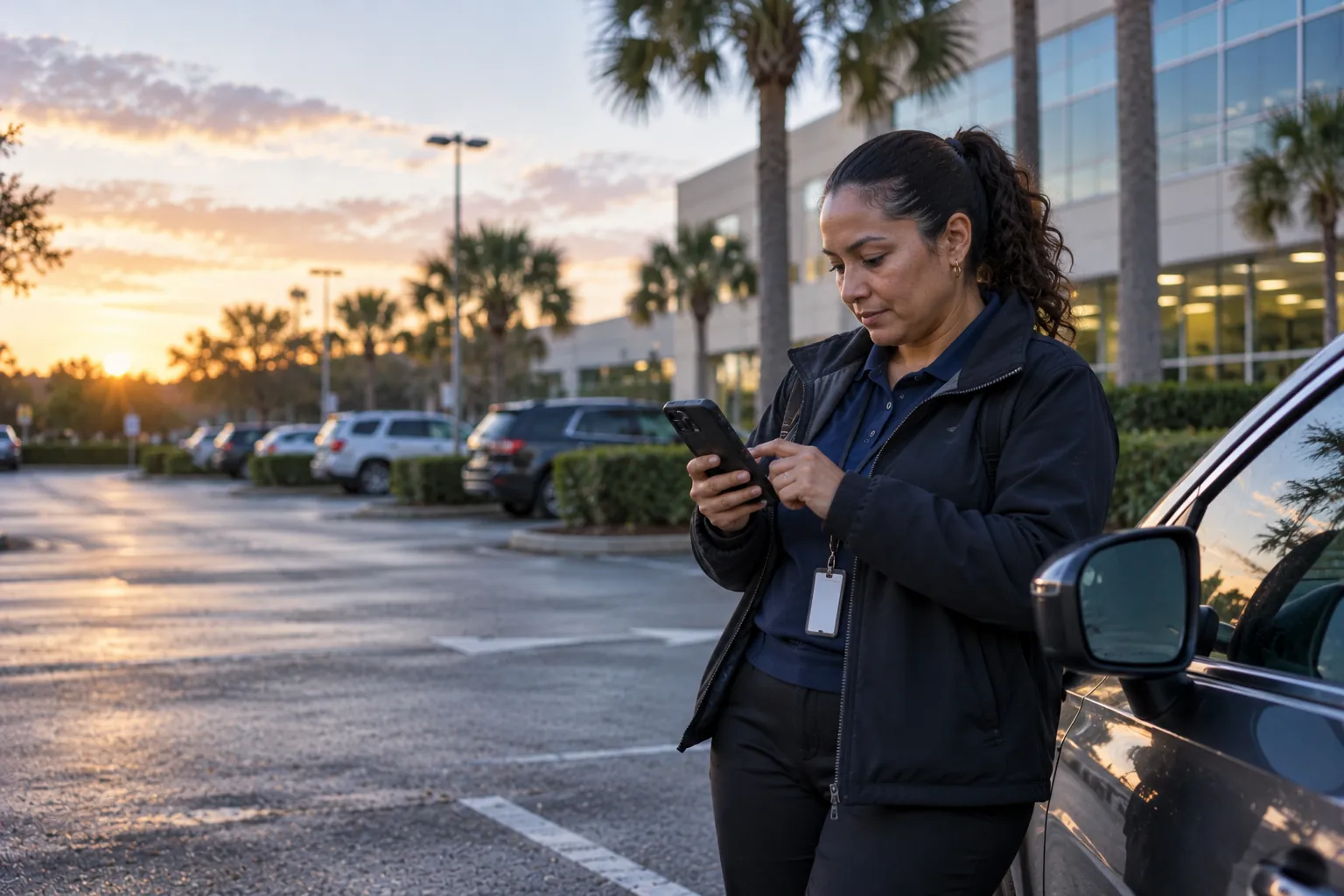
Budget versus actual updates as people clock in, by site, job, and supervisor. Supervisors see which employees are driving a variance and who is getting close to overtime, so they can adjust the schedule before the hours are worked.
Schedules Your Team Can See
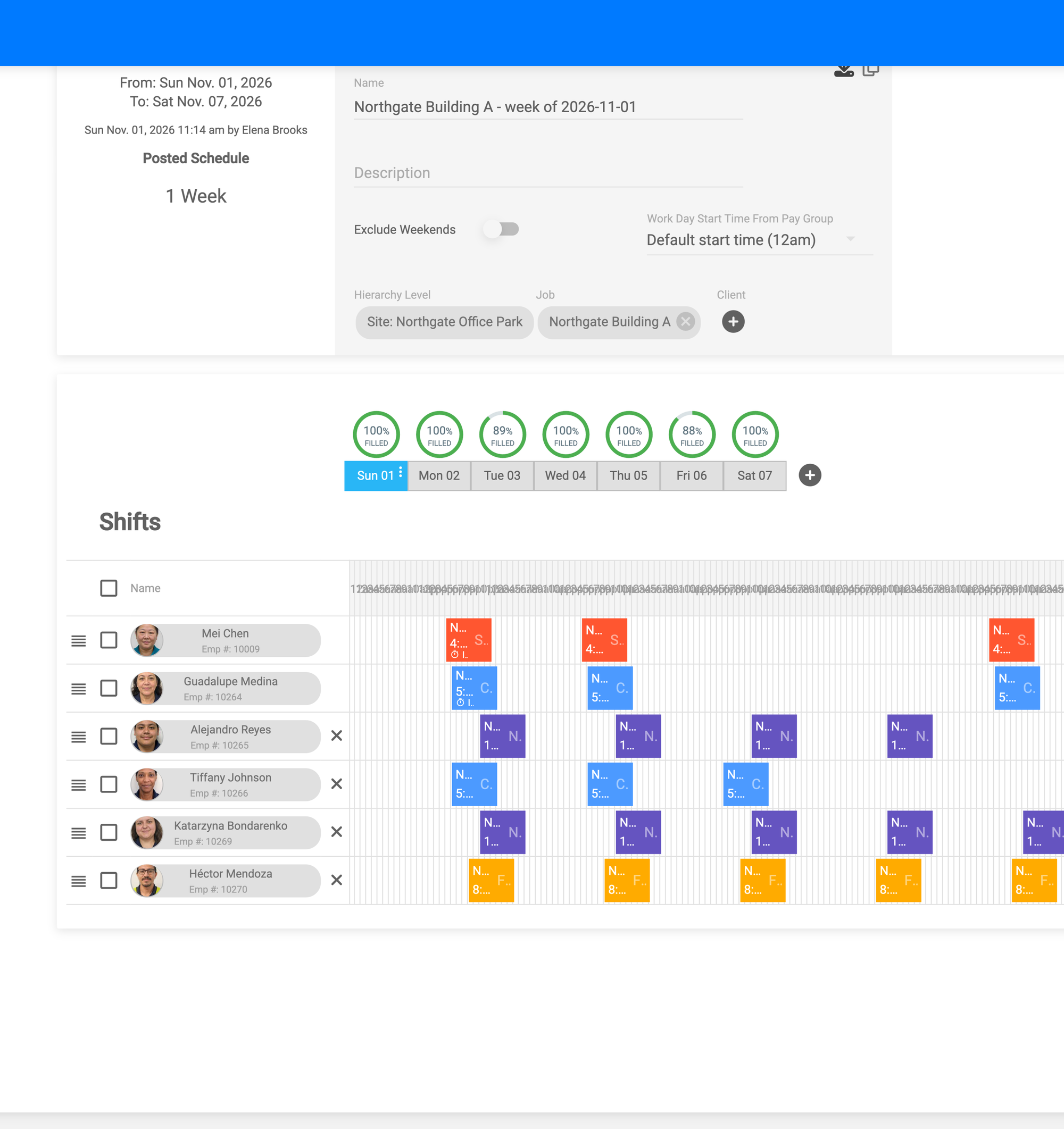
Build recurring schedules and shifts, and workers see them right in the Findd app. DiDi texts workers their schedule changes, so nobody has to call around to find out who's working.
Only Pay for the Hours You Scheduled
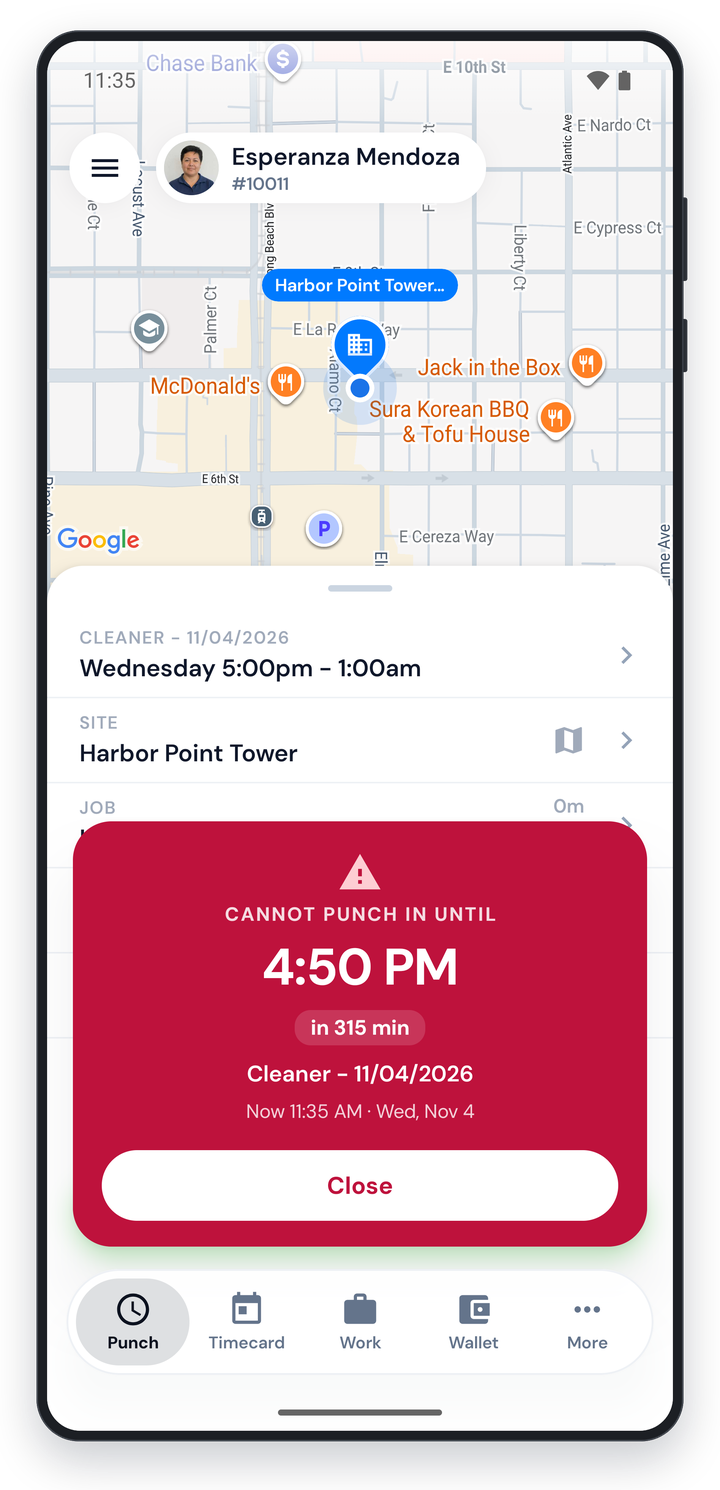
Restrict punches to the schedule, so early clock-ins and late clock-outs need a supervisor's approval. Timecards that match the schedule with no flags can be approved automatically, so supervisors only review the exceptions.
Fill Open Shifts Without Overtime
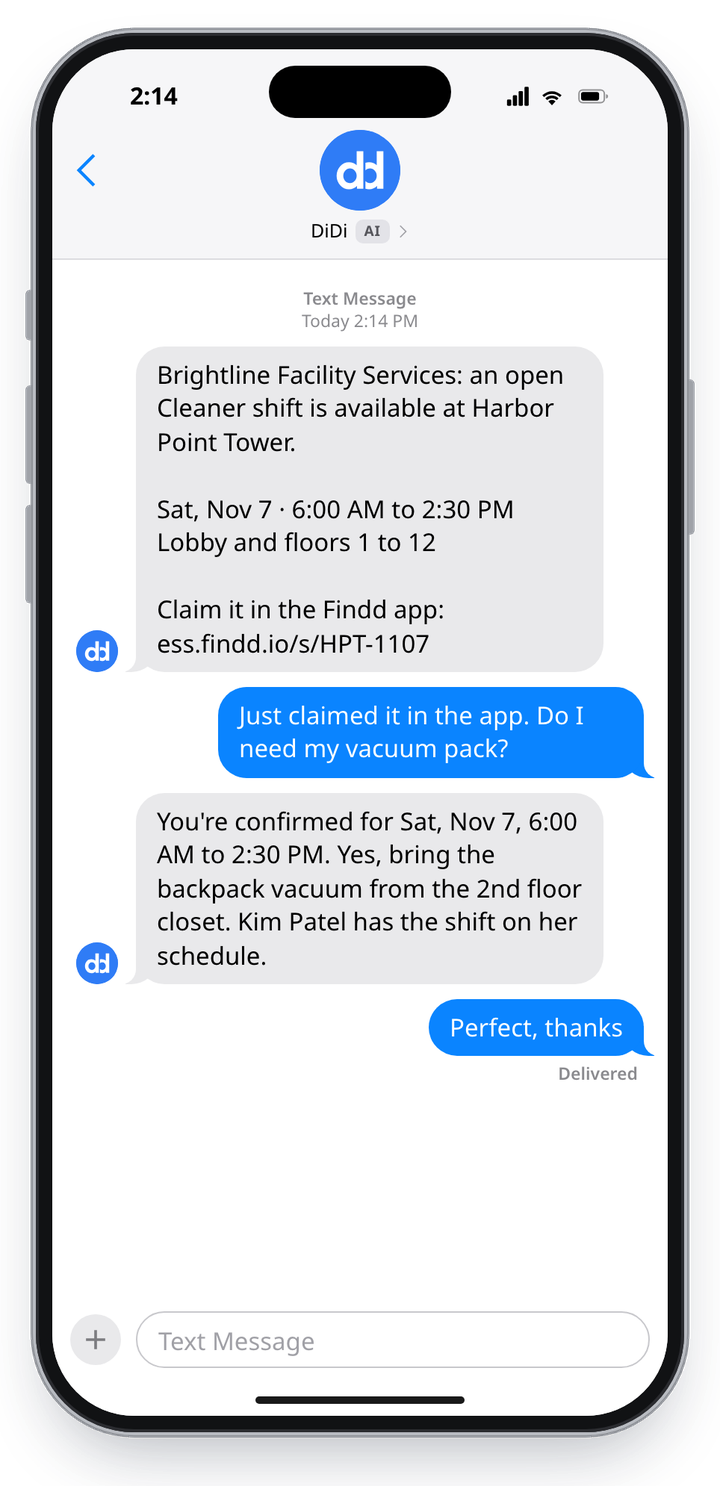
When a shift opens up, DiDi lets available workers who won't go into overtime know, and the first one to claim it in their Work tab gets the shift. The schedule updates itself.
You hear about a no-show before your client does. With Open Coverage, you post how many people each site needs. It's built for day porters and night crews whose start times vary, and if too many slots are still open near the deadline, supervisors get an alert while there's still time to find coverage.
The Findd Operating System
Budgets are only as good as the hours you measure them against. When you use TLM with WorkOps, HR, Intelligent Dashboards, and DiDi, budgets come from the scope of each contract, verified hours are tracked against them, open shifts are filled or hired for, and DiDi warns supervisors before a site runs over.
Learn more about the Findd Operating System ›