Prove the Work Was Done, Every Time
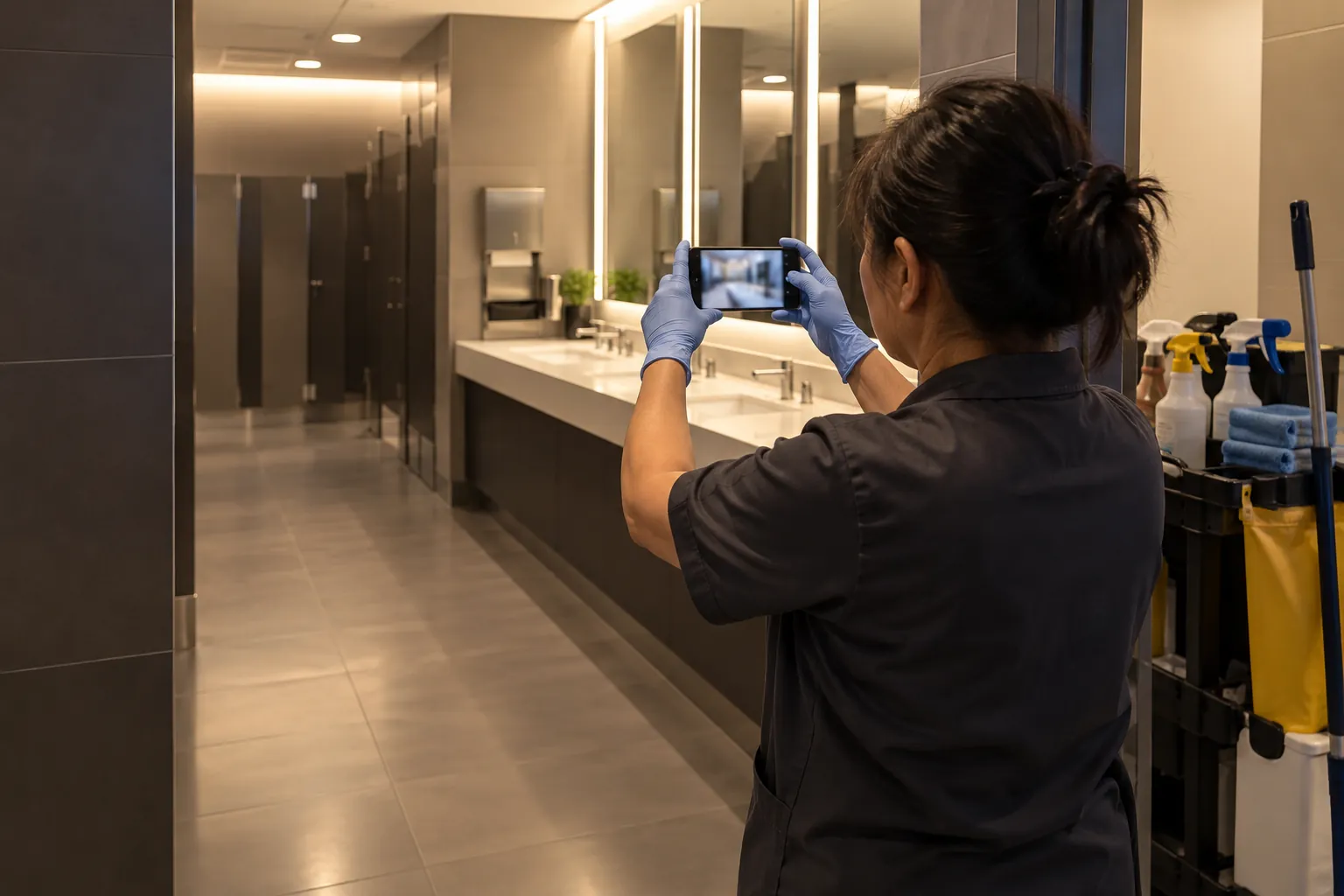
Your clients want to know they're getting what they pay for, and a clean building doesn't prove itself. Findd turns your scope of work into tasks with photo proof, inspections, and reports your clients can see, so you can show the work instead of defending it.
Why Quality Is Hard to Prove
Without Findd
Cleaning happens at night, when nobody is watching. When a client says a restroom was missed, it's your word against theirs, and paper checklists signed at the end of a shift don't settle it. Small complaints add up, and contracts get lost over problems nobody saw coming.
With Findd
With Findd, you can answer a client's question with a photo, a time, and a name. Deficiencies get fixed while the client is still watching. And when it's time to renew, or bid on new work, you have the proof of what you deliver.
Your Scope of Work, as a Task List
Upload your scope of work, and DiDi builds the tasks, areas, and frequencies for each site. Workers see their own tasks in priority order, and each task only shows up when it's due.
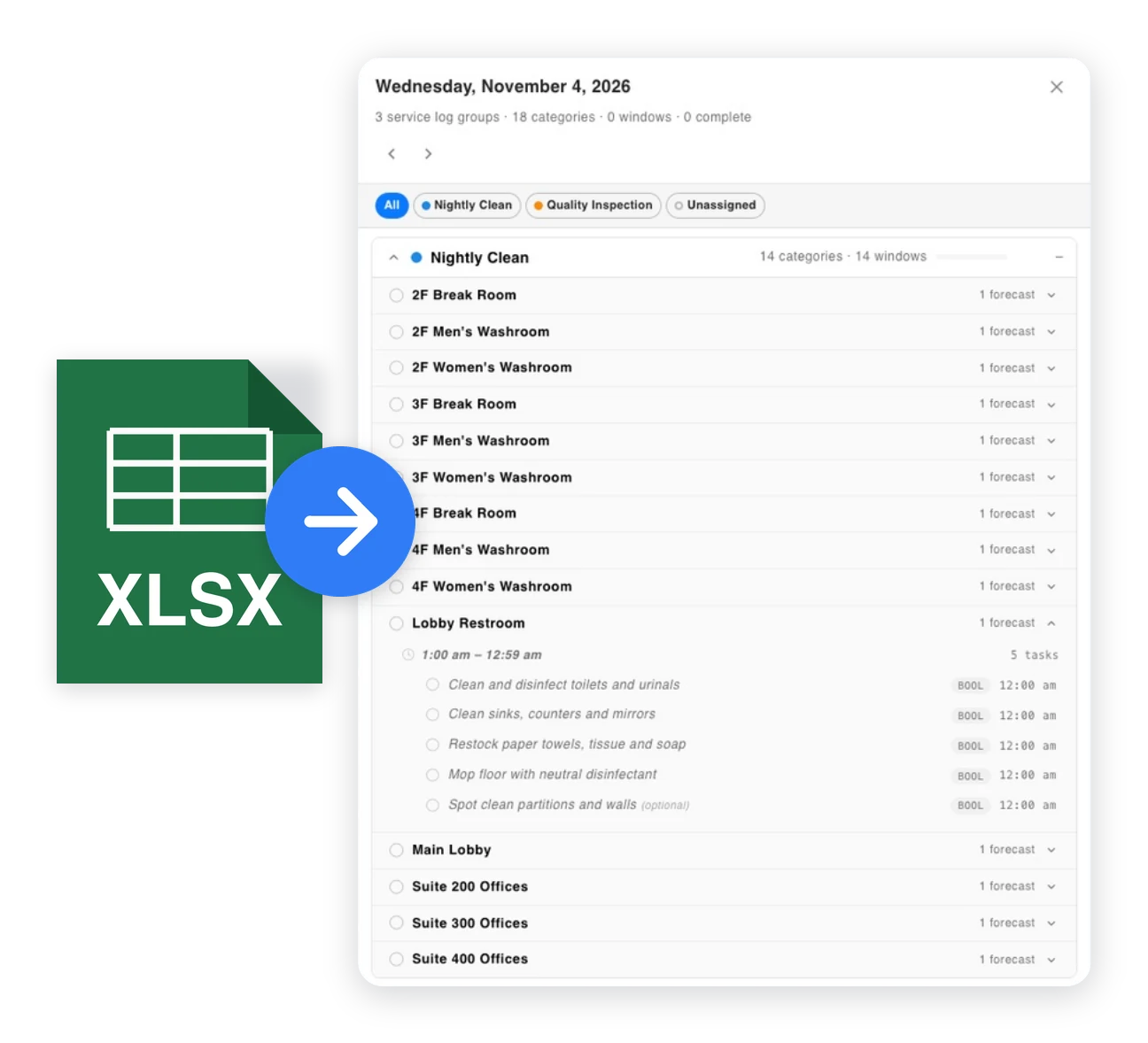
Photo Proof That Can't Be Faked
Workers complete tasks with live photos taken in the app, with the time and location saved on each one. You can require before and after photos for the work that matters most to your client.
DiDi Checks the Photos
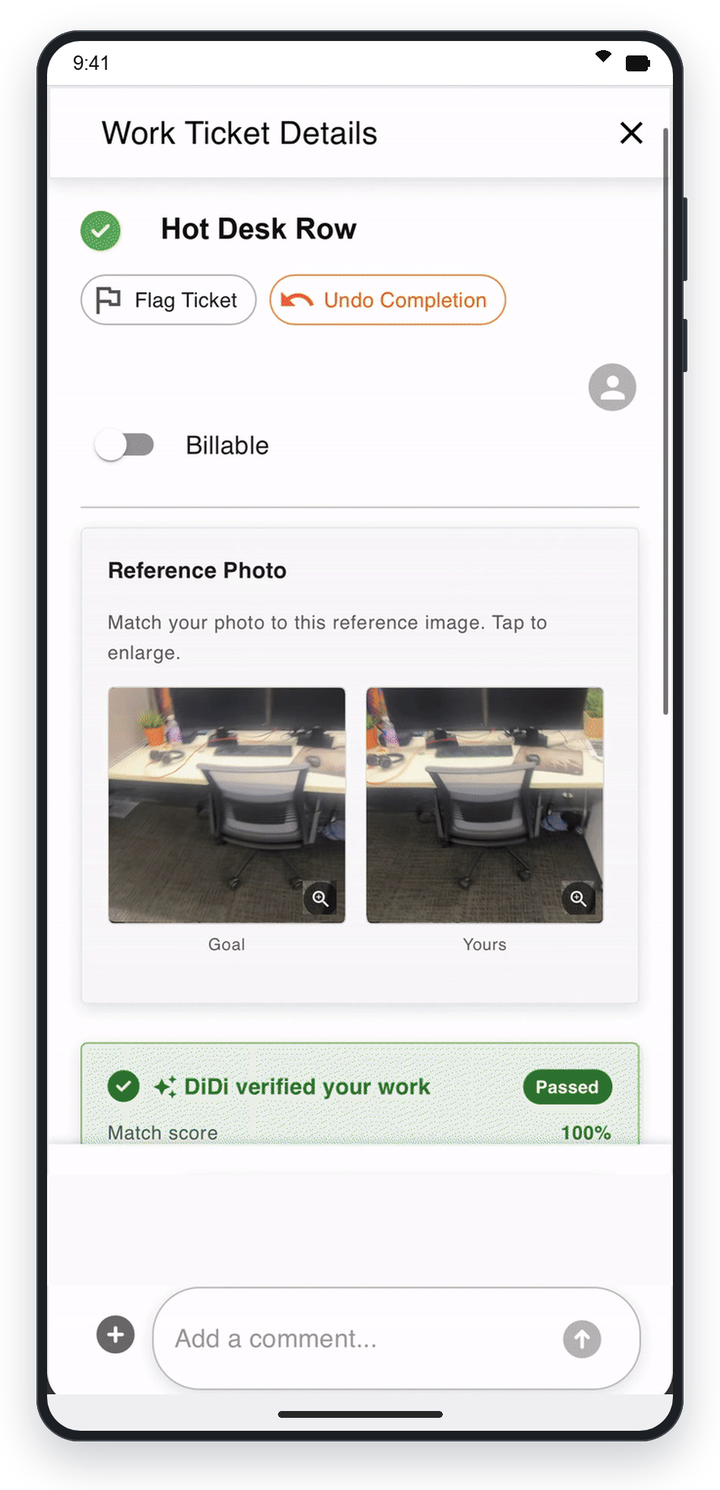
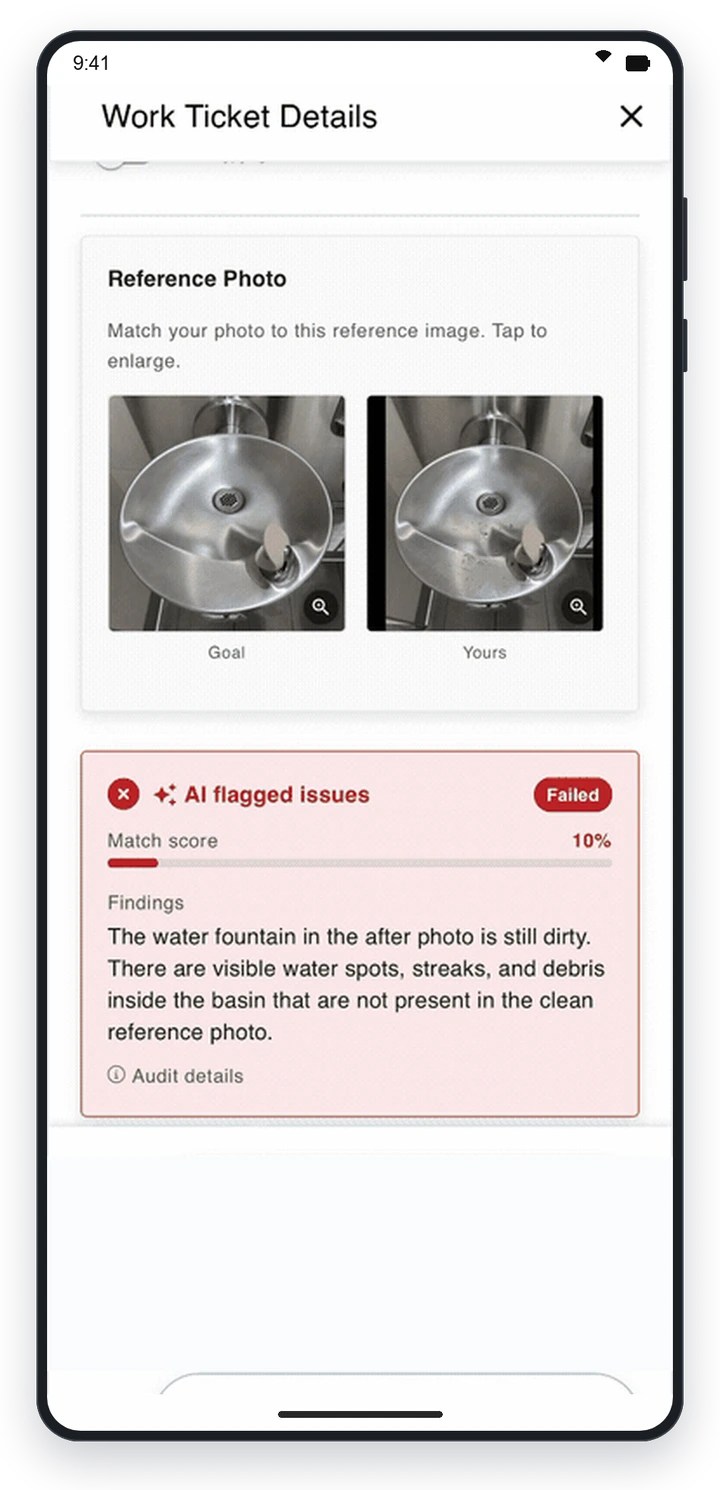
With SpotProof, DiDi checks proof-of-work photos against what the task requires and flags the ones that don't match for a supervisor to review. Your team doesn't have to look at every photo to know the work was done.
Inspections That Fix What They Find
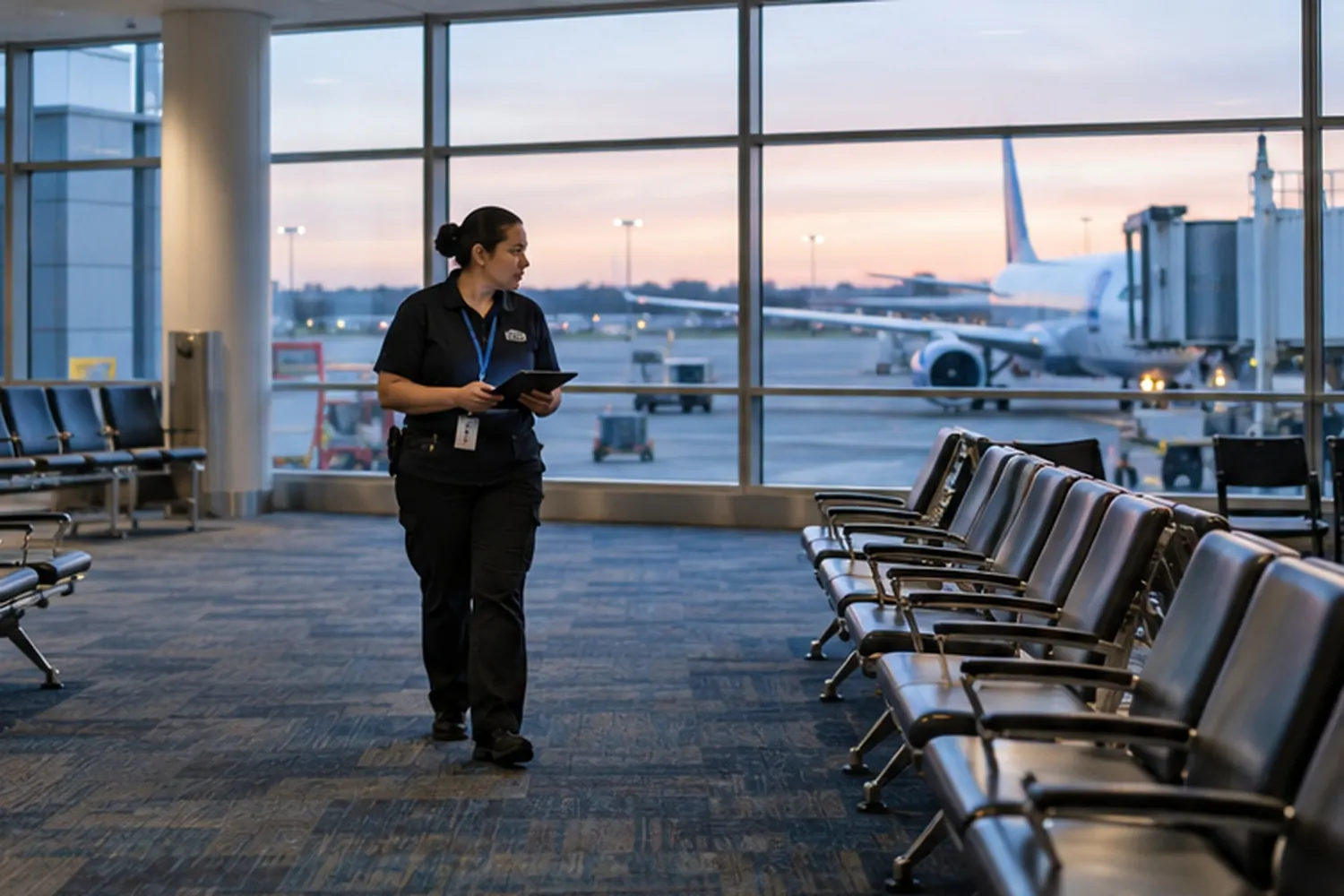
Supervisors run scored inspections from their phone. A low score creates a re-clean task automatically, assigns it, and tracks how long it takes to fix, so deficiencies are closed within the time your contract requires.
Show Your Clients the Work
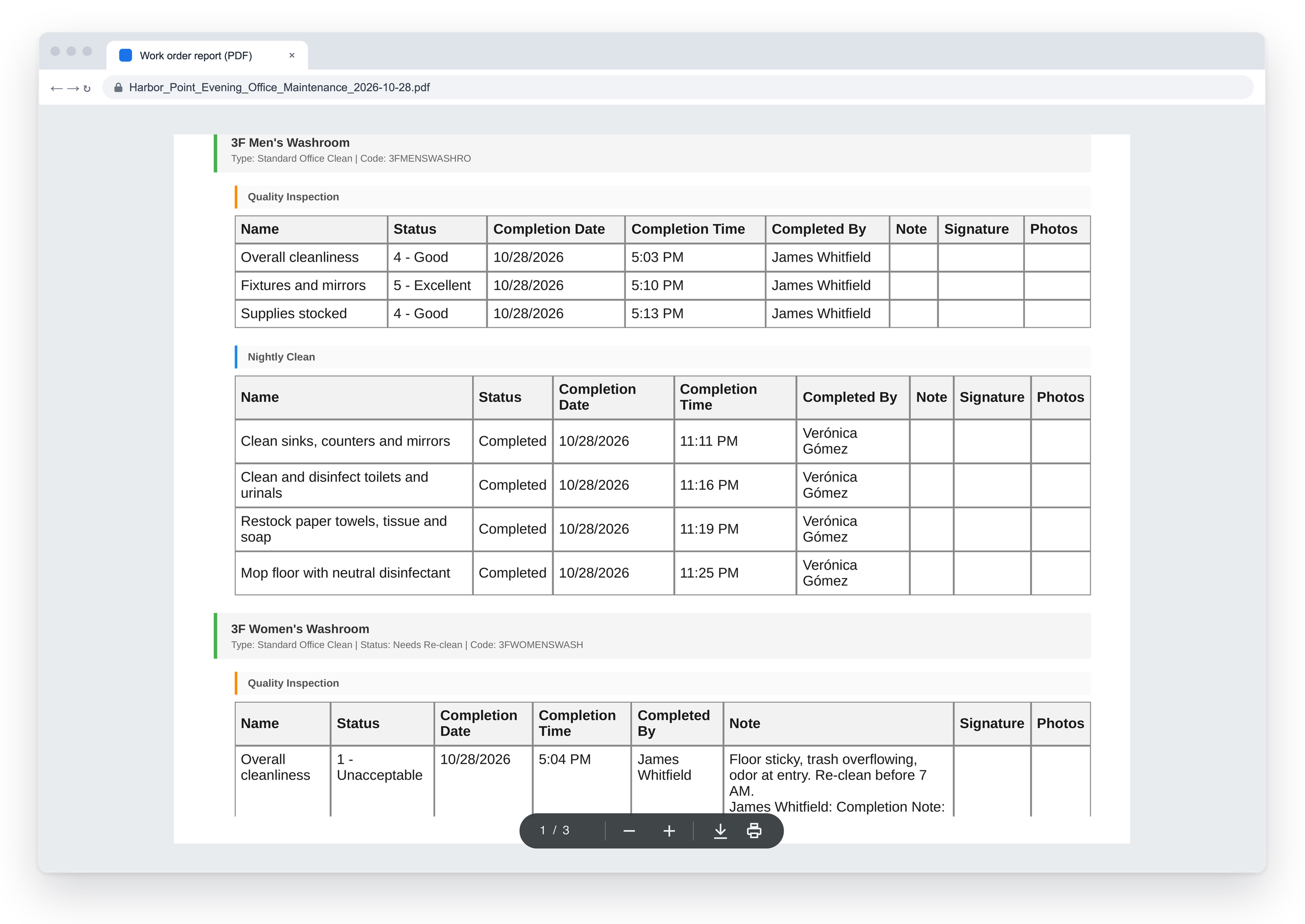
Share proof with your clients through a client portal they open from an email link, with no login to remember, or send branded PDF reports. You control which sites and which details each client can see.
Problems Reported, and Fixed
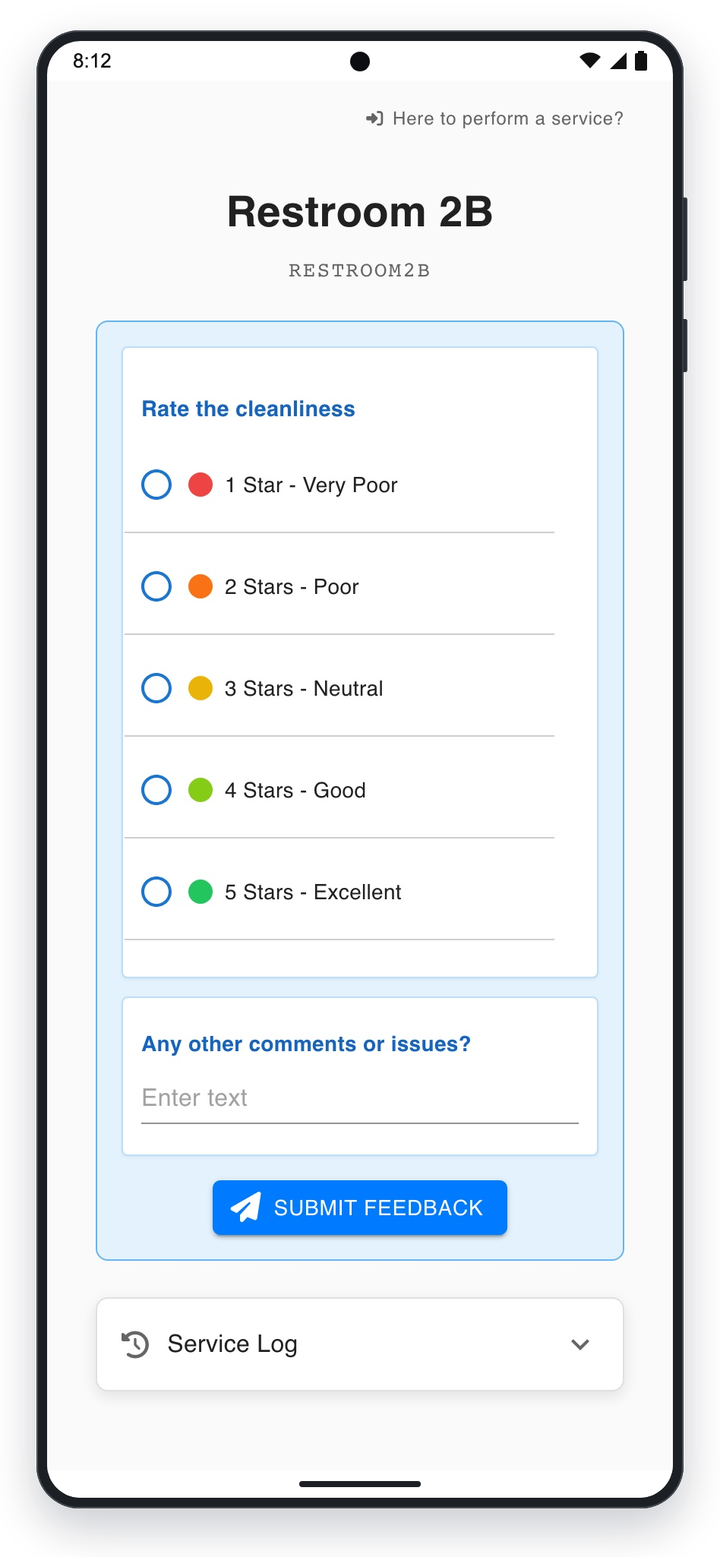
Workers flag issues from their task list or by texting DiDi a photo. Building occupants can scan a QR code to report a problem or see when an area was last cleaned. Every issue is assigned with a priority and tracked until it's closed.
The Findd Operating System
When you use WorkOps with TLM, HR, and DiDi, every task is tied to a verified worker who was trained and credentialed for the site. You can see who did the work, when they were there, and how long it took, all from the same record.
Learn more about the Findd Operating System ›