Deliver What Every Contract Asks For
Every client has their own scope, schedule, reporting, and site rules, and no two contracts are the same. Findd sets up each client's requirements once, from a shared template, so your crews get the right tasks and your clients get the proof they asked for, without a custom system for every account.
Why Every Contract Feels Like a New System
Without Findd
One client wants hourly restroom checks, another wants a weekly PDF, another needs badges and a 24-hour SLA for fixing deficiencies. When requirements live in contracts and spreadsheets, supervisors have to remember them, and it shows when someone forgets.
With Findd
With Findd, new contracts start faster, because setup takes a template and a contract instead of weeks of configuration. Your crews know exactly what each client expects, and your clients see that they're getting it.
Start From Your Standard, Change What's Different
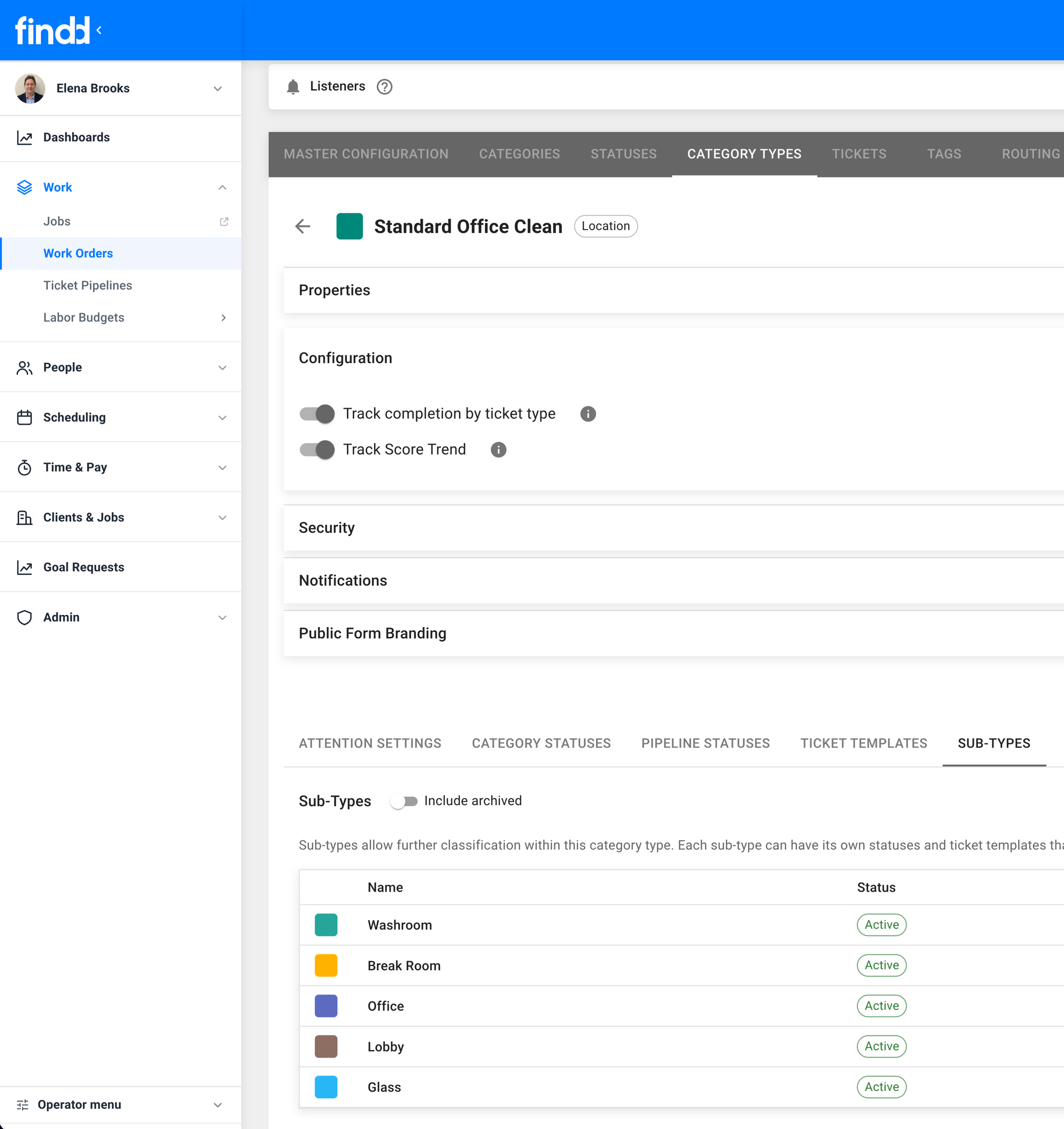
Build one standard template for the way you clean, then turn areas, tasks, and frequencies on or off for each site. Every client gets their requirements without anyone building from scratch.
DiDi Reads the Contract
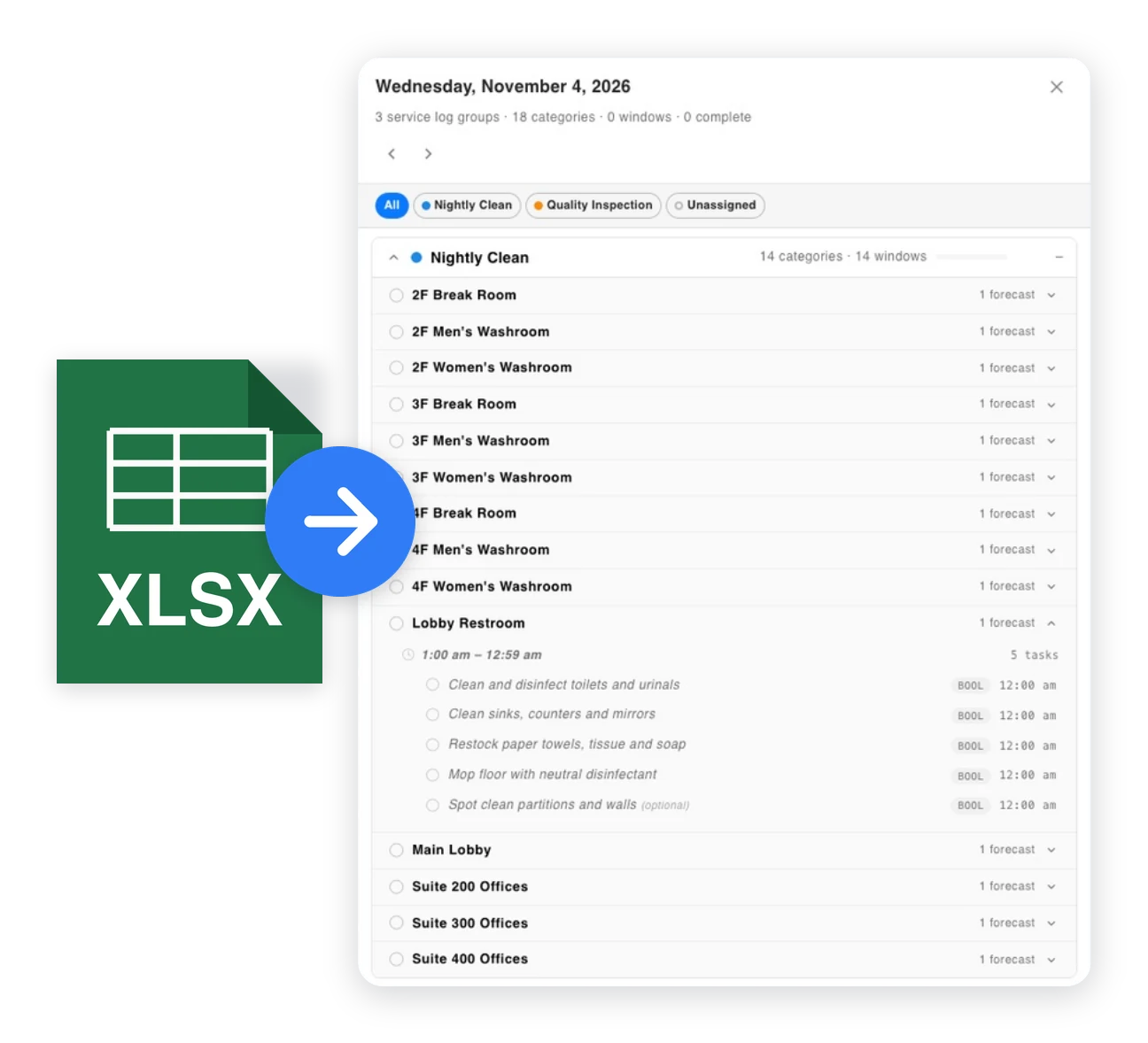
Upload a scope of work, a CSV, or a photo of a client's form, or send DiDi a voice note. DiDi builds the work plan for you to review, and makes changes by text when the client's needs change.
Reporting Each Client Asks For
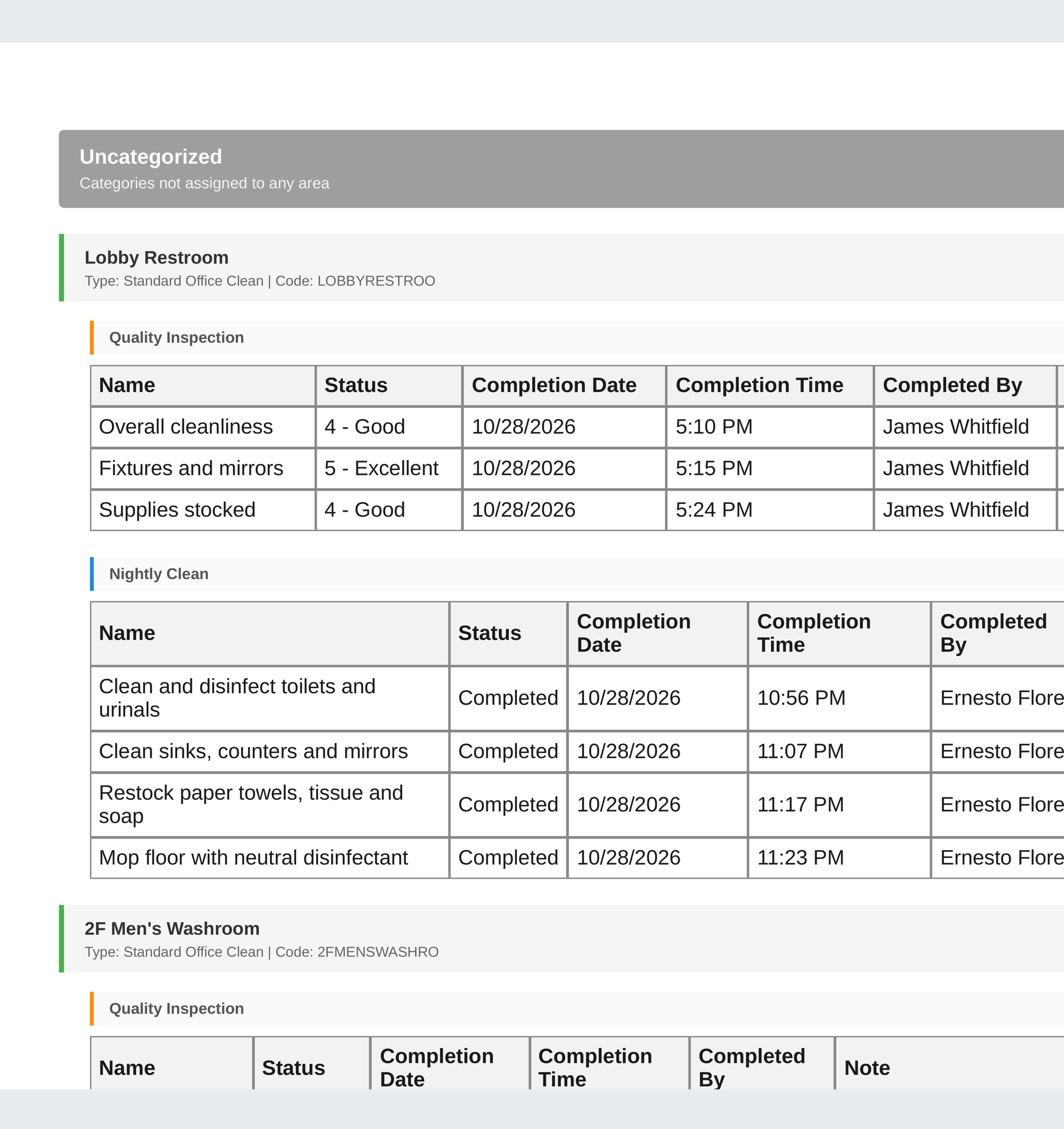
Each client gets the reports they want, on the schedule they want, as a branded PDF, a CSV, or a client portal they open from an email link. You decide which sites and details each client sees.
Response Times You Can Track
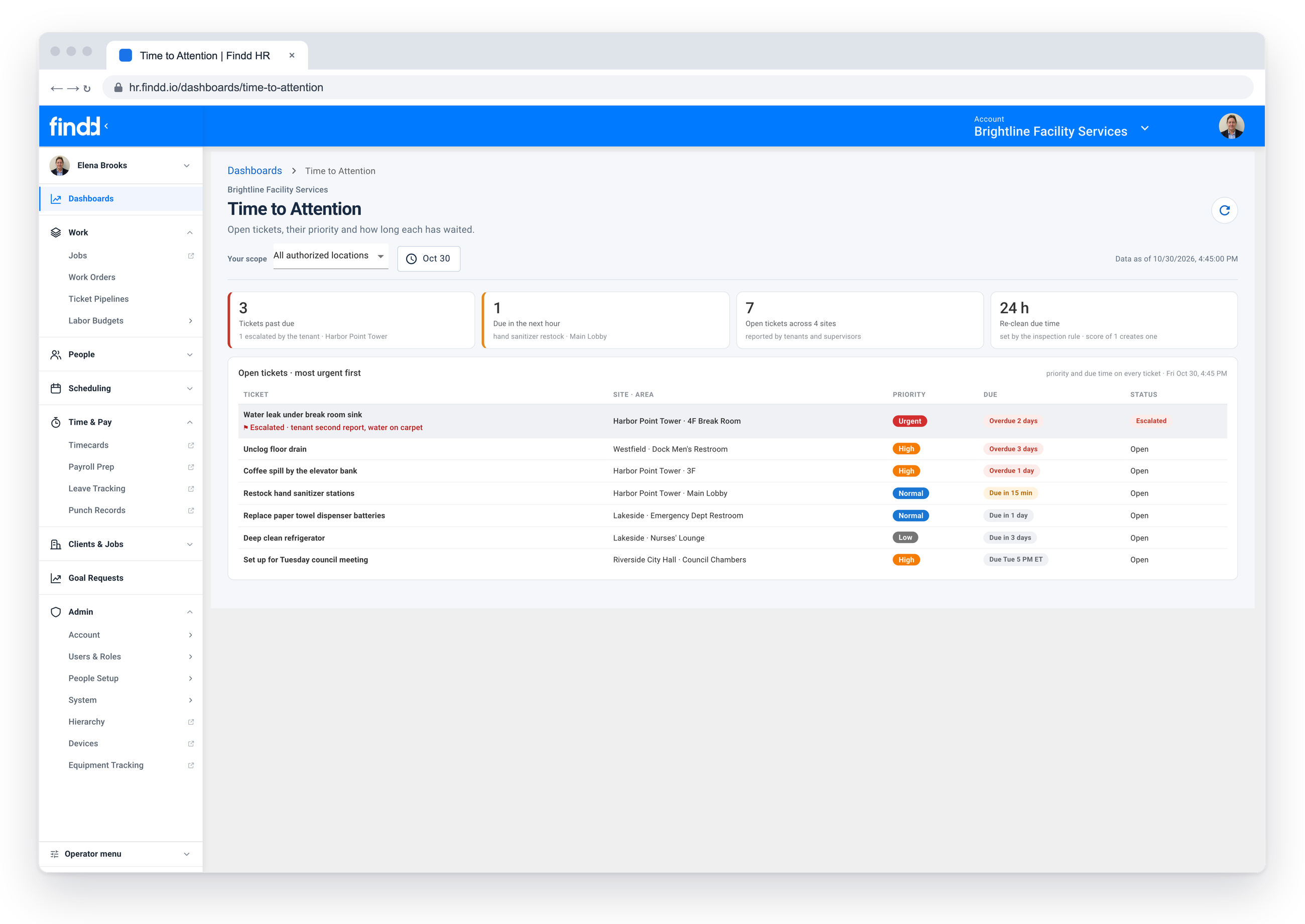
Deficiencies and requests are assigned with a priority and a due time, like 24 or 48 hours, and escalated by text or email if they're not closed in time. You can show each client how fast you respond.
Site Rules, Badges, and Credentials
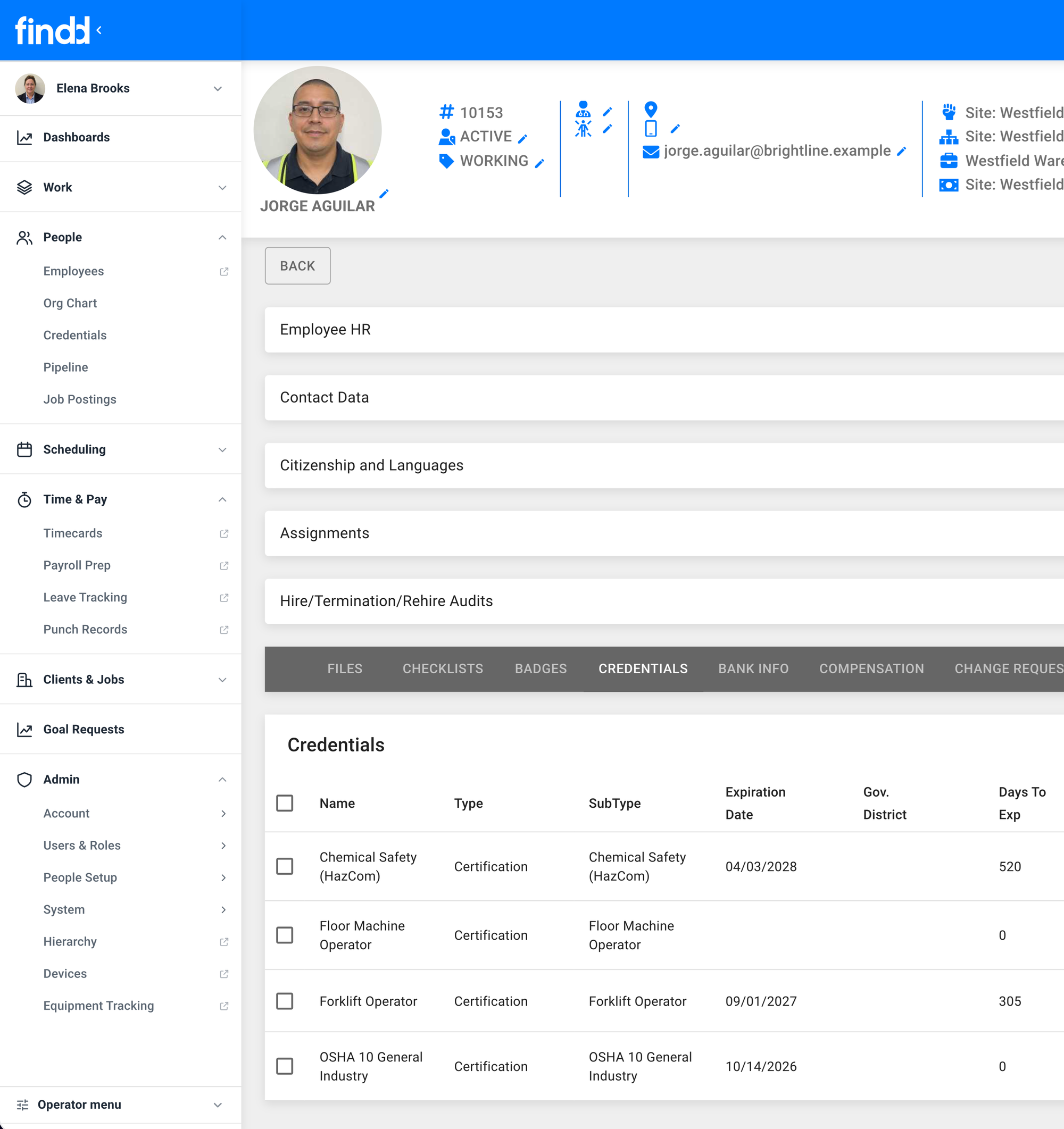
Track the badges, certifications, and site clearances each client requires on every employee's record, so you never send someone to a site they're not cleared for. For secure sites, devices can work offline and stay on site.
Extra Work, Captured and Billable
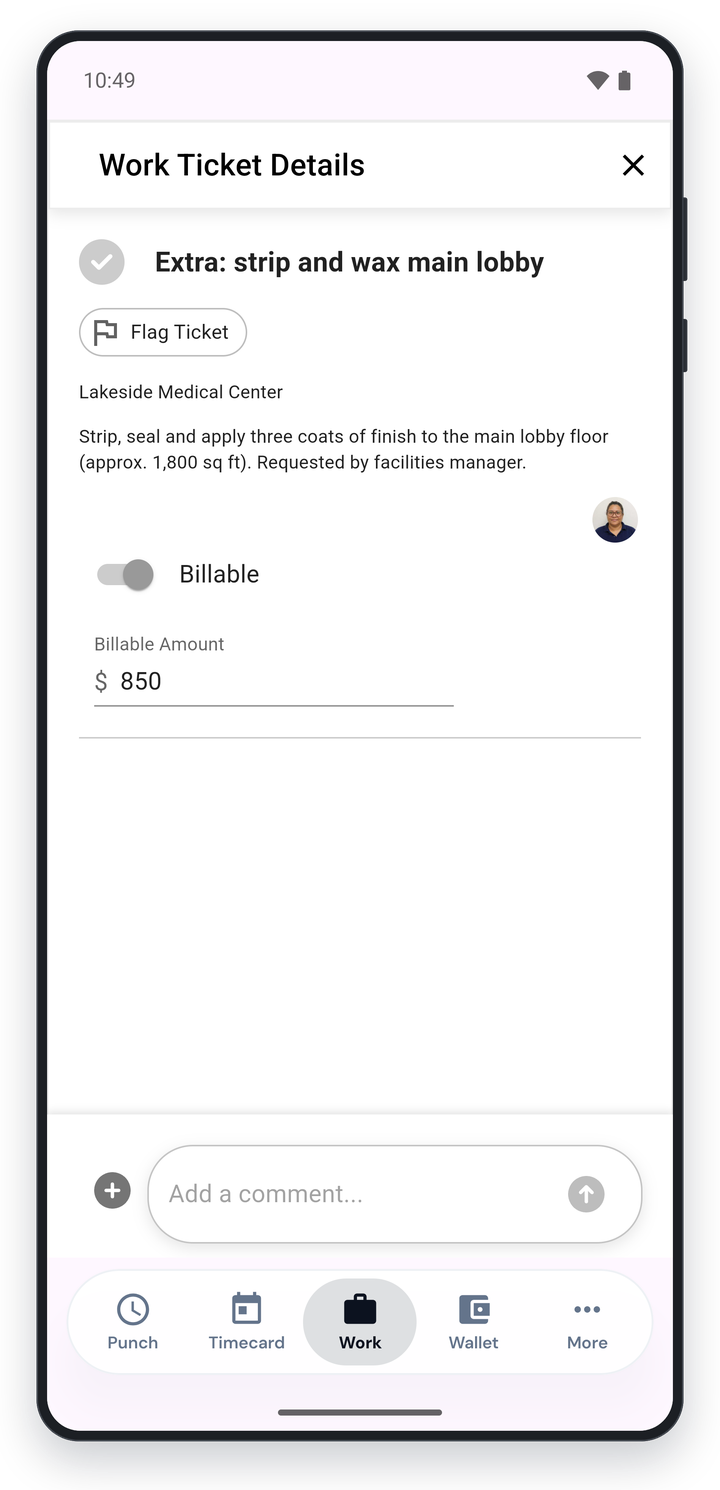
When a client asks for something outside the scope, record it on site with photo proof and mark it as billable, so extra work doesn't go unpaid.
The Findd Operating System
When you use WorkOps with HR, TLM, and DiDi, each contract's requirements flow through everything: the right credentials when you hire, the right tasks on every shift, the right pay rules on every timecard, and the right report at the end of the week.
Learn more about the Findd Operating System ›