Do the Work Perfectly
Findd WorkOps turns your scope of work into a standard you agree on with your client, then helps your team meet it every time, with clear task lists for every shift, training on how each task is done, and photo proof of service right inside the Findd employee app.
Turn Your Scope of Work Into a Work Plan
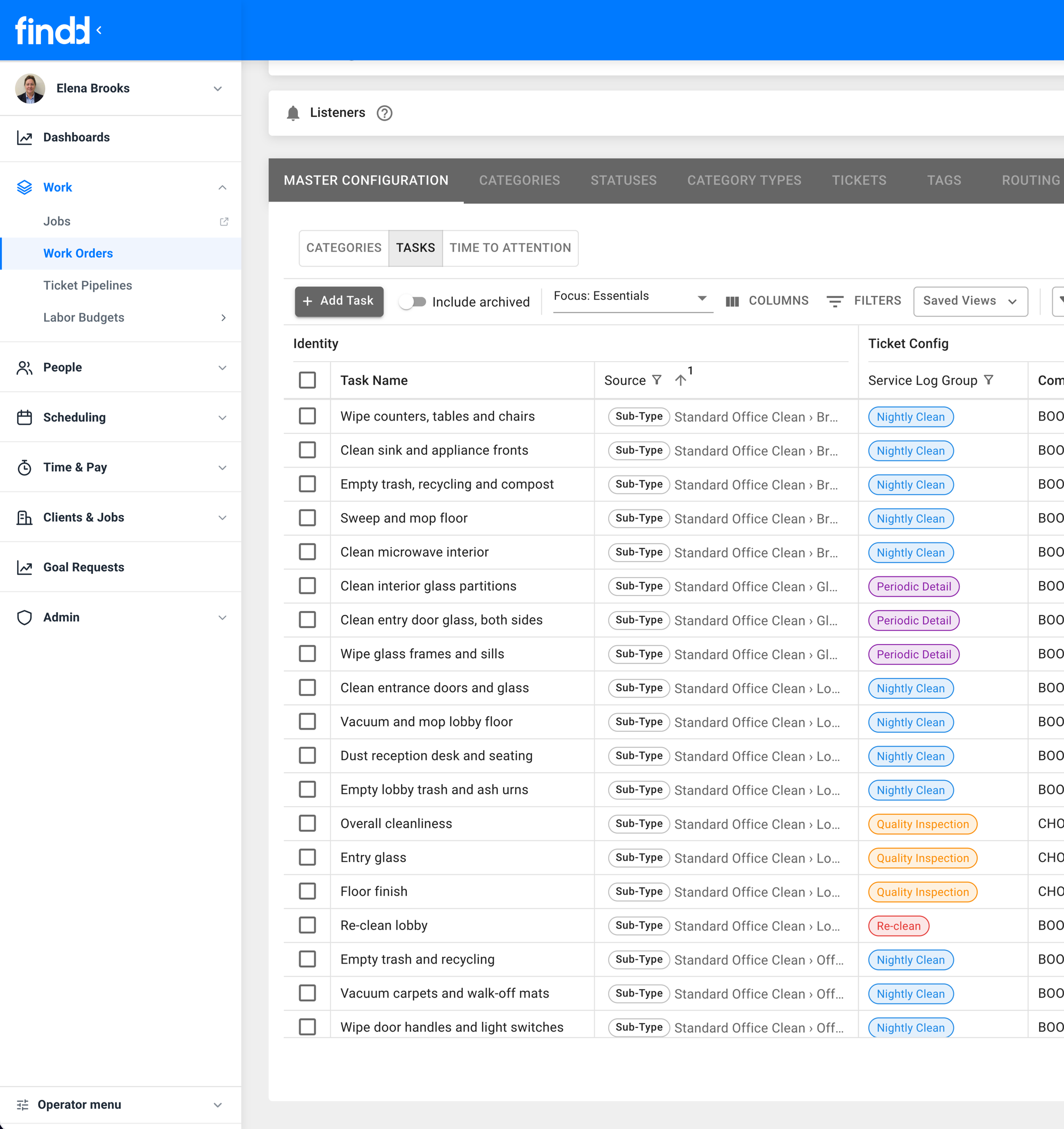
Create tasks, schedules, and recurring work orders for your team. It's easy to set up, and easier for your frontline staff to complete. You can fully customize it to support various routines, including holidays and blackout periods. You can create tasks that are for areas or equipment, and require easy-to-complete forms for proof of work.
Show Your Work
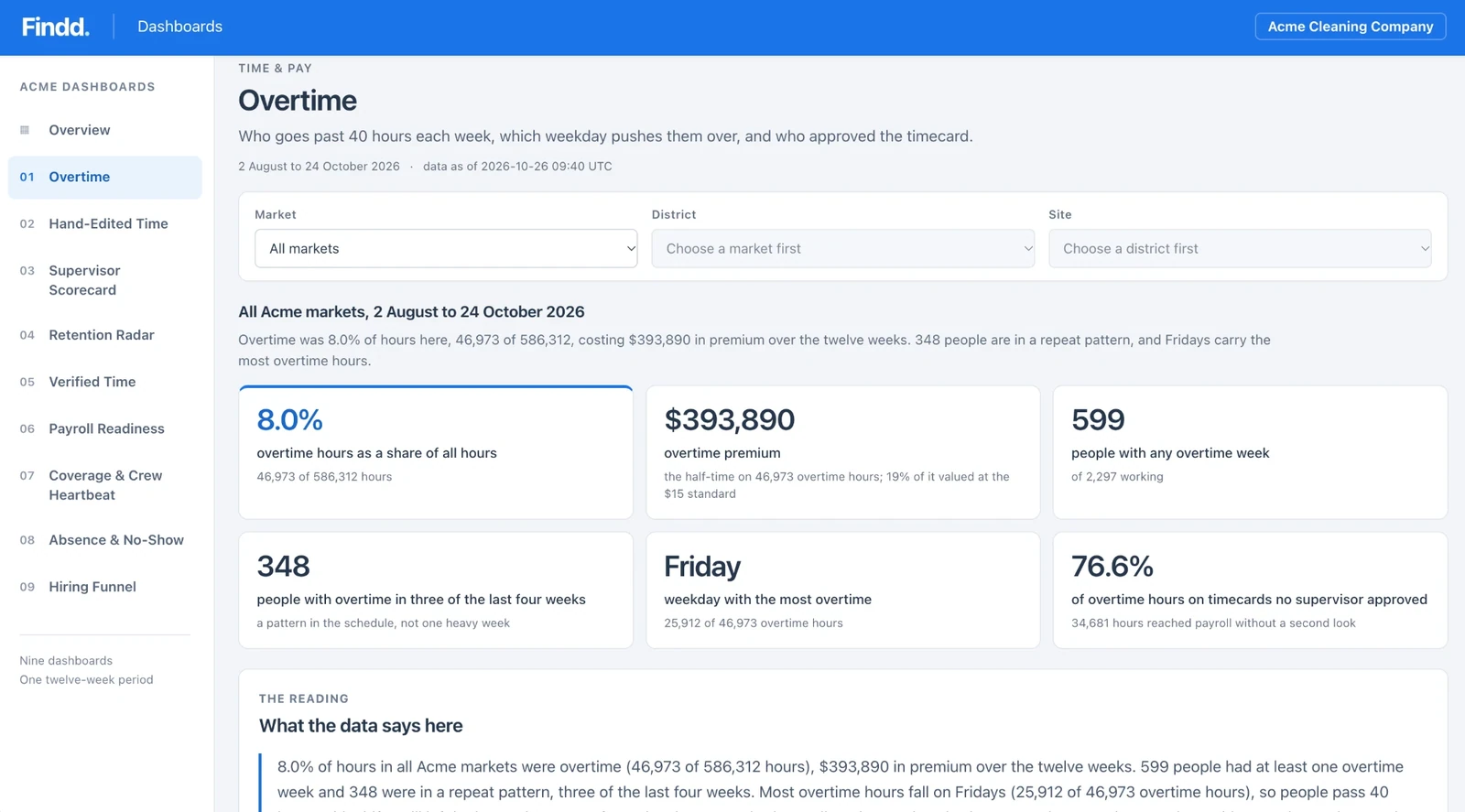
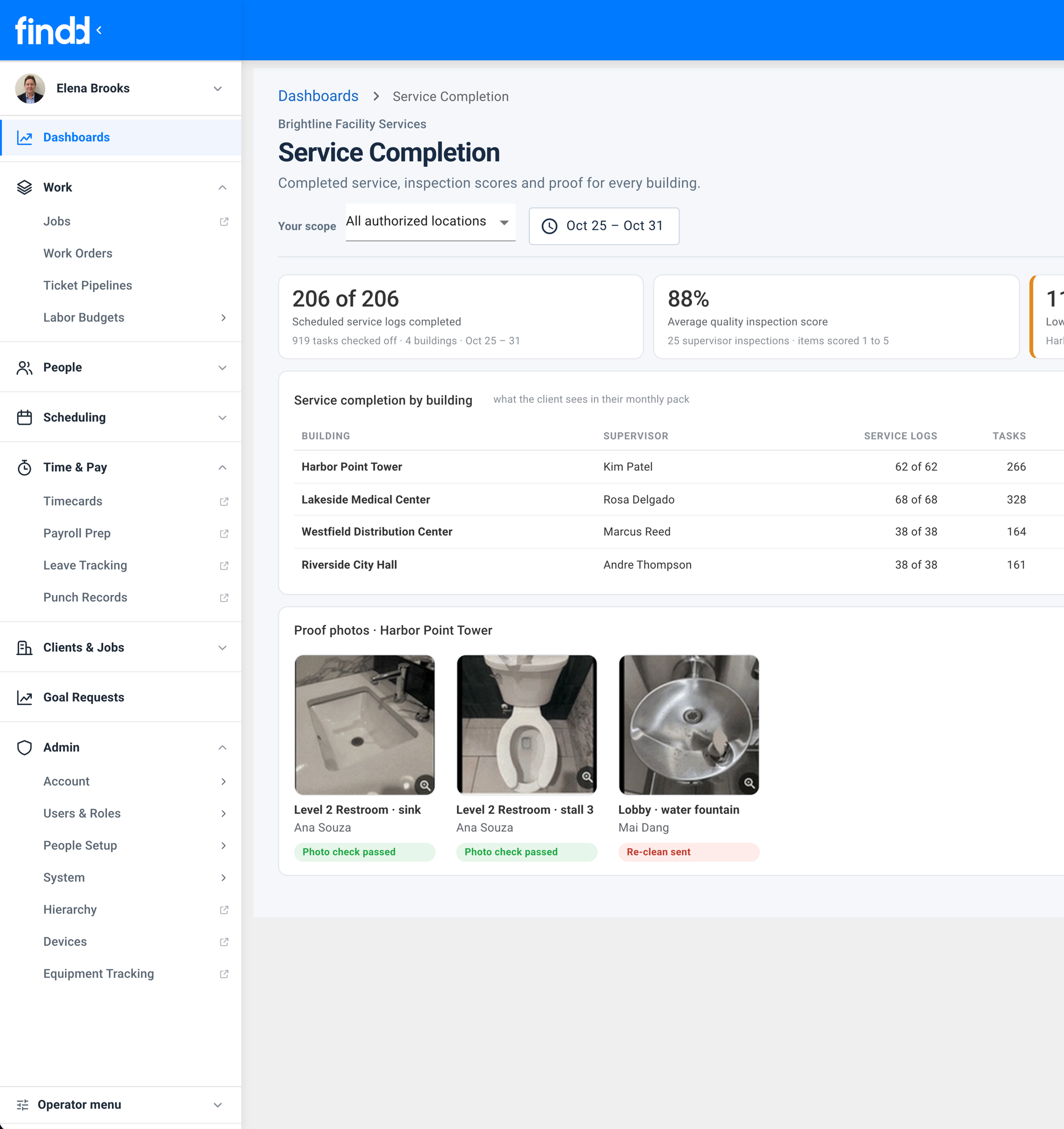
You can share proof directly with your customer, with a client portal, branded PDF reports, and email alerts. With dashboards, you can measure your completion rates, missed service scores, and schedules. View and manage your entire contract from a floorplan, with real-time proof of service photos on the map.
Easy Task Lists for Frontline Staff
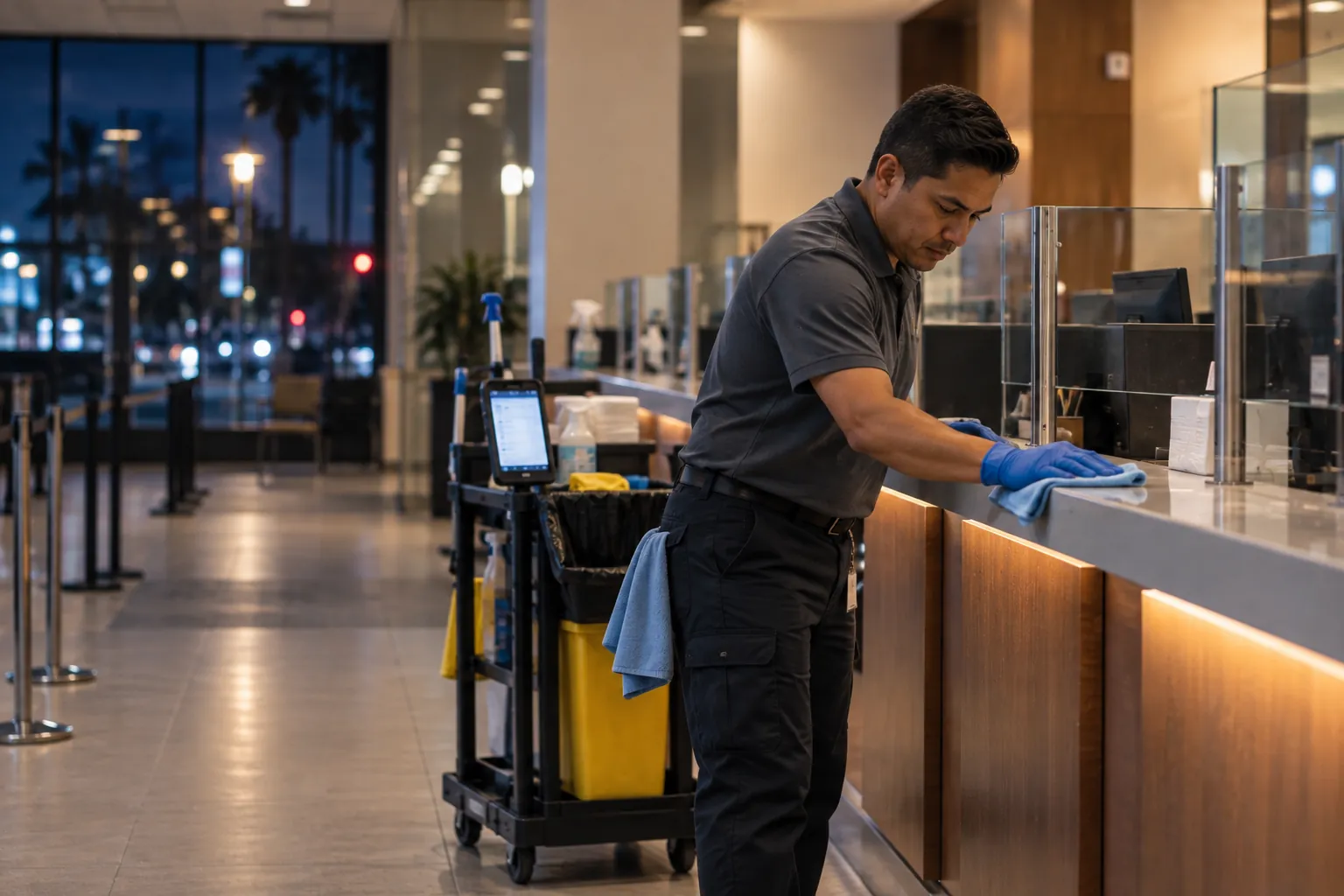
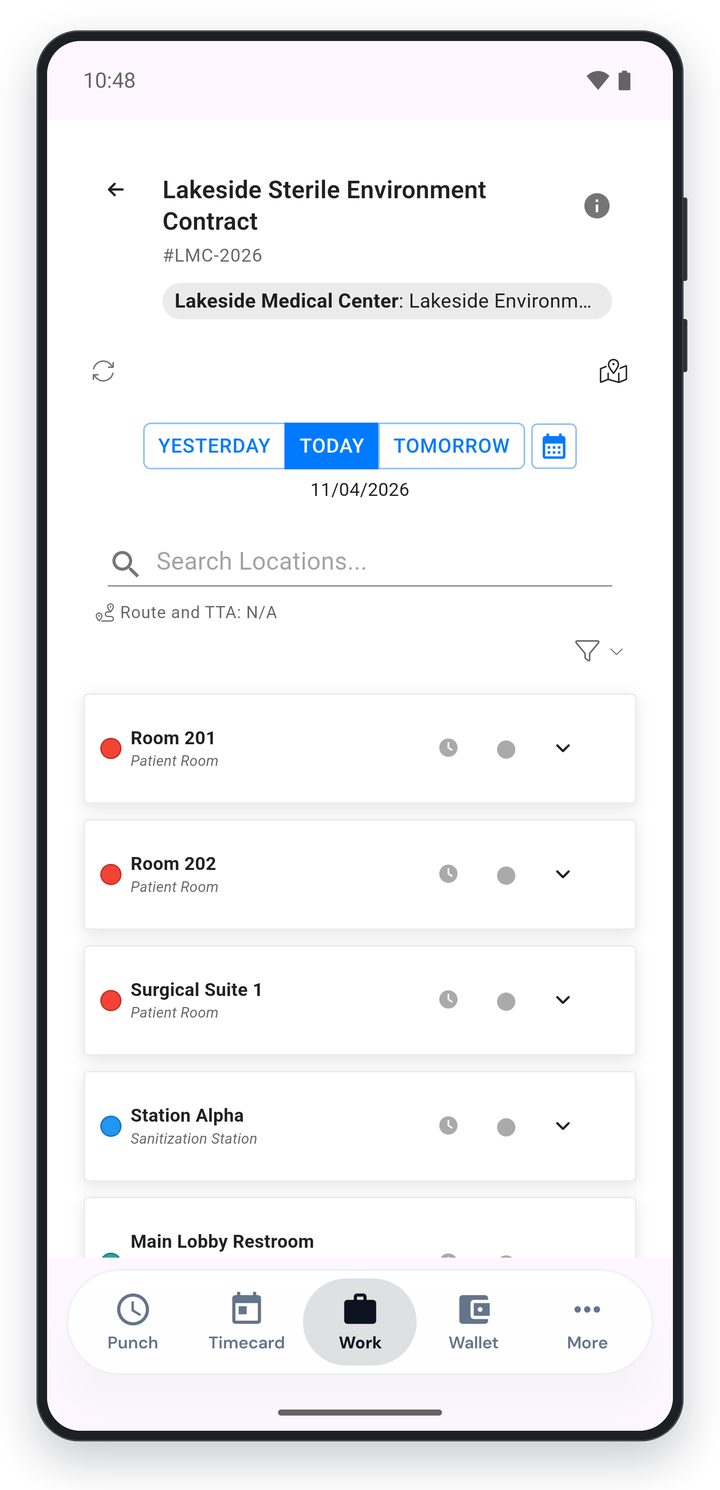
Workers use the same app for tasks as they do to clock in. Tasks are organized by priority, with dynamic routing based on real-time data needs or field routing based on what workers see on site. Each crew only sees their own work, keeping the frontline view easy-to-use.
Workers can complete forms for proof-of-work, including photo attachments; mark why a task can't be completed; and can measure time-on-task for optimizing work.
Easy Setup With DiDi
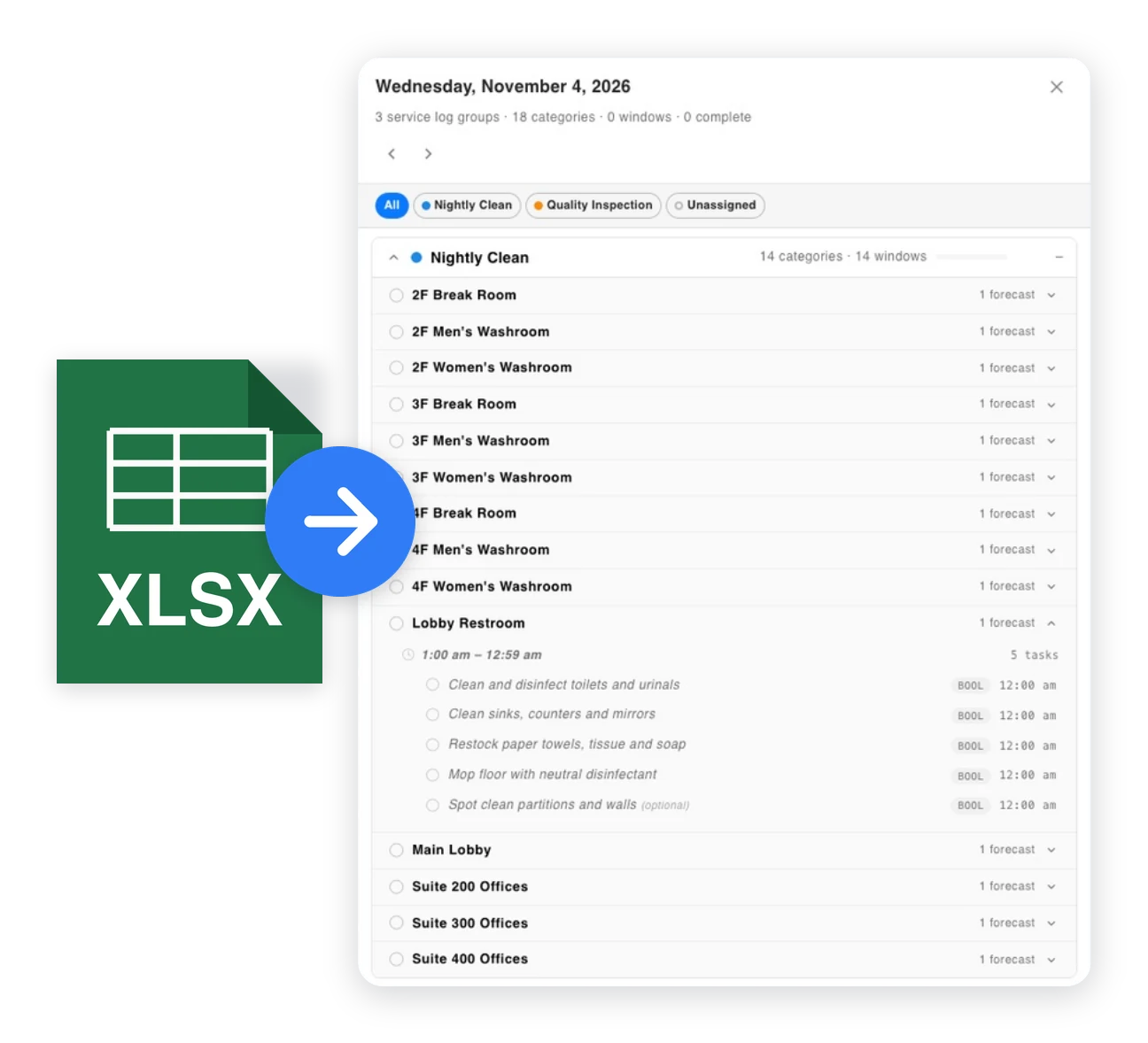
Take photos of forms. Upload CSV plans or contracts. Send a voice note. However you want to work, you can get your plans into Findd and DiDi does the rest. Once your task lists are made, simply review and send the work out to your team. DiDi can even make changes for you as your customer needs change over time.
Service on Demand
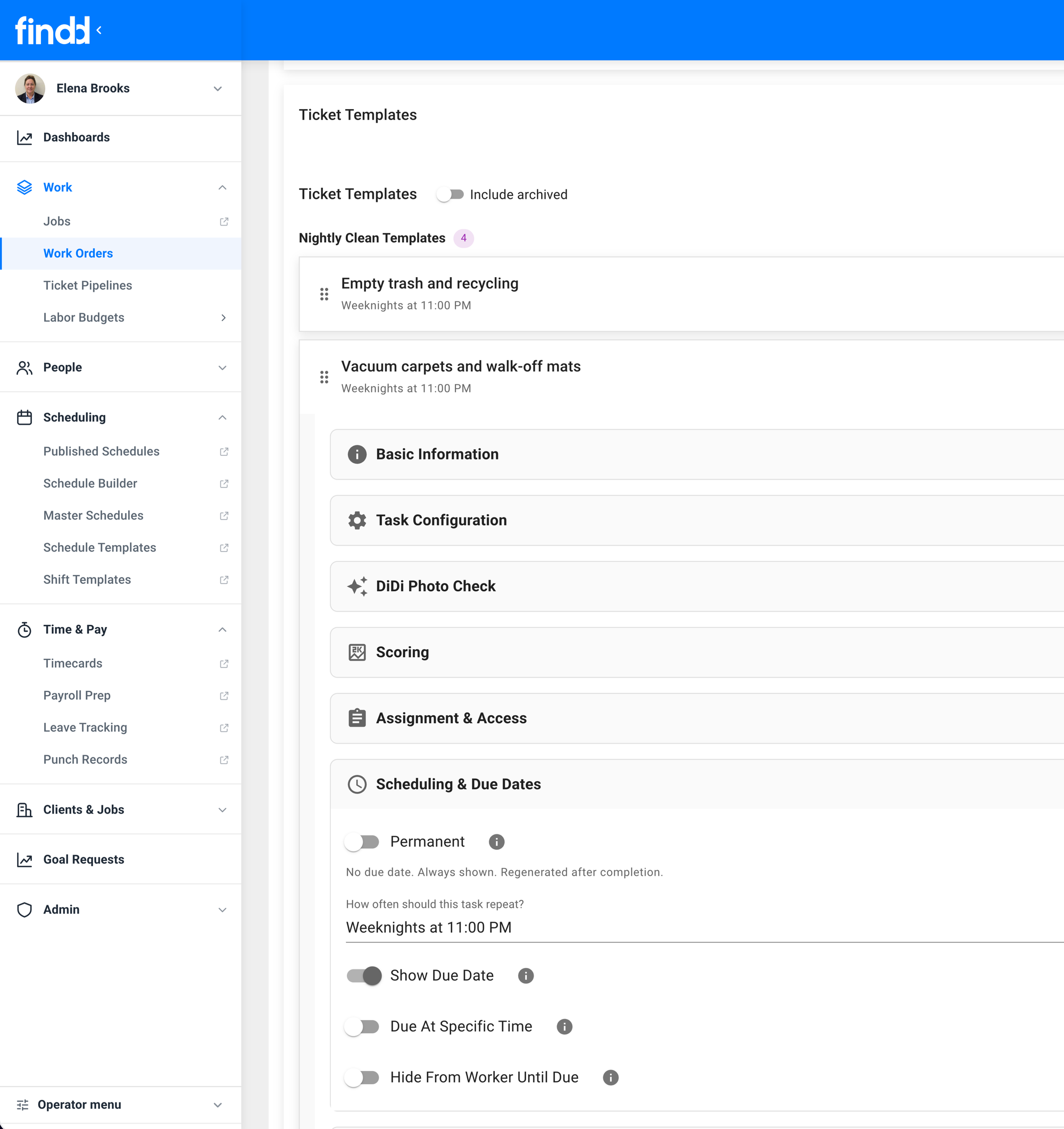
You can build recurring schedules that set how often an area needs service: for example every 2 hours in the morning and every 4 in the afternoon, on weekdays, during business hours. Schedules can be set up for different shifts, crews, types of work, holidays, and more. You can set up location or demand-driven schedules based on real-time data integrations, such as unexpected high-traffic in a specific location.
Proof of Service With Photos
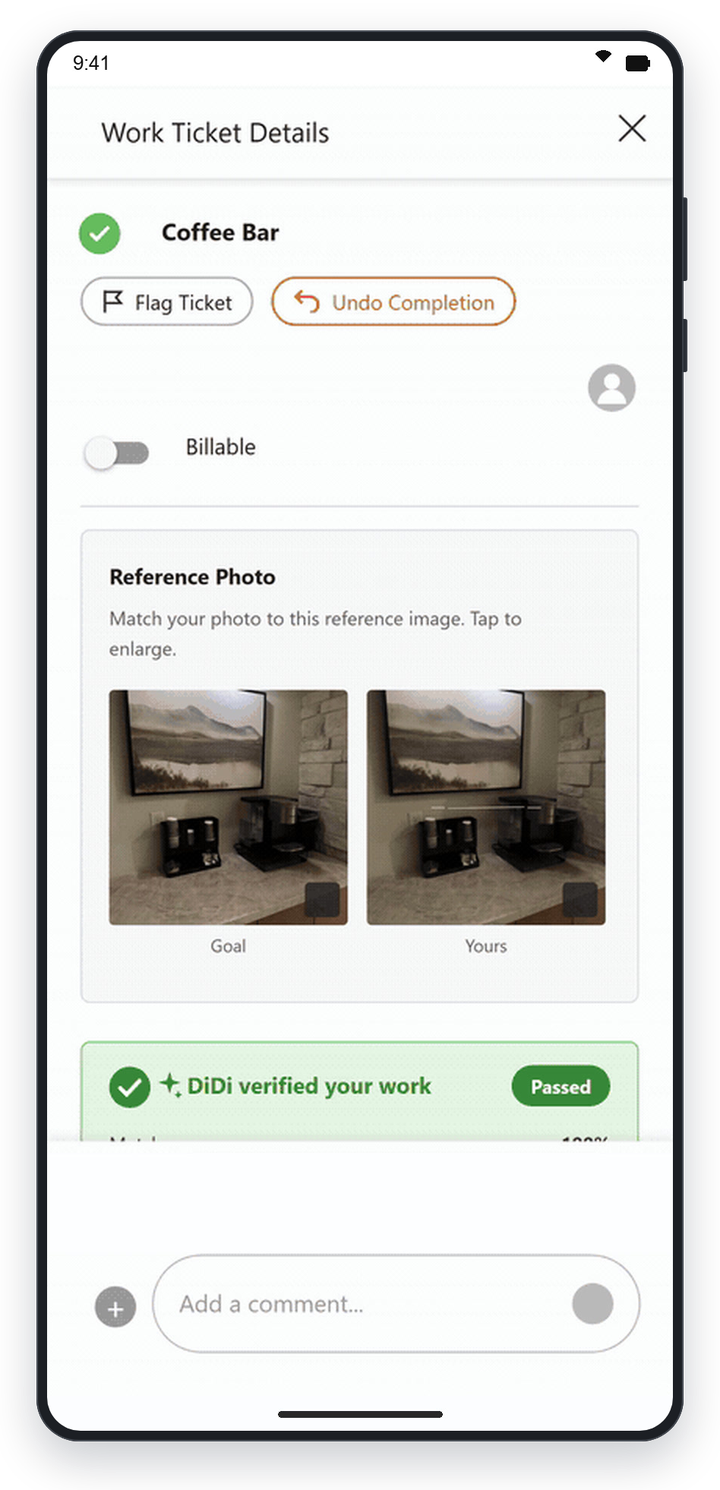
Demonstrate the work to your customers with real-time snapshots. Workers complete tasks by taking a photo with their device – and only photos taken live in the app can be saved. You can set up before/after photos that are verified. You get timestamped, photo proof of work that can be turned into client-facing dashboards.
With SpotProof, DiDi automatically checks photos for compliance and flags exceptions to supervisors for review, saving your team time from validating every task was completed perfectly.
Integrate With Your Existing Workflows
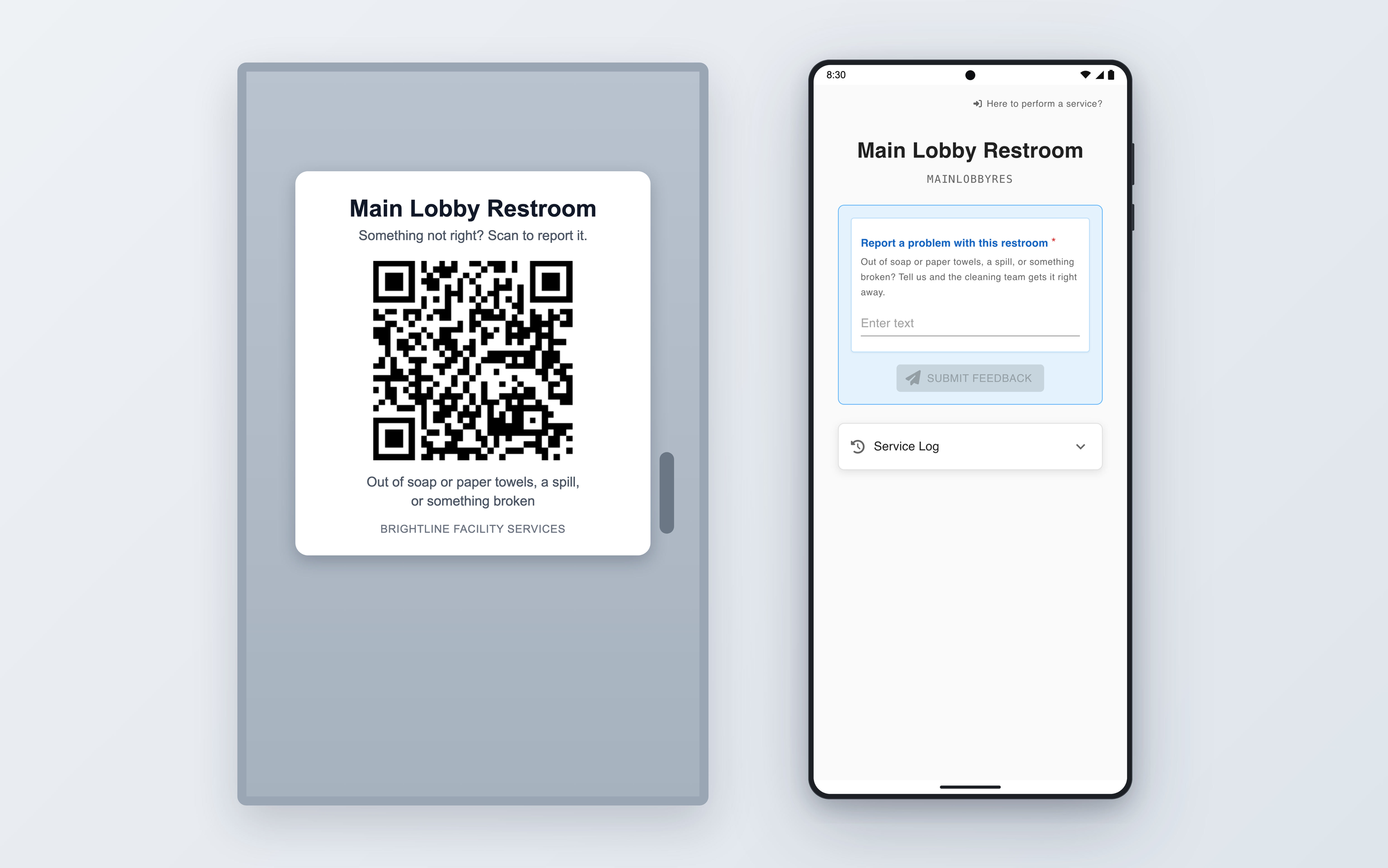
Add QR codes to replace paper-based checklists. Workers can scan the QR code to load the right task in the Findd Engage app to mark their work as complete without needing to learn an entire new routine.
QA Inspections and Audits
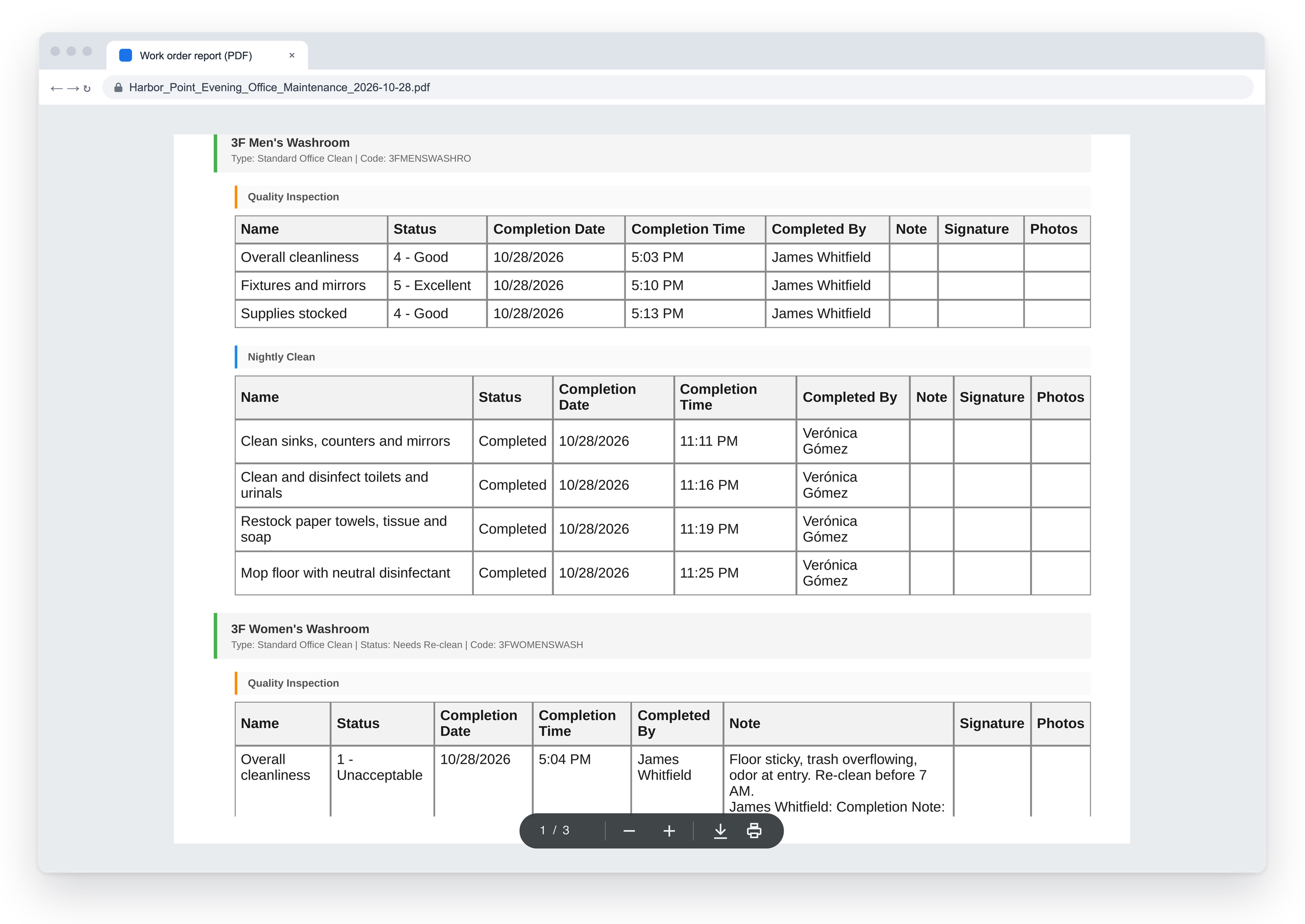
Scored inspections can trigger additional tasks and workflows, such as a bathroom scoring 1/5 stars. The low score triggers a re-clean workflow automatically, assigns it, and notifies the right worker. SLAs are tracked and reportable to your customers, and you're in control over who sees the clean scores.
"Last cleaned by" reports can be made available to building occupants with the simple scan of a QR code.
Fix Small Problems Before They Are Big Problems
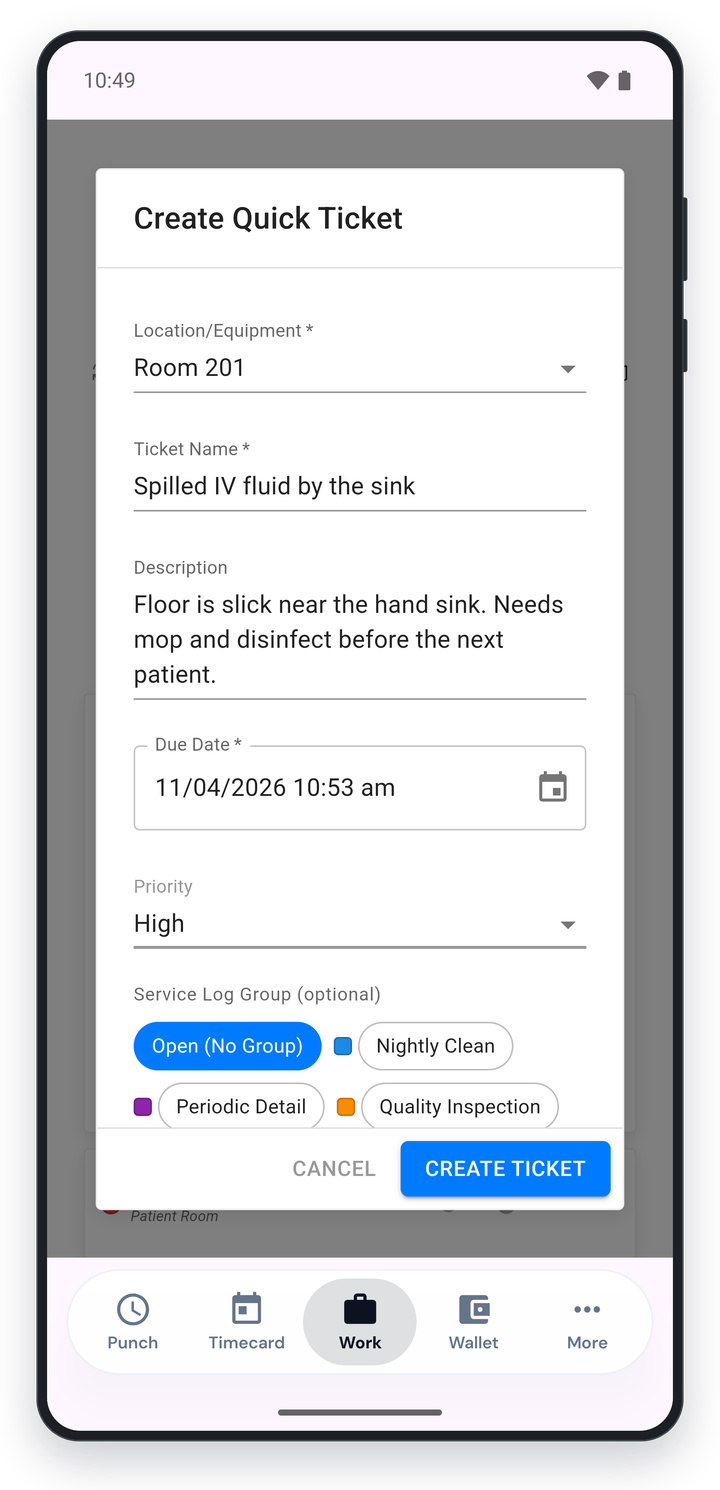
Workers can easily flag problems inside of tasks or with DiDi. If they find a leak, torn carpet or broken equipment, it can be automatically assigned with a priority, and if required, you can track this as separate billable work. Public QR codes can let any building occupant report an issue, either through text or email.
Compliance Made Easy
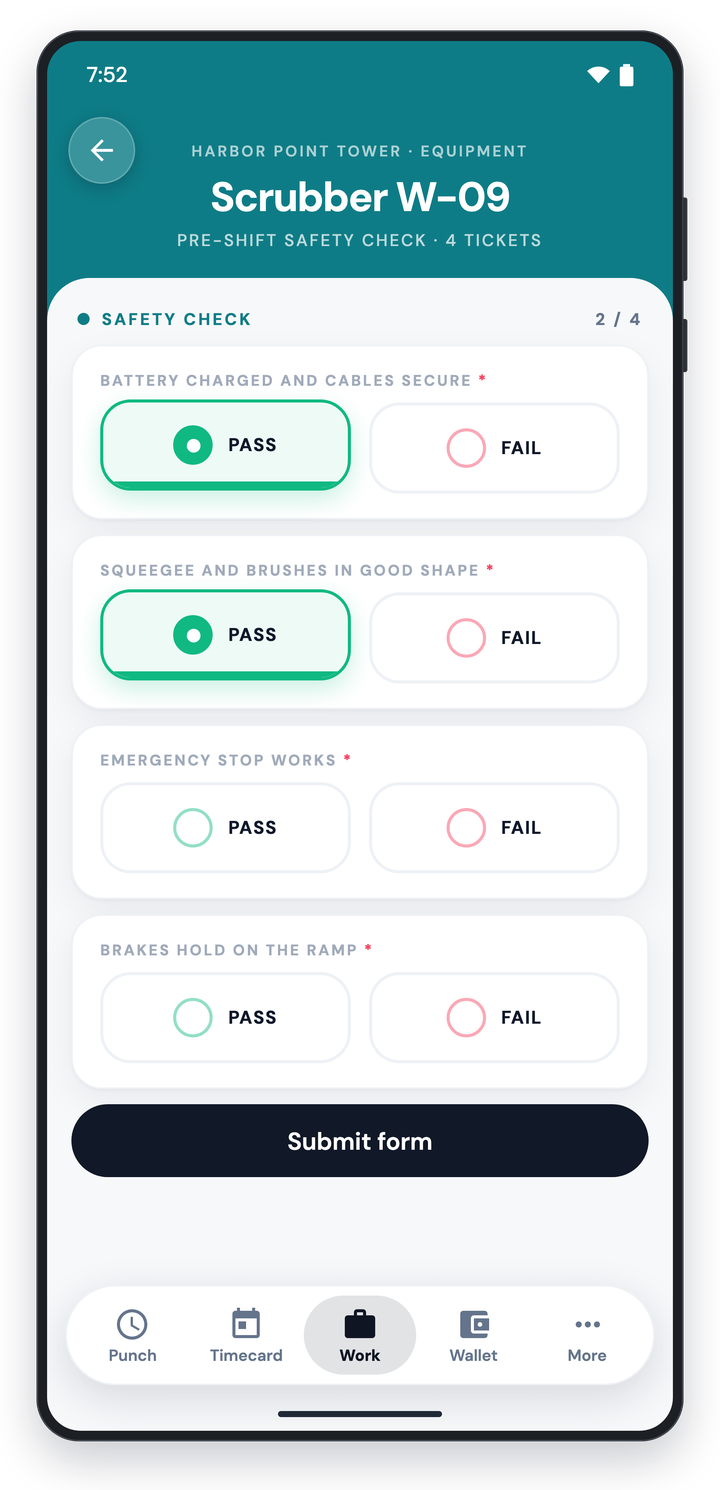
Safety forms, production logs, and compliance checklists can all easily be added into WorkOps as digital forms. Forms can be completed right inside the employee app, or by text with the help of DiDi, so you have a complete digital record that keeps you ready for any audit.
Work Offline for Remote and Secure Locations
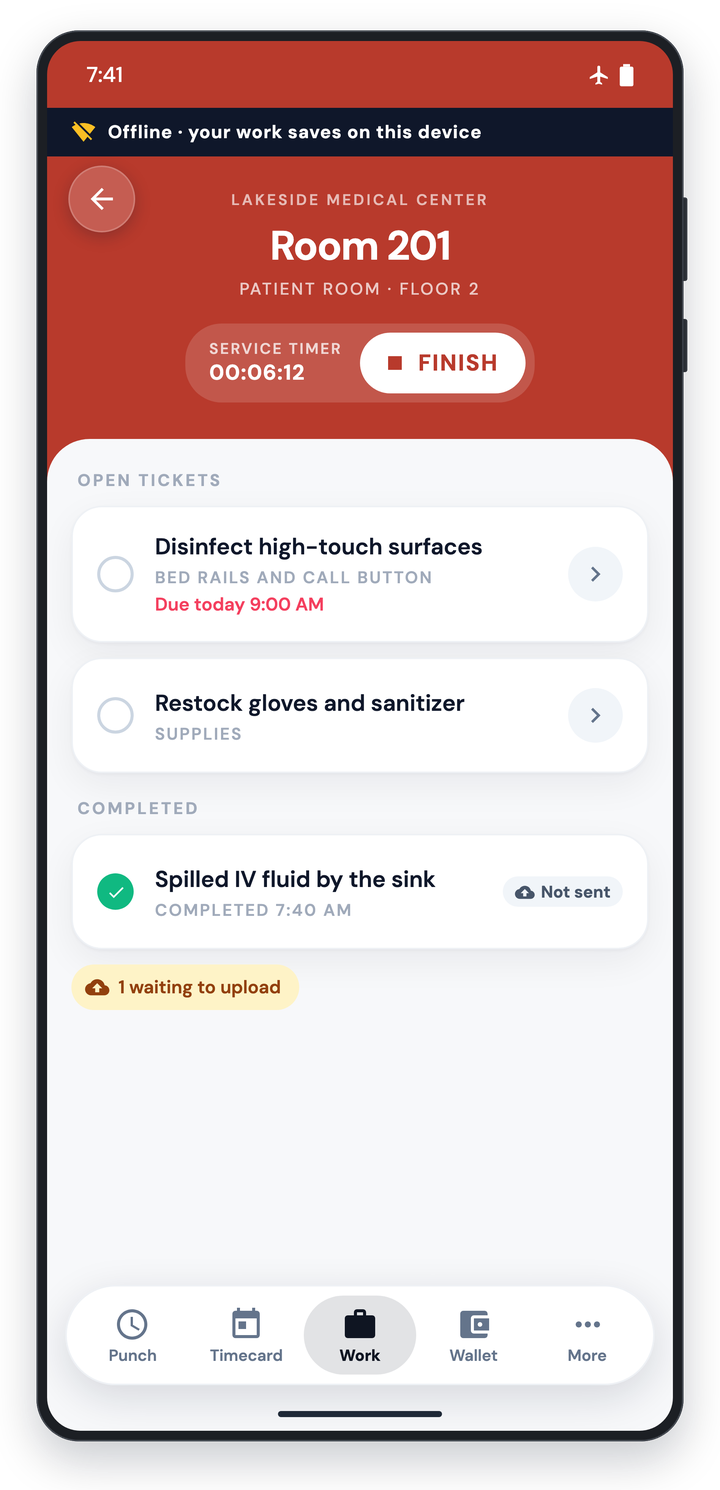
Findd's employee app can work fully offline, ensuring workers can view and complete their task list in remote and technology-secure locations where internet connected devices aren't allowed. Completed work is saved and validated on device. Once the device is brought to a location with internet access, the data is synced and verified by the system. Anything flagged is sent to supervisors for review.
The Findd Operating System
When you connect WorkOps with TLM, HR, and DiDi, you get superpowers. Frontline workers can use a single app to clock in and manage their work. You can see if you have enough workers to do the job without going into overtime, adjust your schedule, or post jobs to hire. And with data integrated across external systems, whether it's ADP or an API, you can automatically connect your full workflow from jobs to payroll ready data.
Learn more about Frontline Operating System ›