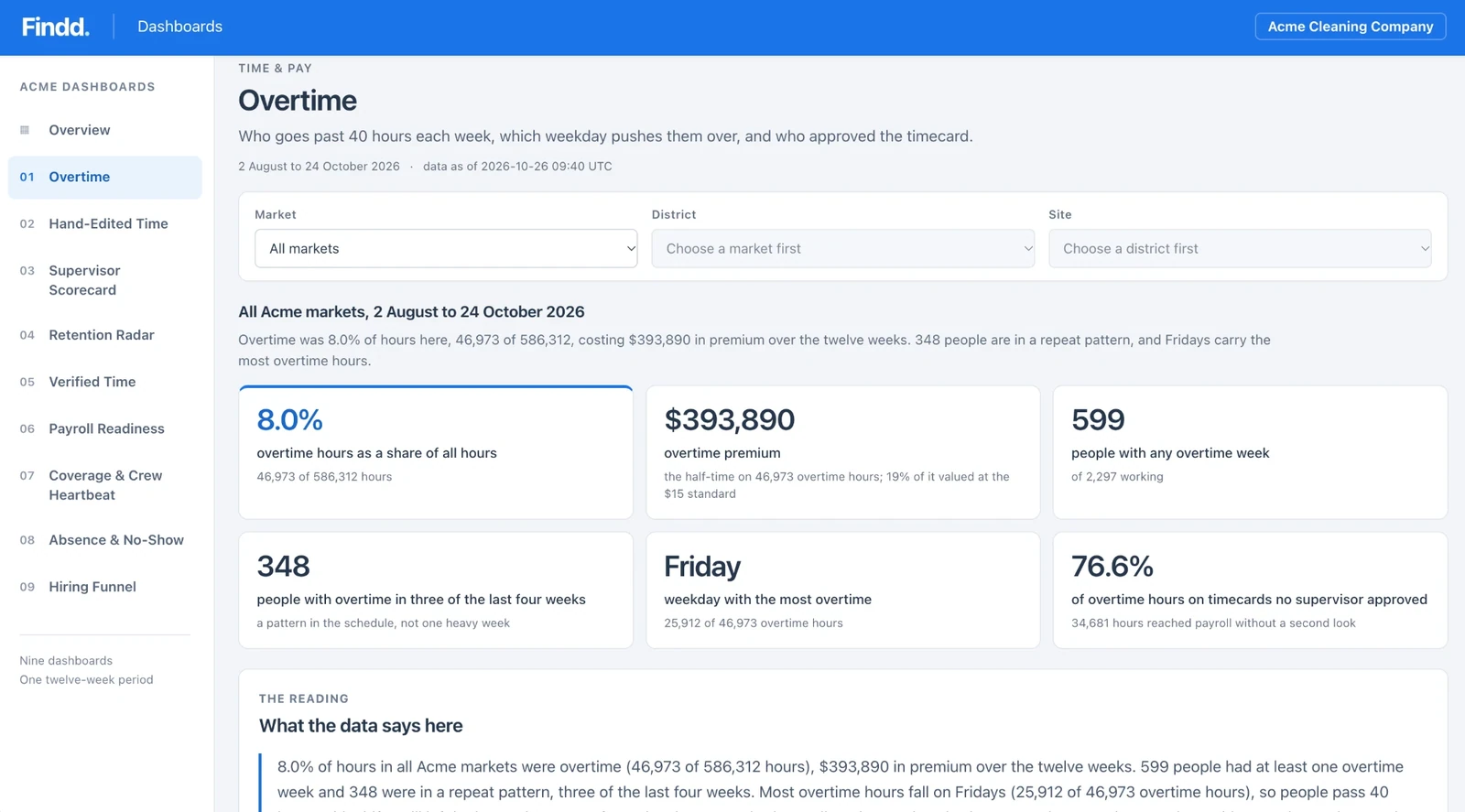
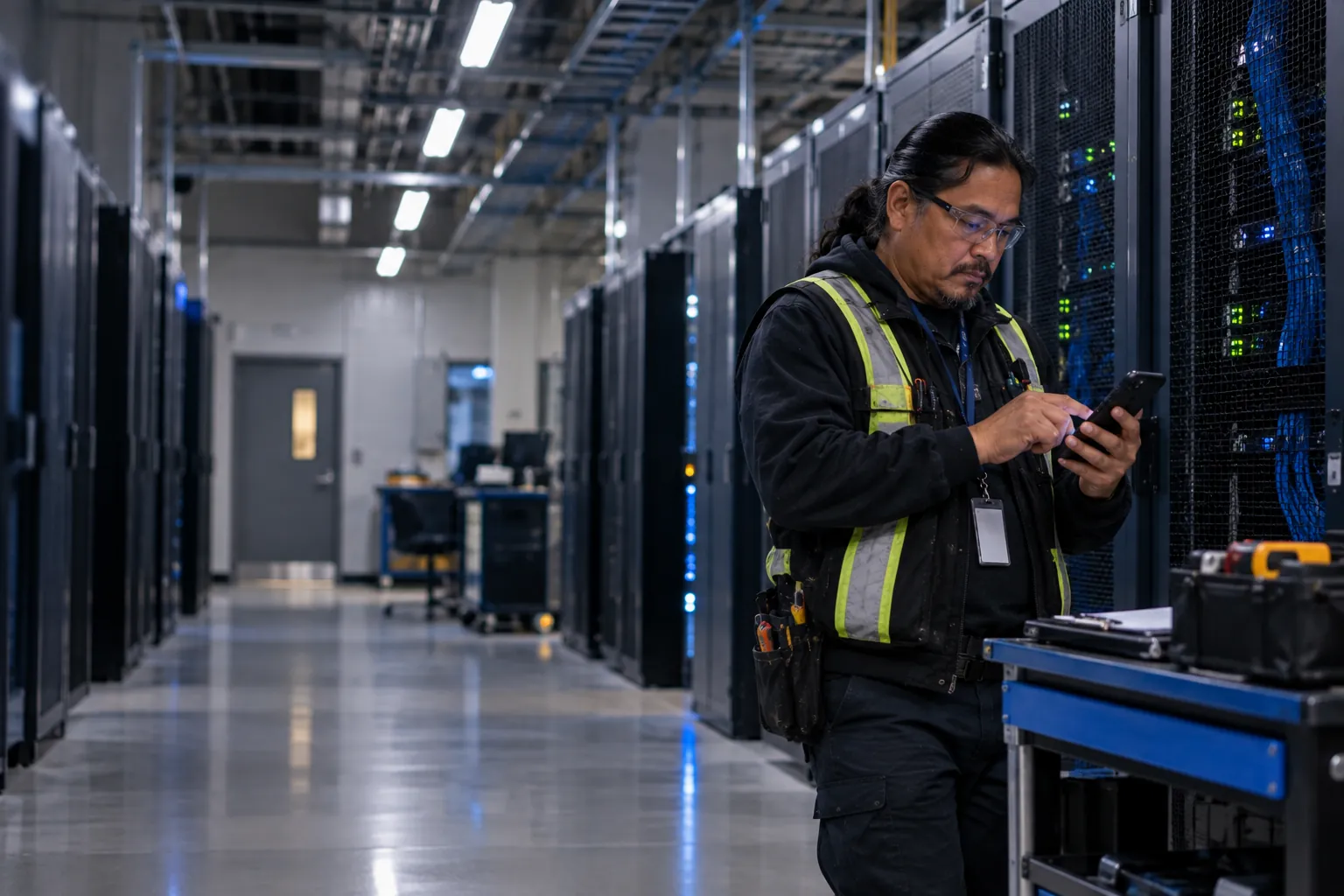
Clock in Anywhere, Even With No Signal
Basements, secure buildings, and remote sites don't always have a signal, and some clients won't let you on their Wi-Fi. Findd works fully offline, with face matching on the device, so every punch is verified and saved, then synced as soon as there's a connection.
Why Offline Breaks Most Time Clocks
Without Findd
Most time clocks need the internet to check who's clocking in. When there's no signal, workers can't punch, punches get lost, or supervisors fall back to paper and type the hours in later. Secure sites make it harder, because devices often can't connect to the client's network at all.
With Findd
With Findd, you can take on secure and remote sites without going back to paper. Every hour is verified, even with no signal, and your supervisors stop re-entering time by hand.
Everything Works Offline
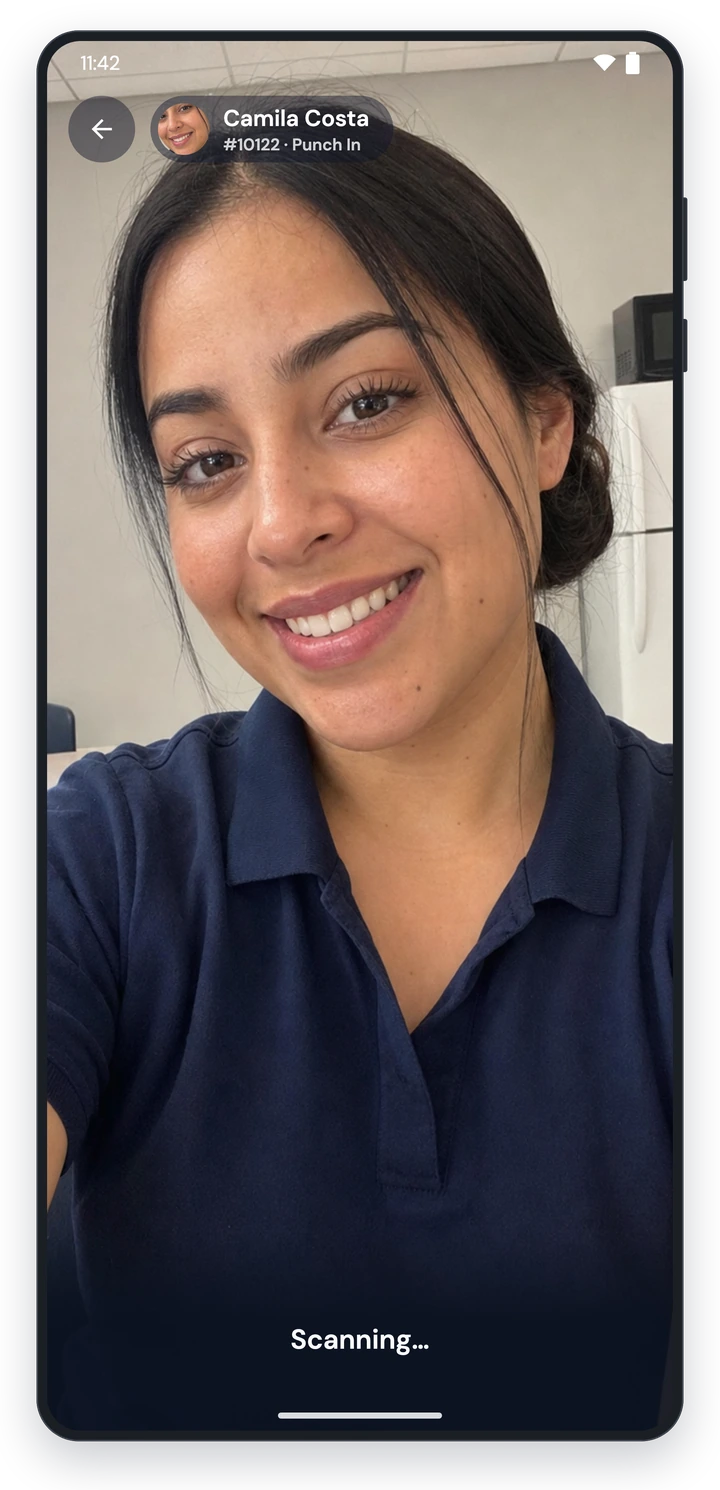
Face matching, liveness detection, and the photo all happen on the device. The worker's jobs, geofences, and punch questions are already downloaded, so clocking in offline works exactly the same as online, and it's just as secure.
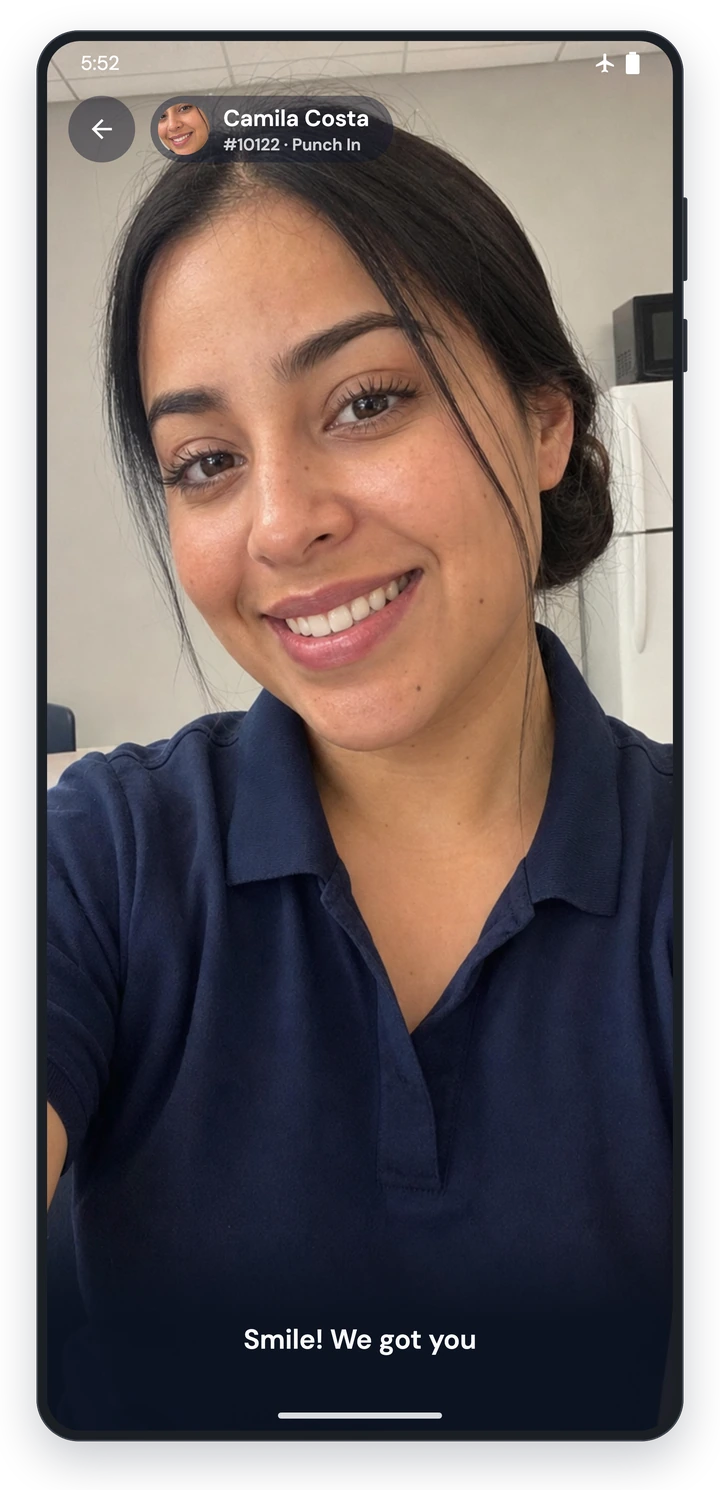
No Punch Is Ever Lost
Every punch is saved on the device first, with its photo and location, and sent as soon as there's a signal. A green check means it's recorded, and a gray cloud means it's waiting to sync, so workers always know their time is safe.
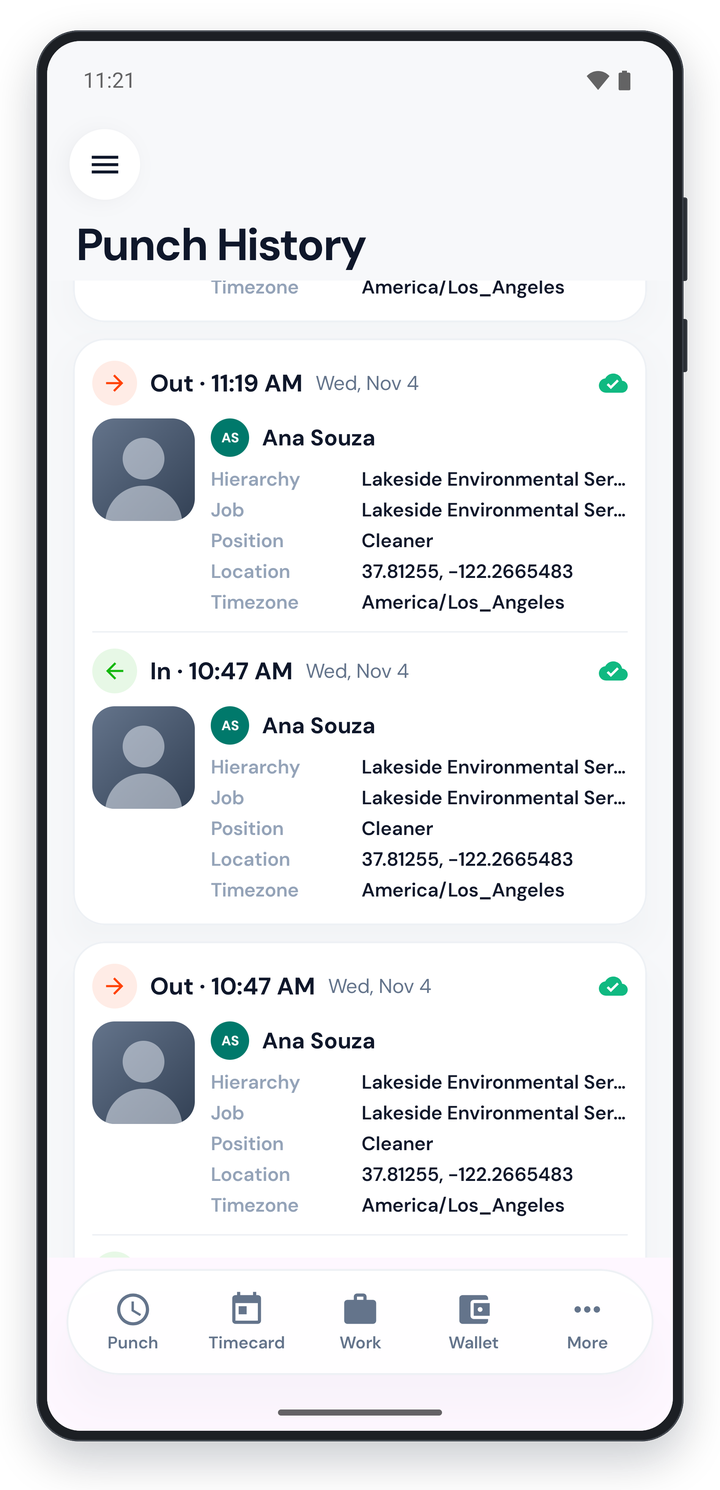
Synced and Checked When You're Back Online
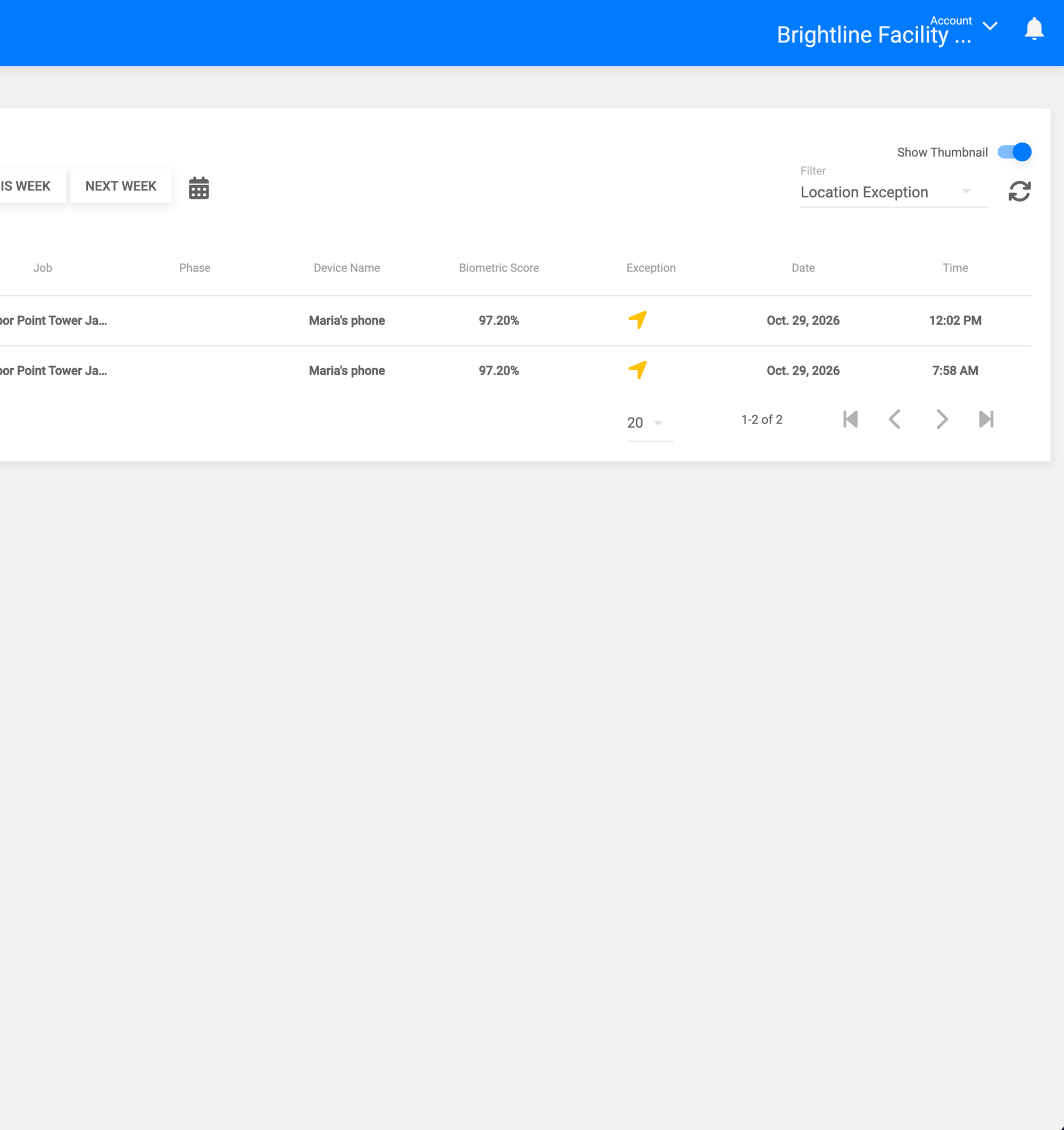
When the device reconnects, punches are synced and checked by the system. Punches that arrive out of order are sorted automatically, and anything that needs attention is flagged to supervisors for review.
Devices That Stay on Site
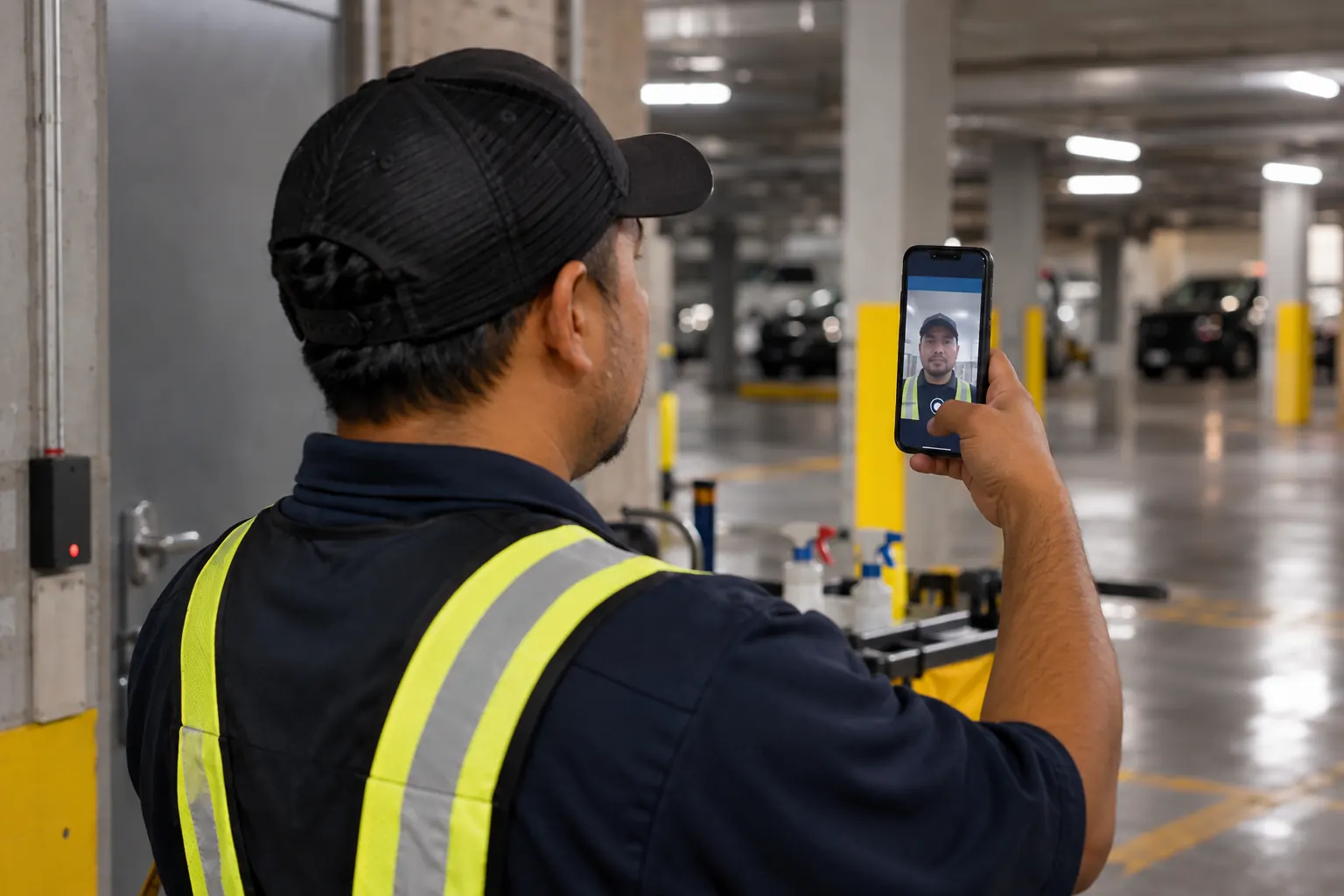
For sites where phones aren't allowed, use a shared tablet that stays at the site. Workers clock in with a PIN and a selfie, and a supervisor can take the tablet somewhere with a signal to sync it.
Location Inside Buildings
Where GPS can't reach, like basements and large buildings, Bluetooth beacons confirm that workers are where they're supposed to be.
Tasks Offline Too
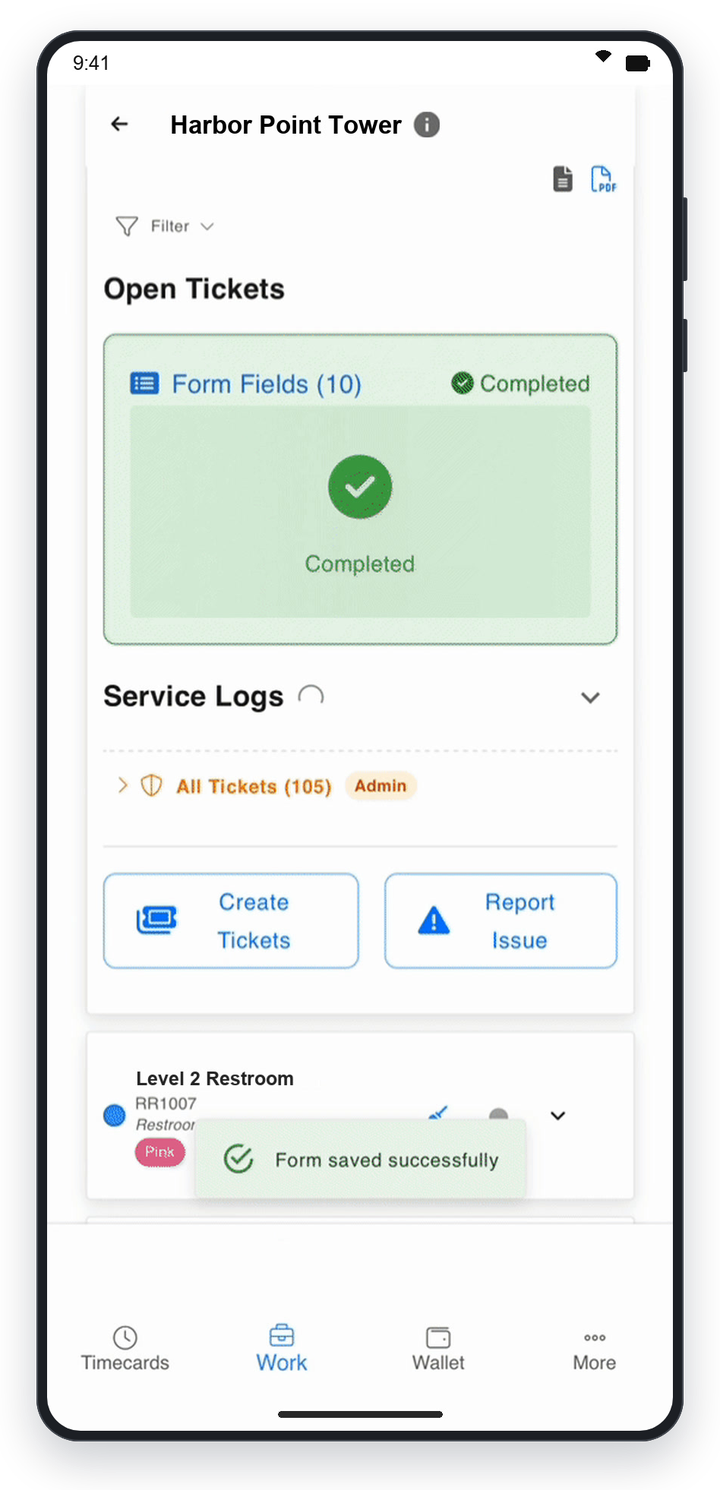
Workers can view and complete their task lists offline, with photo proof saved on the device and synced later.
The Findd Operating System
When you use TLM with WorkOps and HR, a site with no signal runs the same way as every other site: workers are onboarded in Findd, clock in with a selfie, complete their tasks, and everything syncs to the same record when they're back online.
Learn more about the Findd Operating System ›