Stay Compliant at Every Site, on Every Shift
Meal and rest breaks, overtime rules, union agreements, and biometric privacy laws change from site to site. Findd applies the rules on every punch, keeps the record, and shows you what needs attention before payroll, so you're ready when an auditor, a client, or an employee asks.
Why Compliance Is Hard on the Frontline
Without Findd
The rules are applied by hand, by supervisors who are busy running sites. A missed meal break, a holiday paid to the wrong person, or a timecard edited without a reason doesn't show up until there's a claim, an audit, or a grievance. By then, you're rebuilding the record from memory.
With Findd
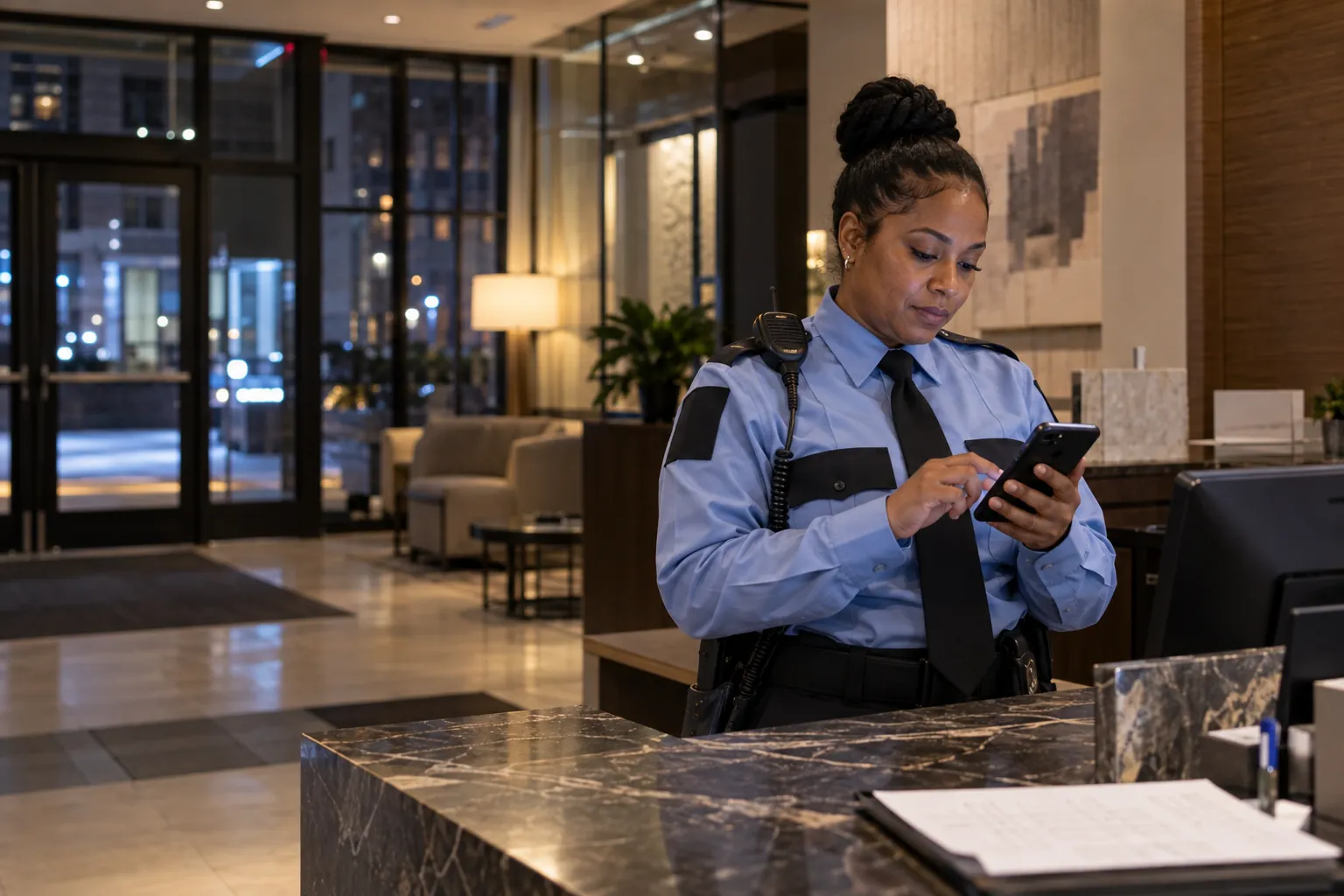
With Findd, rules are applied the same way at every site, without relying on each supervisor to remember them. Problems show up while they're still small. And when someone asks for proof, you have it.
Meal and Rest Breaks, Tracked and Paid Correctly
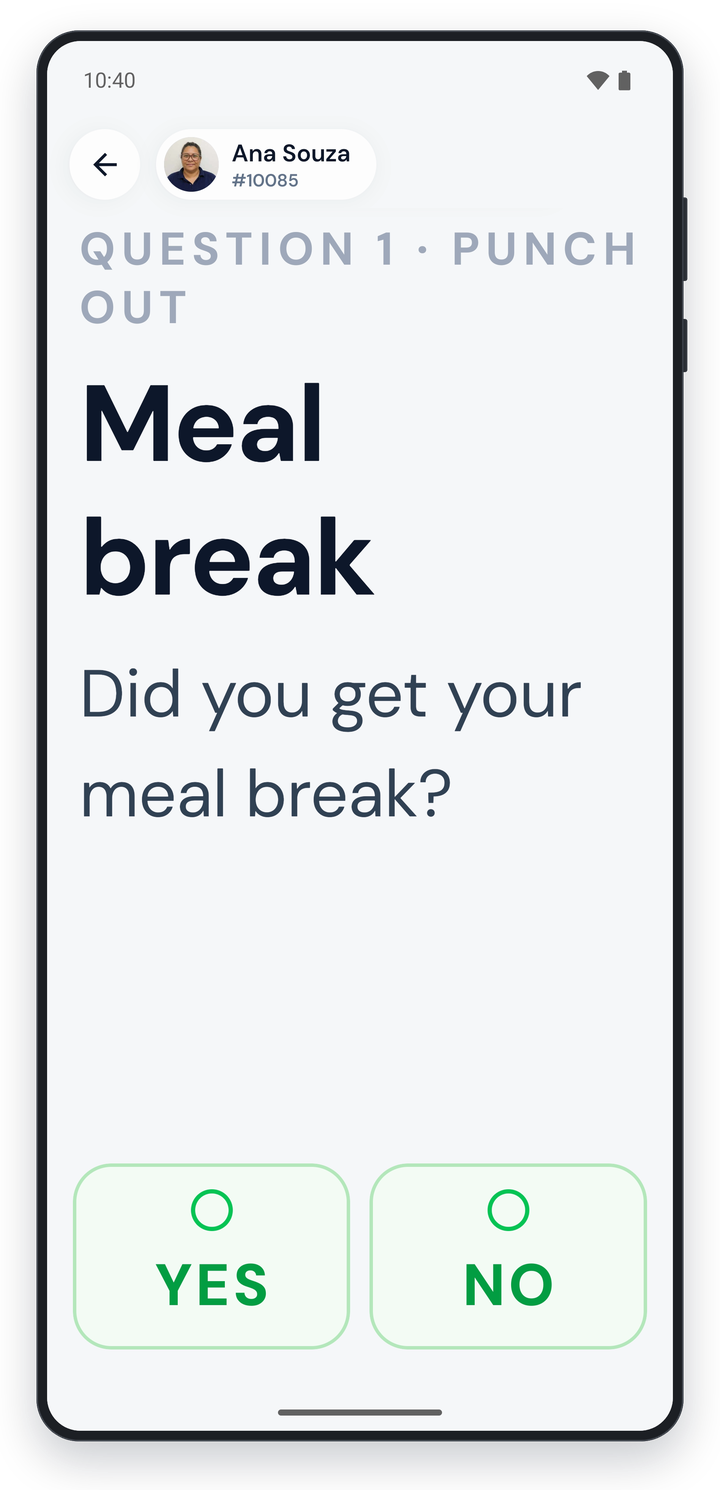
Prompt workers to take breaks at set times, optionally lock them out until their minimum break is over, and ask them to confirm their meal break at clock-out. When a break is short, late, or missed, Findd calculates the premium automatically, and meal waivers are saved on each employee's record.
Meal and rest breaks, checked on every shift
Findd checks each shift against your state's break rules and adds the premium to the timecard when a break is late, short, or missed.
Break rules
8-hour shift
Wednesday at Westfield, California
- Shift: 6:00 AM to 2:30 PM
- Meal break: 30 minutes, unpaid
- Rest breaks: 10 minutes for every 4 hours
Break rules
Set once for every site in the state
| Rule | Chinedu | Jorge |
|---|---|---|
| Meal break started before the end of the 5th hour | ✓ | ✕ |
| Meal break was at least 30 minutes | ✓ | ✓ |
| First rest break taken | ✓ | ✓ |
| Second rest break taken | ✓ | ✓ |
| Confirmed the meal break at clock-out | ✓ | ✓ |
Chinedu TesfayeBreaks on time
Every break was on time, and he confirmed his meal break at clock-out.
Jorge AguilarPremium added
Timecard, Wed 11/4, created by break rule
Meal break premium1.00 h
His meal break started at 11:20 AM, after the 5th hour, so his supervisor is told too
CAEach state's break rules are set up once, and Findd applies them to every punch at sites in that state.
The Right Rules for Every Location
Overtime, break, and sick leave rules follow the state, city, or site where the work happens. Findd uses the location of each punch to apply the right rules, including daily overtime, 7th-day rules, and local sick leave.
Biometrics With Consent
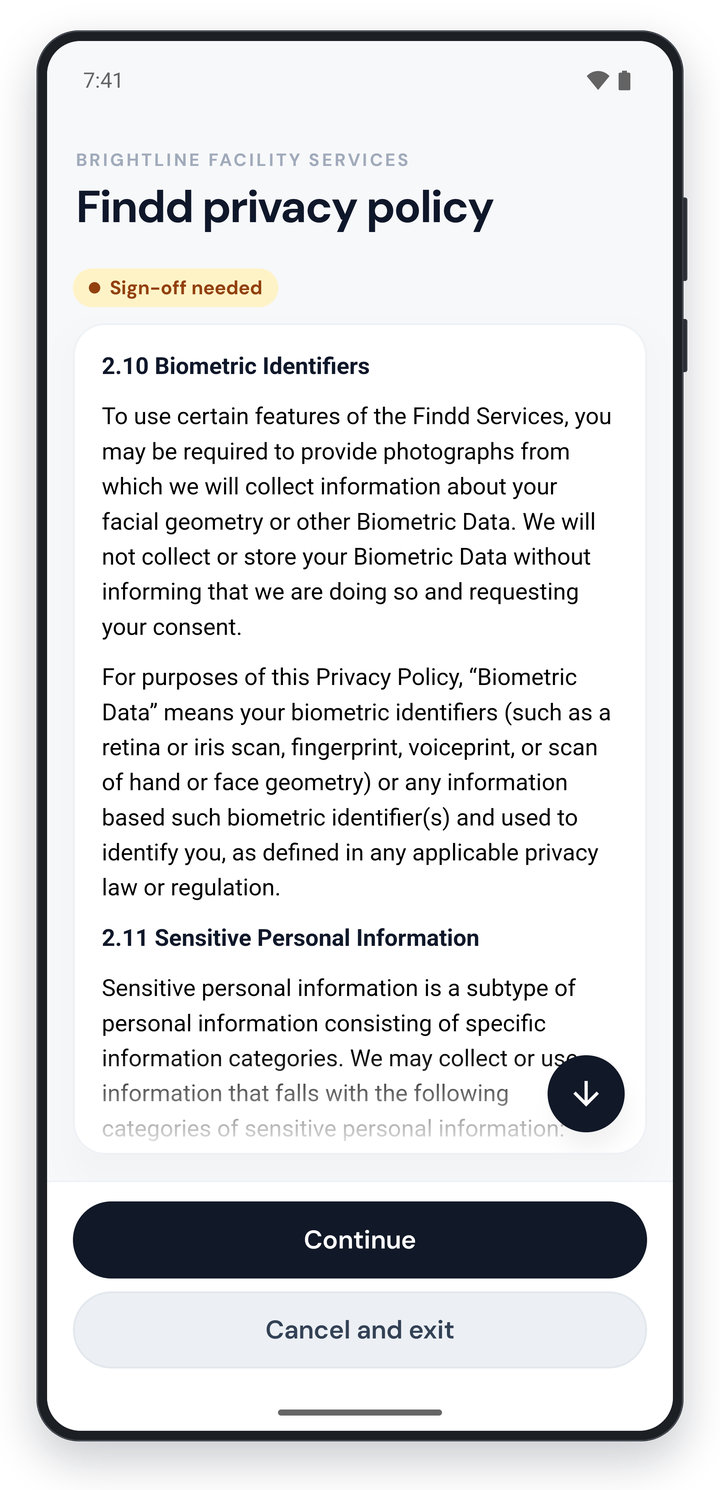
Employees agree to biometric time tracking during onboarding, and their consent is saved in their record. Face matching happens on the device, and biometric data is deleted on a fixed schedule. Where your policies restrict biometrics, you can keep the photo and turn face matching off.
Answers at Clock-In and Clock-Out
Ask custom questions at clock-in, clock-out, or a job change, like "Did you take your meal break?", "Were you injured today?", or "Are you wearing your PPE?" Answers that need attention are flagged to supervisors, and every answer is saved with the punch.
A Record You Can Stand Behind
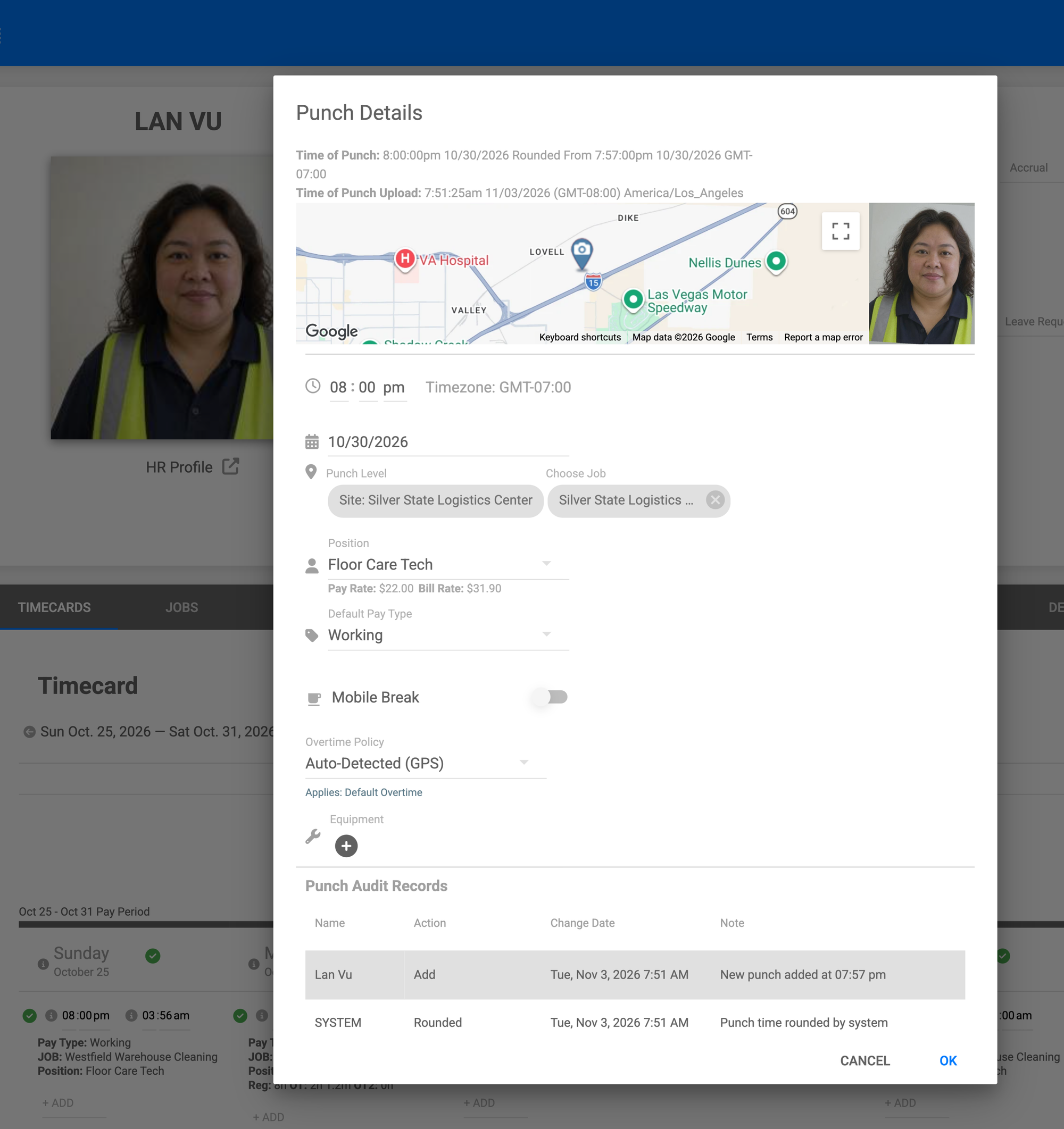
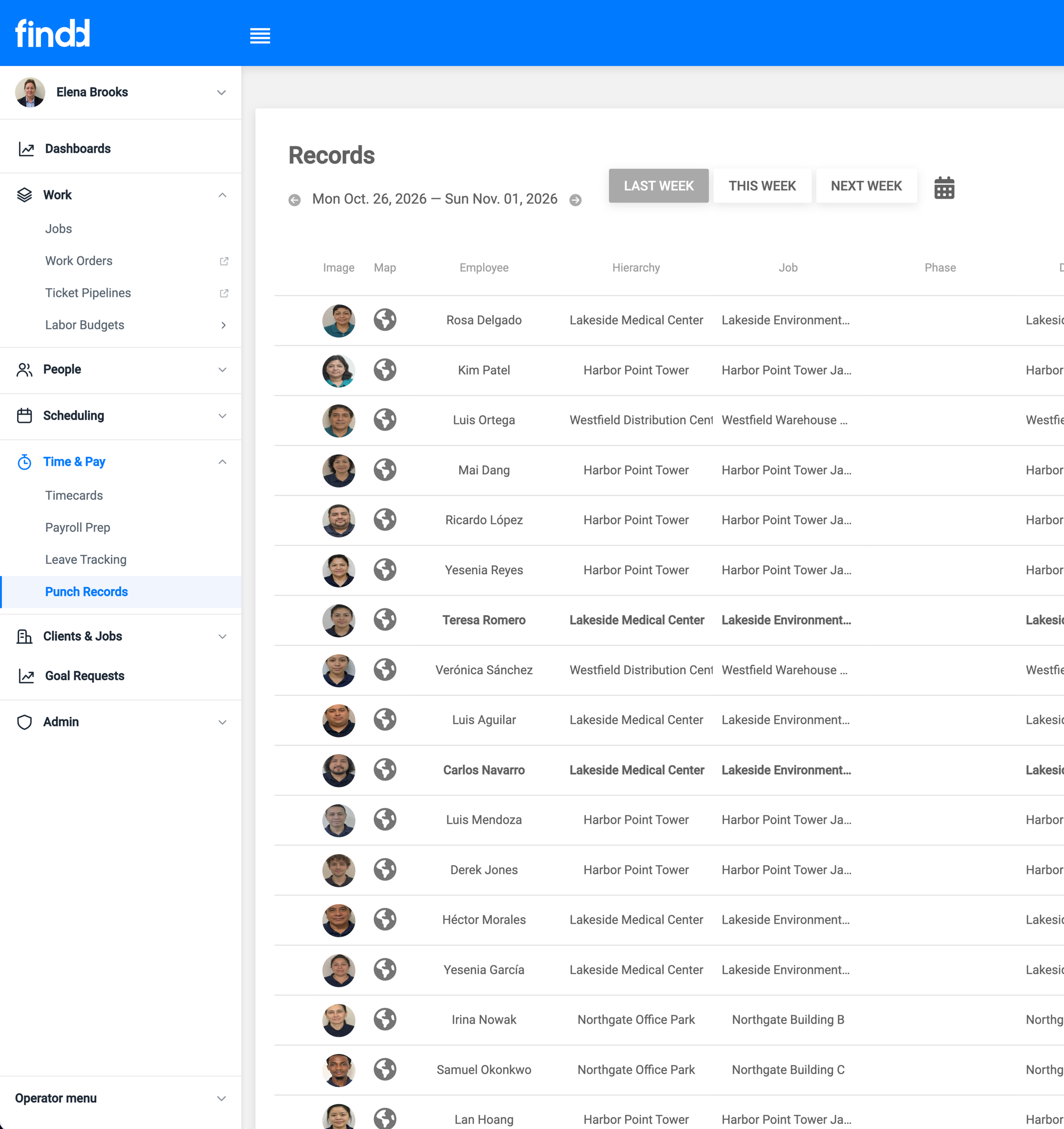
Every punch keeps its photo, location, and time. Every change to a timecard is logged with who made it, when, and why, and pay periods can be locked before export. Onboarding forms like I-9s are signed and saved as PDFs in each employee's record.
Ready When Someone Asks
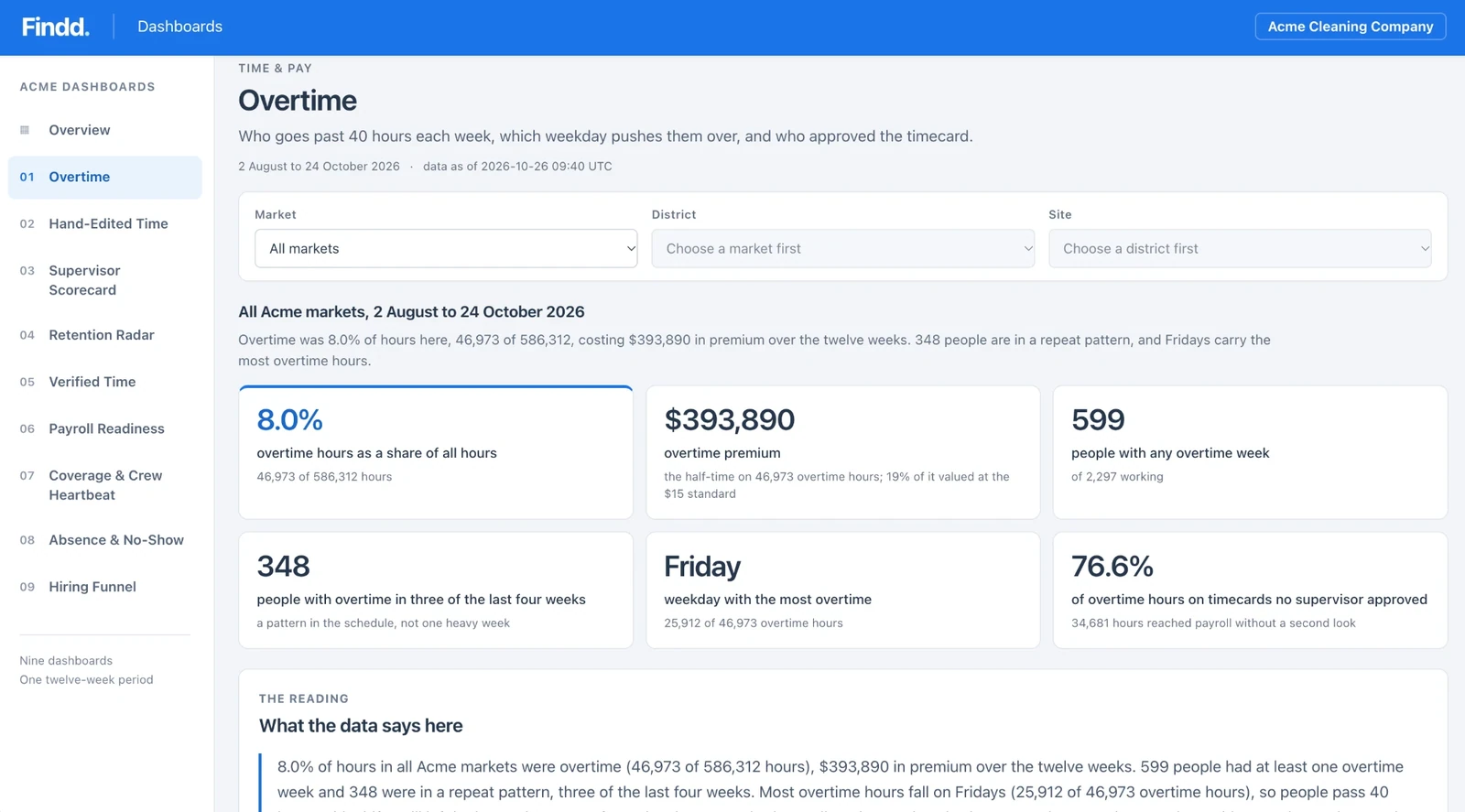
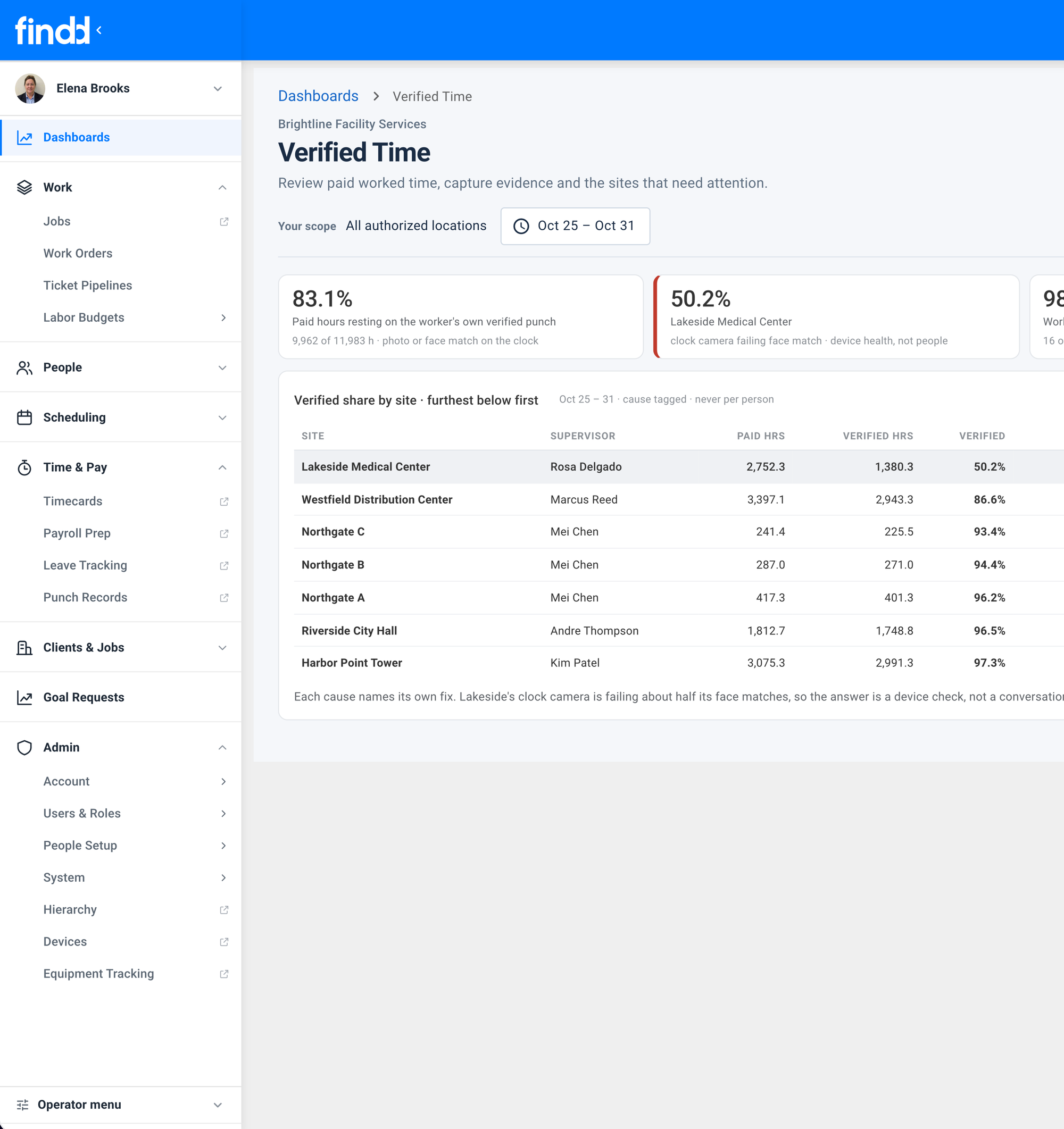
When an auditor, a client, or a union rep asks for records, you can export what they need in a few clicks. Dashboards show where breaks are being missed, where time is edited by hand, and which sites need attention, before it turns into a claim.
The Findd Operating System
When you use TLM with HR, WorkOps, and DiDi, compliance runs through the whole employee record: consent and I-9s at onboarding, breaks and premiums on every shift, safety checks on every task, and DiDi answering employees' policy questions in their own language.
Learn more about the Findd Operating System ›