
Future-Proof Your WinTeam Setup, and Prepare for After WinTeam
Keep WinTeam for payroll and accounting, or move off it completely. Findd runs hiring, time, and work for your frontline team today, and helps you move your back office when you're ready.
Why Cleaning Companies Are Rethinking Their Back Office
Without Findd
When each company runs on its own database, one employee becomes two records every time they transfer. Hiring, onboarding, and time live in separate tools, so terminations, pay changes, and leave balances get keyed in by hand. And connecting a new tool, or getting your own data out, takes longer than it should.
With Findd
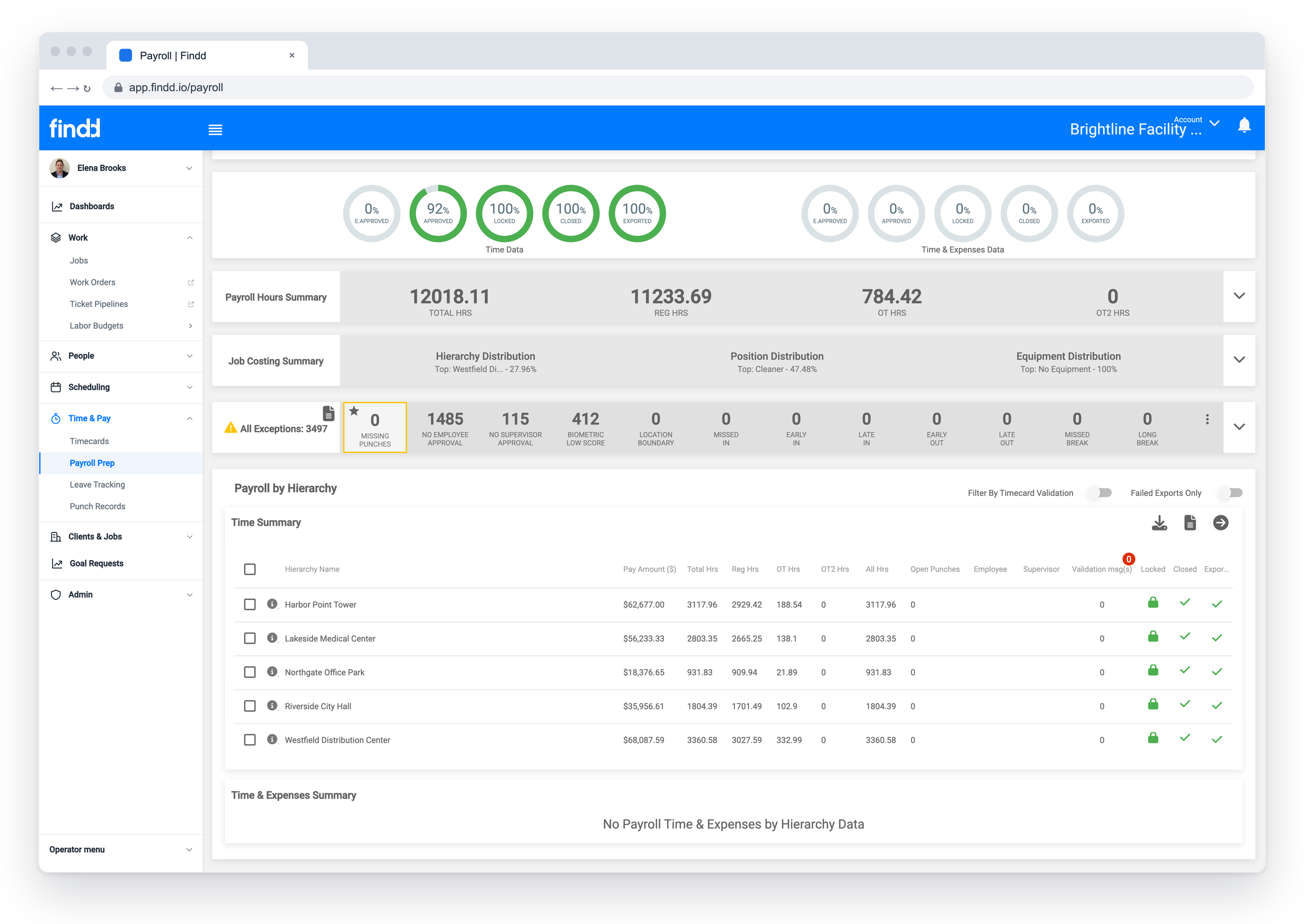
With Findd, every employee has one profile across all your companies. Hiring, onboarding, time, and work run in one system, and approved hours go to payroll automatically. You can keep WinTeam as your back office, or move to a new one on your own schedule.
Two Ways Forward
Most WinTeam customers we work with take one of two roads. Both start with Findd running your frontline.
Keep WinTeam for the Back Office
Keep WinTeam for payroll, billing, and job costing, and run hiring, onboarding, scheduling, time, and work in Findd. Findd syncs your employees, jobs, and cost codes from WinTeam, and sends approved hours back, ready for payroll. You get a modern front office now, without a big switch.
Move Off WinTeam Completely
Replace WinTeam with a modern back office, like Sage Intacct, ADP, Workday, or UKG, with Findd running the frontline. We'll help you choose the systems that fit, connect them, and plan the move for the end of a quarter.
One Employee, One Profile, Across Every Company
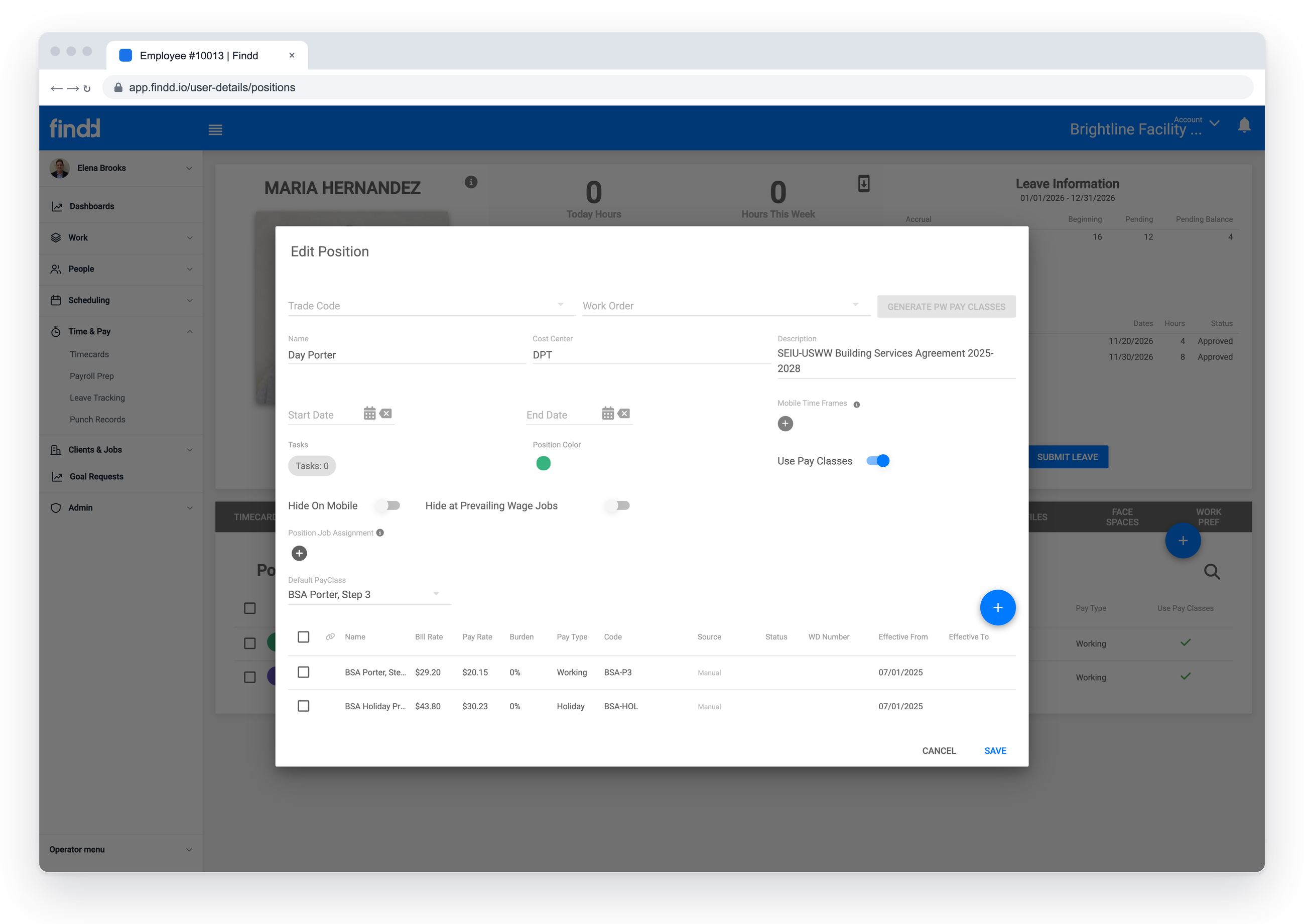
Run several companies or divisions in Findd, each with its own EIN, and every employee keeps one profile as they move between them, with their full history. If you're keeping WinTeam, Findd connects to each of your WinTeam databases and sends each company's data to the right one. Permissions control who can see which company.
Replace the Tools Bolted on Top
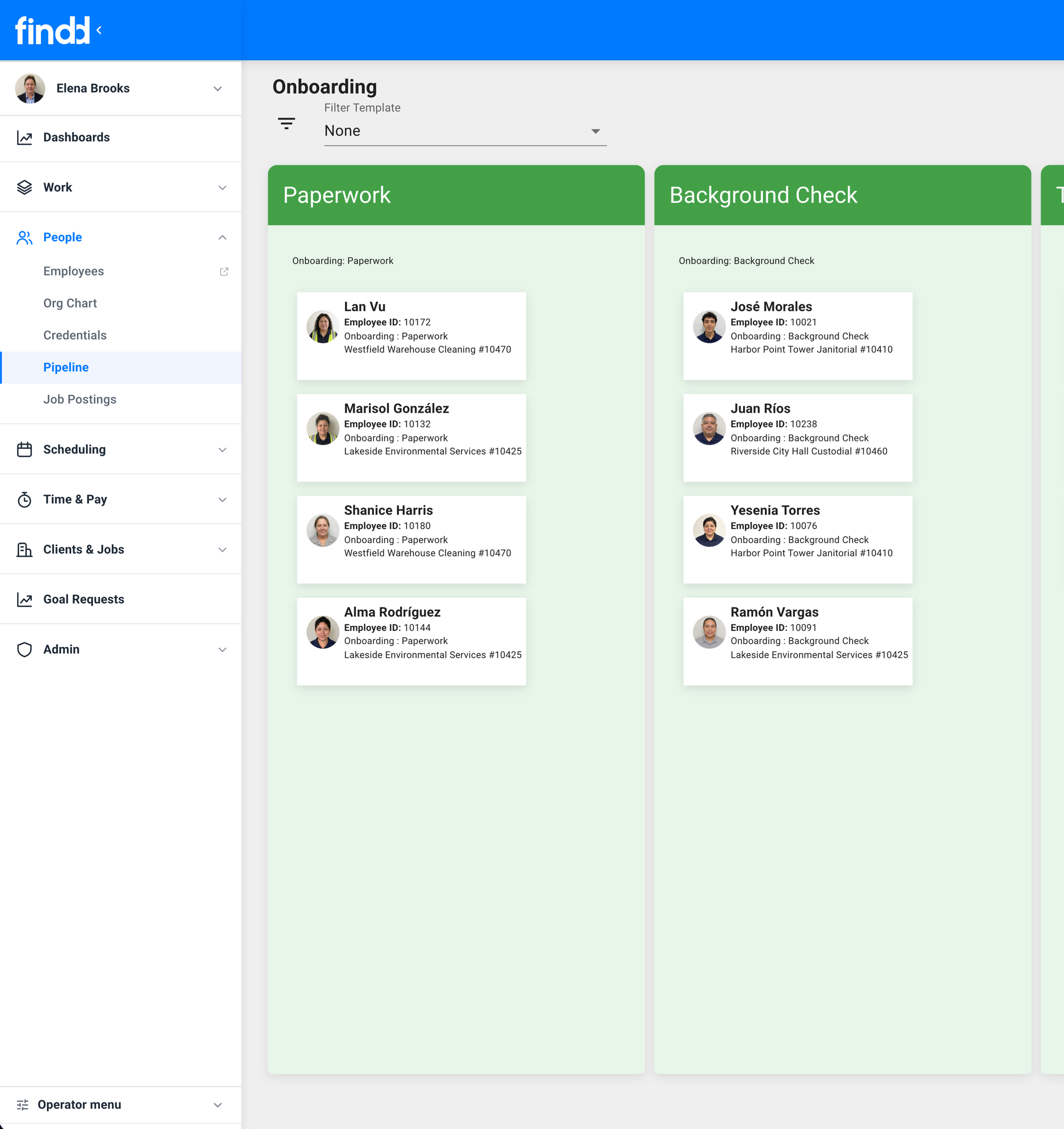
Findd replaces separate hiring, onboarding, and employee self-service tools with one system your workers use from their phone. Applicants apply by text, new hires sign their forms on their phone, tablet, or computer, and employees see their schedules, hours, and pay in one app, in their own language.
Connected by API or by File
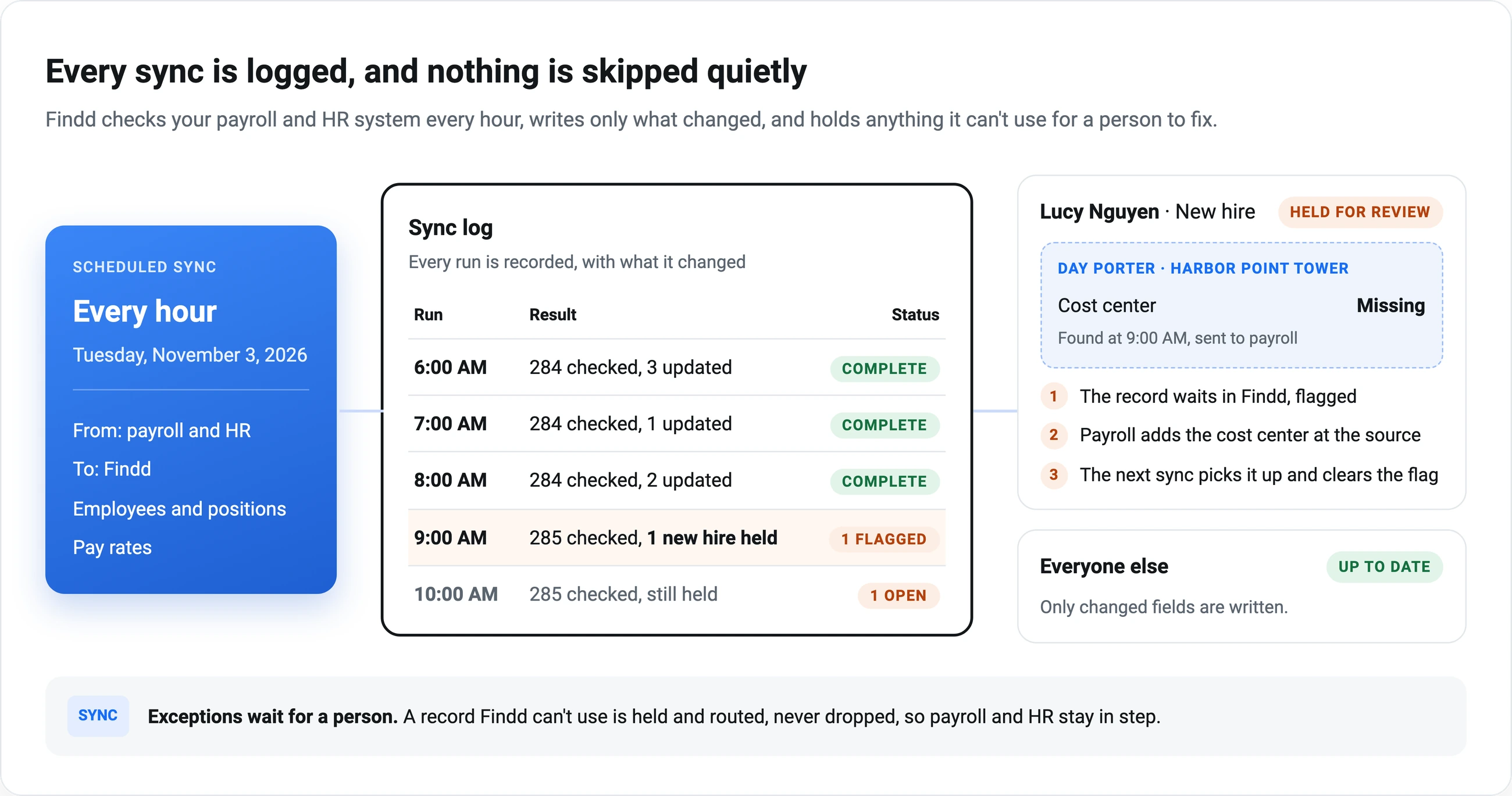
If your WinTeam account has API access, Findd syncs your employees, jobs, and sites on a schedule. If it doesn't, Findd works from scheduled employee and job files, and sends payroll as a timekeeping import file your payroll team loads into WinTeam. Your implementation team checks what access you have during kick-off and sets up the connection that works best.
Hours That Bill Correctly
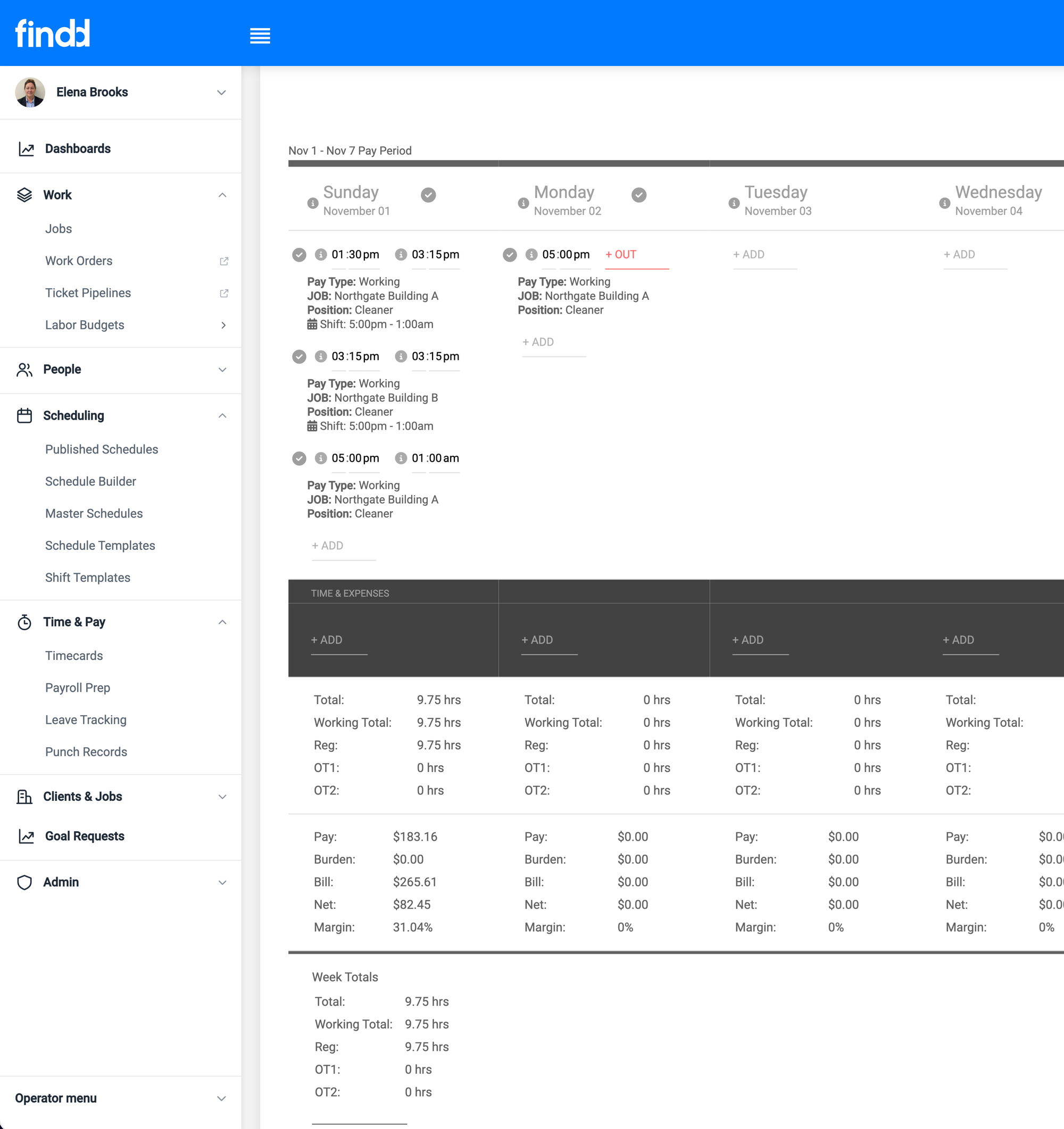
Approved hours go back to WinTeam by job, pay code, and hours type, so billing matches the work. When a worker is borrowed by another site, or works hours your client shouldn't be billed for, the hours are still captured and paid, and marked so they're billed the right way.
Your Data Comes With You
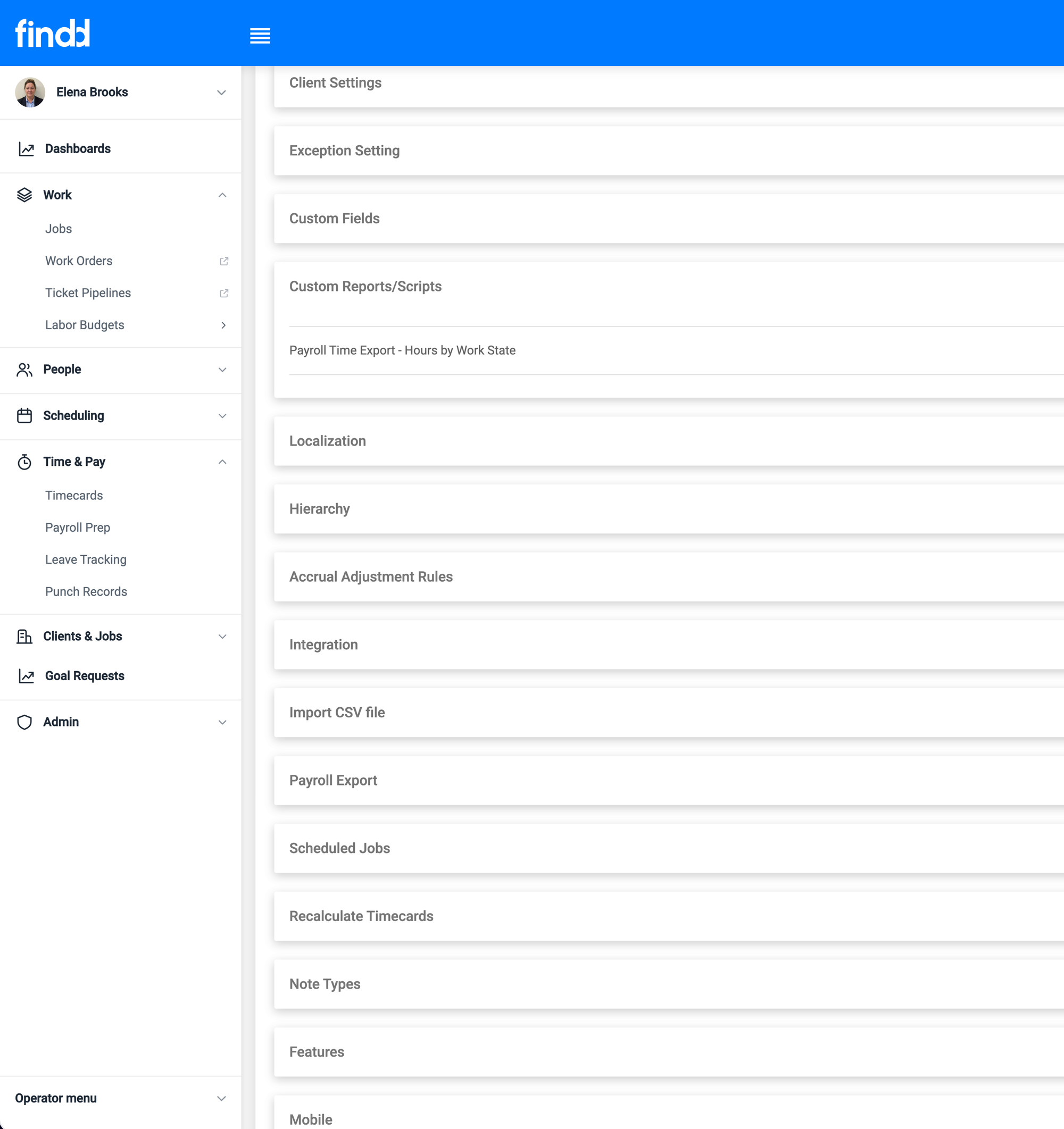
Bring your employees, jobs, sites, and history into Findd, and export them anytime by CSV, through your integrations, or by API into your own data lake. Your data stays yours, whatever you decide about your back office.
A Team That Knows WinTeam
Our implementation team includes people who used to build WinTeam integrations, so they know your setup before the first call. They map your fields, connect your databases, and plan your move for the end of a quarter, so nothing changes in the middle of a pay period.

Questions We Hear From WinTeam Customers
Do we have to leave WinTeam to use Findd?
No. Many customers keep WinTeam for payroll, billing, and job costing, and run their frontline in Findd. If you decide to move off WinTeam later, everything you've set up in Findd comes with you.
What if we can't get API access to WinTeam?
Findd can work from scheduled files instead. Employees and jobs come in as a file, and approved hours go back as a timekeeping import file. You get the same verified, payroll-ready hours either way.
Which back-office systems do you work with?
Findd connects to Sage Intacct, ADP, Workday, UKG, Paylocity, and more. If you're moving off WinTeam, we'll walk you through the options and what each one means for your team.
How long does the move take?
It depends on how many companies, sites, and pay rules you have. Most customers start with Findd on top of WinTeam, then move their back office at the end of a quarter, when the timing is right.
Will we lose our employee history?
No. Employee records, jobs, and history come into Findd during implementation, and you can export your data at any time.
Talk to Us About Your WinTeam Plan
Whether you're keeping WinTeam or moving off it, we'll show you what Findd looks like for your companies, your sites, and your pay rules, and help you plan the next step.
The Findd Operating System
When you run HR, WorkOps, TLM, and DiDi together, your frontline works from one set of employee, job, and time data, whatever back office sits behind it. New hires flow to payroll with their pay rates set up, verified time turns into pay data, and your team stops re-keying information between systems.
Learn more about the Findd Operating System ›
Temporary Pages