
Five Myths About BYOD
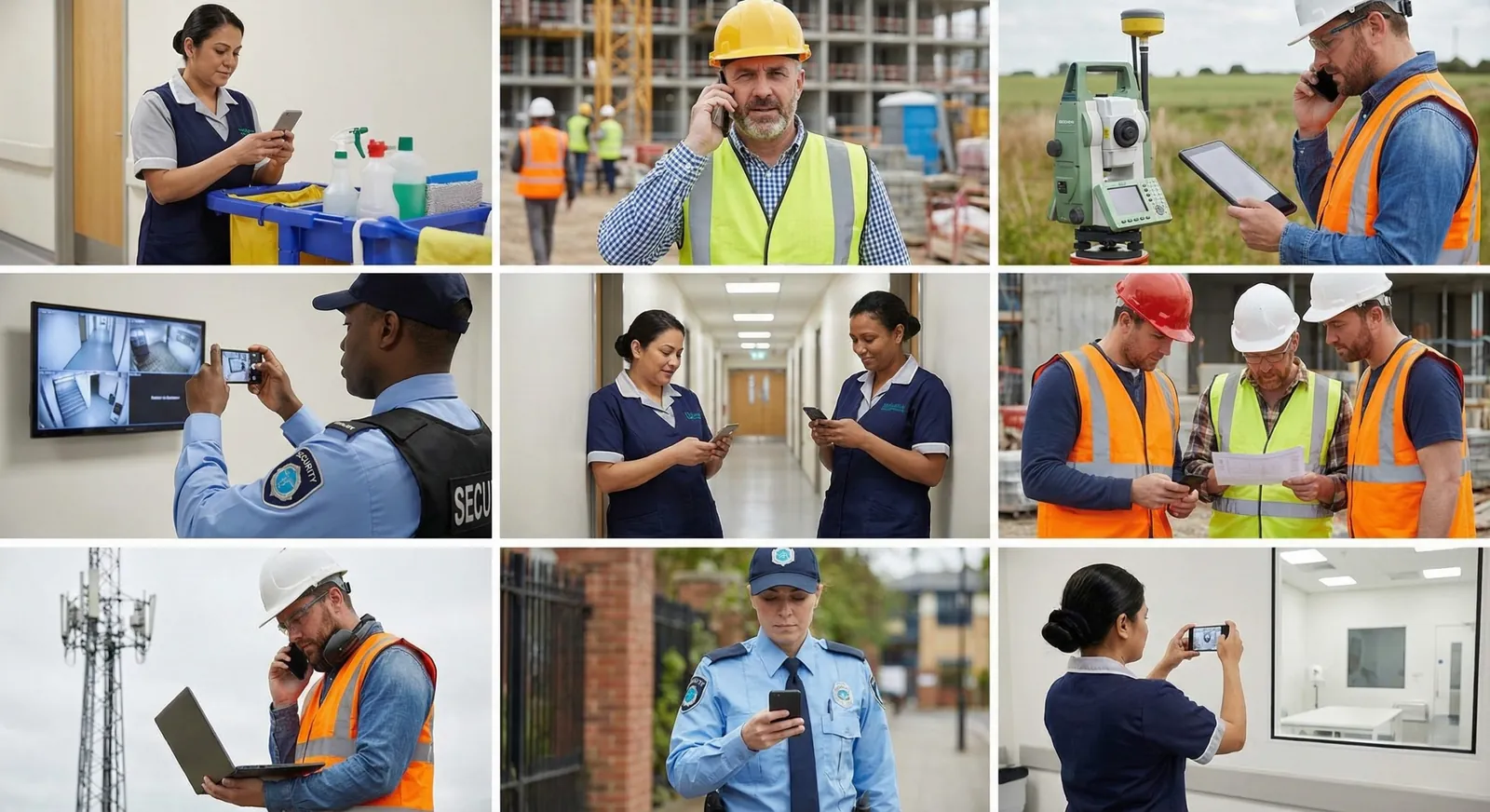
Letting cleaners and supervisors use their own phones for work (BYOD, or bring your own device) can cost less than company phones and make a new app easier to adopt. It works when you set it up as a program: a real cost comparison, a choice for every employee, and clear rules about privacy, security, and support. Here are five common beliefs about BYOD, and what holds up in practice.
Is BYOD Always Cheaper Than Company Phones?
It's often cheaper, but it isn't free. Company phones come two ways. A device management company can source, support, and replace phones for a predictable monthly cost. Or your own team can buy and manage them, which gives you more control along with the setup, repairs, swaps, upgrades, and returns. Carriers often bundle phones into a service plan, at around $50 to $100 per device per month depending on the plan.
With BYOD, you pay employees a monthly reimbursement instead, often $5 to $25 per person. Some states require employers to reimburse employees for work use of a personal phone, so check the rules where you operate with your payroll provider or counsel. You'll also need a written policy, rules for who is eligible, and a record of what you pay.
Compare the full cost of each option over the life of a phone, including the time your office spends on it, not just the monthly line.
Will Older Employees Struggle to Use Their Own Phones?
Most of your team already uses a phone for work every day: calls and texts with their supervisor, photos of a finished floor, directions to a new site, and schedule changes. Age matters much less than having a choice and a little help at the start.
Offer two options:
- Employees who want to use their own phone can.
- Employees who would rather keep work off their personal phone use a company phone or a shared tablet at the site.
Then make the first few weeks easy:
- Ask your team which they'd prefer before you decide.
- Show the app at a shift meeting or over lunch, in each language your team speaks.
- Give them a one-page guide and a real person to call for the first two to four weeks.
When people choose how they work, the switch usually goes faster, with fewer complaints.
Can the Company See Everything on an Employee's Phone?
No, as long as you set it up that way. Work apps and their data can be kept apart from everything personal, so the company manages only what belongs to work. Common ways to do that:
- Work profiles, which keep work apps and data in their own space on the phone
- App-level management, where IT secures the work apps and not the whole phone
- Limits tied to shifts, like closing work access when someone is off the clock
- Removing work data only, without touching personal photos or messages
Tell employees in writing what the company can and can't see. Put it in the policy and go over it when they sign up, in their own language.
Is BYOD Too Hard to Keep Secure?
It's manageable when you control access to the work apps rather than the whole phone. The basics:
- Multi-factor authentication
- Conditional access, which blocks sign-ins from phones that are out of date or flagged as risky
- Minimum standards, like a screen lock, encryption, and a current operating system
- App protection, like blocking copy and paste from work apps into personal ones
- Access by role, so a cleaner sees their shifts and tasks, and only finance sees payroll
Work gets its own secure space on the phone, and the rest of the phone stays the employee's.
Will BYOD Overwhelm IT Support?
Not if you decide up front what you support. IT supports the work apps and signing in: setup, passwords, multi-factor authentication, and permissions. It doesn't support the phone itself, like carrier problems, cracked screens, or personal apps.
To keep requests down:
- Support a short list of operating system versions.
- Use a self-serve setup with a QR code and step-by-step screens.
- Publish a one-page list of what IT will and won't help with.
- Keep a company phone or shared tablet available for anyone who doesn't want BYOD.
That way, nobody on the help desk is resetting a night cleaner's personal iCloud password at 6 a.m.
A BYOD Checklist
- Compare the full cost of company phones and reimbursement, including your office's time.
- Check the reimbursement rules in each state where you have employees.
- Give every employee a choice: their own phone, a company phone, or a shared tablet.
- Write down what the company can and can't see, and share it in each employee's language.
- Turn on multi-factor authentication and minimum device standards for work apps.
- Decide what IT supports, and publish it on one page.
- Plan two to four weeks of real help when you start.
Make the Choice Easy to Offer
Findd customers let each worker choose. Findd Engage, the Findd employee app, runs on any iPhone or Android phone or tablet, so cleaners can clock in on their own phone, and sites where phones aren't allowed use a shared tablet with a PIN and a selfie. Workers set up their face once and can use any phone or tablet in your company, in their own language.
Questions About BYOD
Do we have to pay employees for using their own phone?
In some states, yes, and many companies pay a monthly amount everywhere to keep it simple. Check the rules for each state where you have employees with your payroll provider or counsel.
What if an employee doesn't have a smartphone?
Give them another way to clock in, like a company phone or a shared tablet at the site. BYOD works best as one option, never the only one.
Who pays if a personal phone breaks at work?
Decide this before you start and put it in the policy. Many companies keep it simple: the reimbursement covers normal use, and IT supports the work apps, not the phone.


